www.ayyeka.com | +1 (310) 876-8040 | info@ayyeka.com 14
Turning the Wavelet On
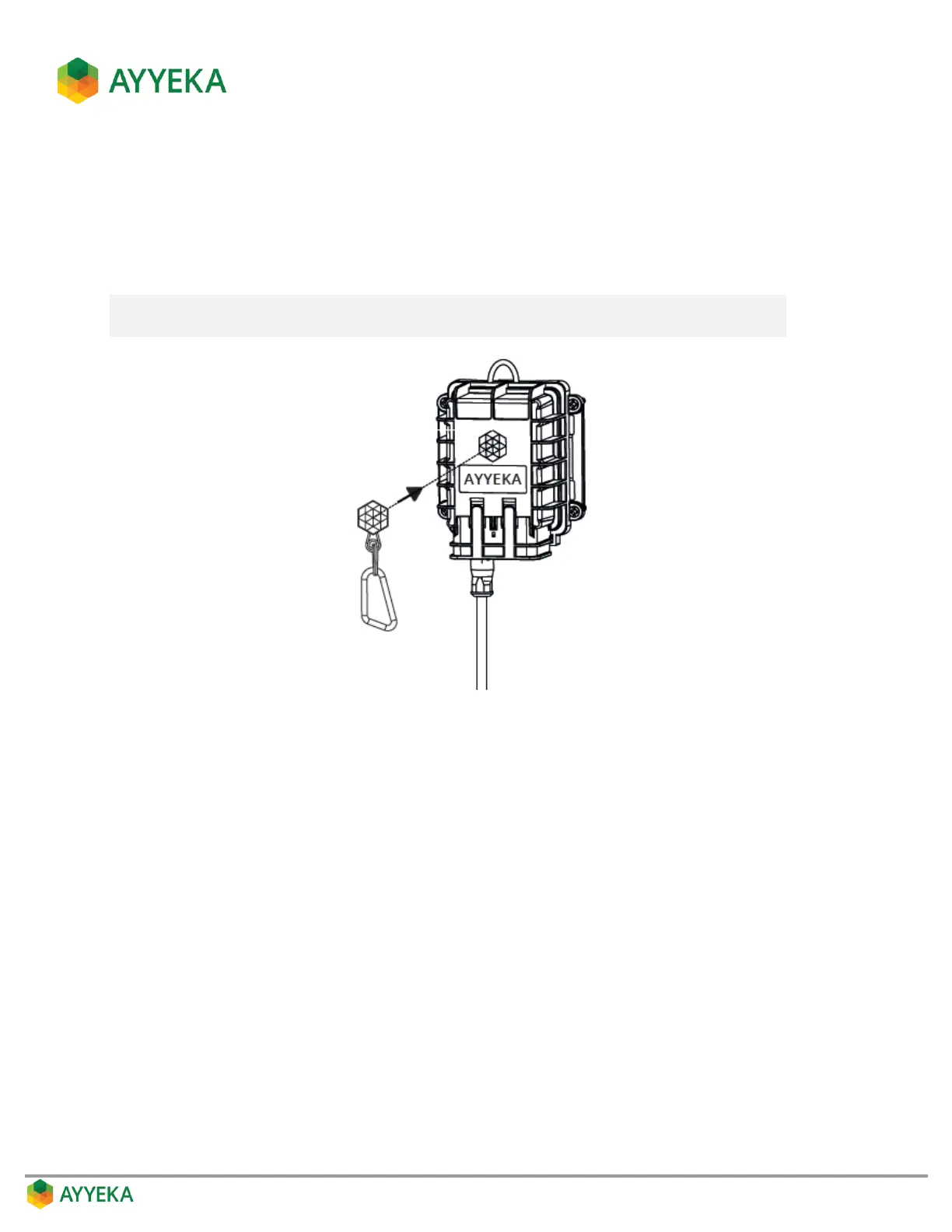
The Wavelet device is delivered in hibernation mode. To turn it on, press the magnetic activator, provided in the
Wavelet Kit, onto the Ayyeka logo appearing on the Wavelet device.
The Wavelet device turns on and performs a 10-minute calibration process, after which it starts operating in
normal mode.
Note: Every time you press on the Ayyeka logo with the magnetic activator, the device
performs a calibration process.
Figure 4: Turning Wavelet device on



 To Next Page