www.ayyeka.com | +1 (310) 876-8040 | info@ayyeka.com 60
Viewing and Filtering Samples
You can view the samples taken by a specific sensor.
To view samples:
1. Click Devices in the sidebar, and click the stream name in the Sites Tree pane.
2. In the right pane, select the Samples tab.
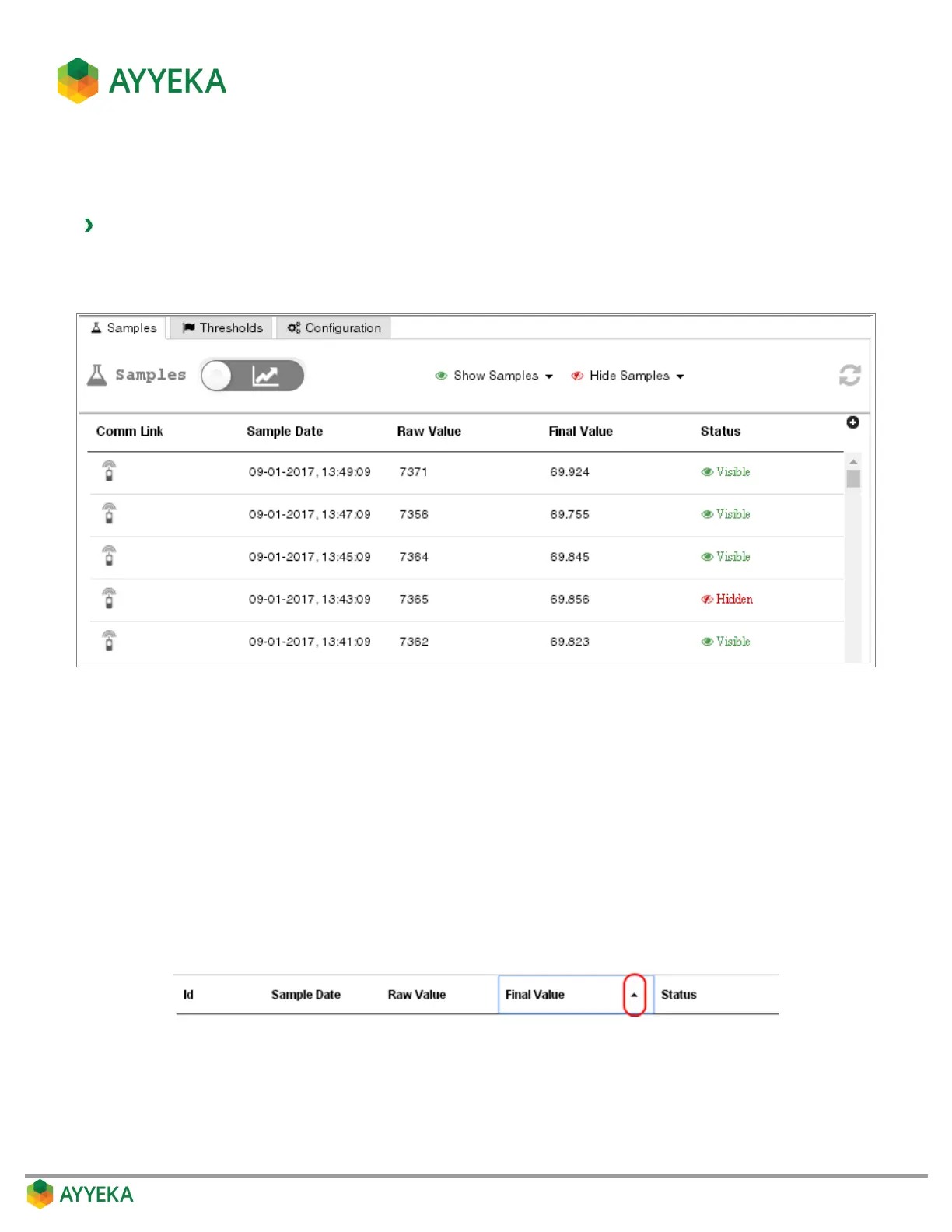
Figure 51: Samples table
The samples table shows, for each reading taken in the past:
The sampling date and time
The raw value
The final value after converting the raw value to engineering units
The Hidden/Visible status of the sample
Sorting the Samples table
You can sort the entries in the table by a specific column. To do so, click the column head and then click the arrow
appearing to the right. The samples are sorted in descending order. Click again to sort by ascending order.



 To Next Page