www.ayyeka.com | +1 (310) 876-8040 | info@ayyeka.com 80
Limiting Display of Engineering Values
You can define how to round up and round down engineering values for display.
To limit the display of engineering values:
1. Click Devices in the sidebar, and click the stream name in the Sites Tree pane.
2. In the right pane, select the Configuration tab.
3. In the Configuration tab (Figure 57), click the frame under (3) Limit Sample.
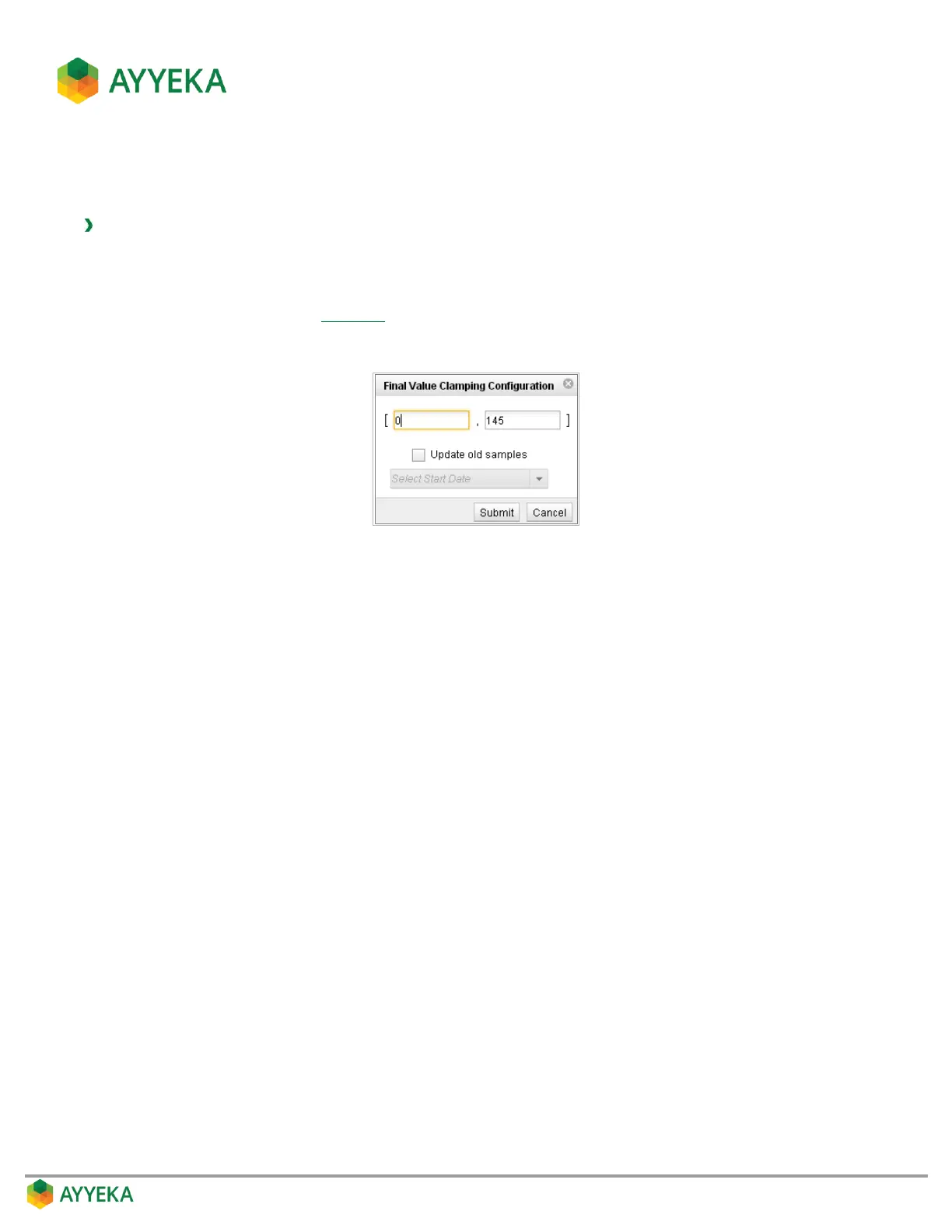
The Final Value Clamping Configuration window appears.
Figure 63: Final Value Clamping Configuration window
4. Perform the following:
a. In the left field, enter a value for rounding up. For example, if you enter 0, all negative values will
display as 0.
b. In the right field, enter a value for rounding down. For example, if you enter 145, then all values
above 145 will display as 145.
5. Click Update old samples to retroactively update old samples according to the new clamping values.
You can update samples up to two weeks back.
6. Click Submit.



 To Next Page