www.ayyeka.com | +1 (310) 876-8040 | info@ayyeka.com 68
Setting Threshold Actions
In a nutshell:
1. Click Devices in the sidebar.
2. In the Sites Tree pane select the stream.
3. In the right pane select the Thresholds tab.
4. If the Thresholds slider is OFF , click it to switch Thresholds to ON .
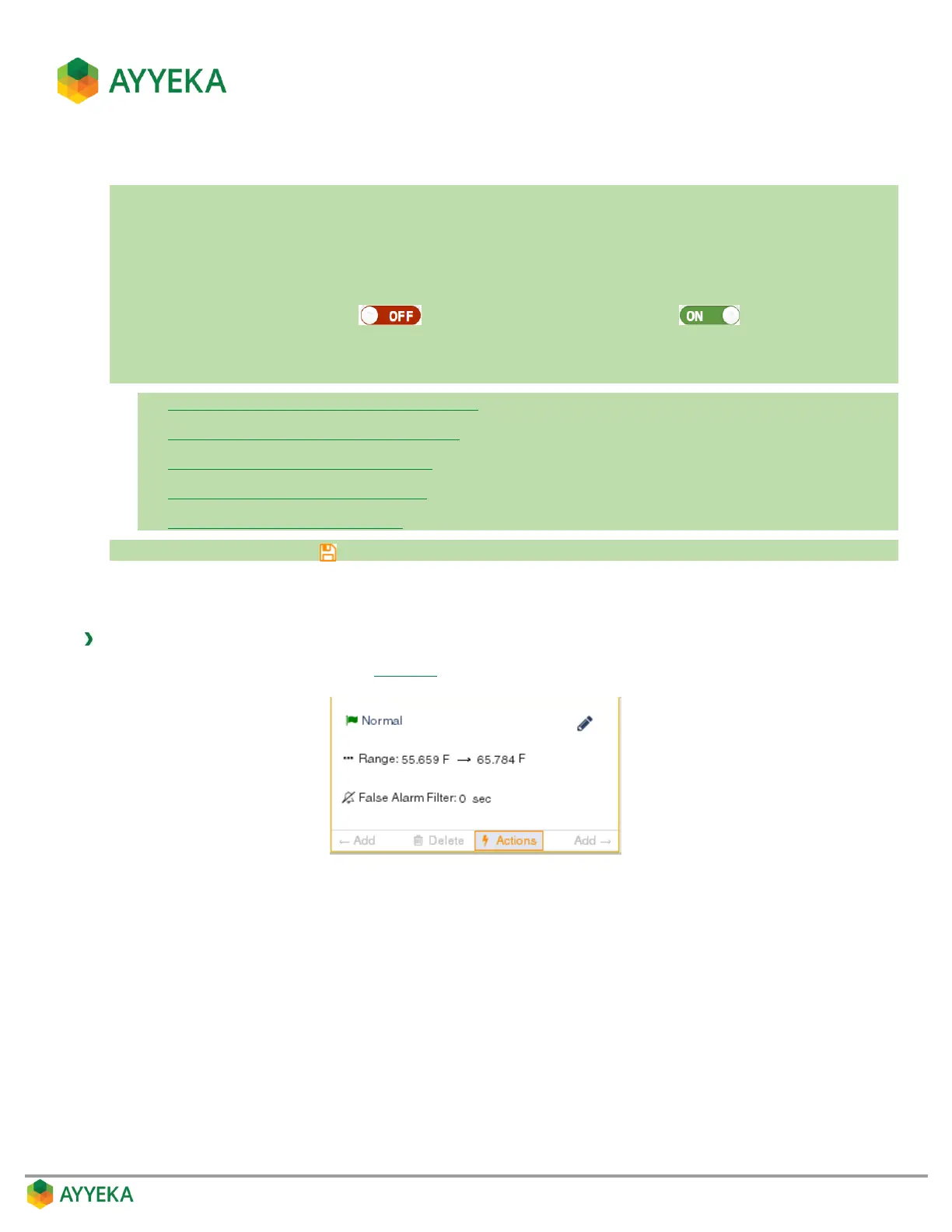
5. In the threshold definition area, click Actions.
6. In the Threshold actions window, set any of the following:
Setting whether to transmit data immediately
Setting a Threshold’s Transmission Interval
Setting a Threshold’s Sampling Interval
Defining a Threshold’s Alert Recipients
Setting Resultant Sampling Actions
7. Save changes by clicking .
For each threshold, you can define what actions the device should take when stream samples fall within the range
of the threshold.
To set threshold actions:
1. In the threshold definition area (Figure 55), click Actions.



 To Next Page