www.ayyeka.com | +1 (310) 876-8040 | info@ayyeka.com 71
Note that you can set the Normal, Event and Emergency transmission intervals of a device. For instructions,
refer to Setting the Device Transmission Intervals.
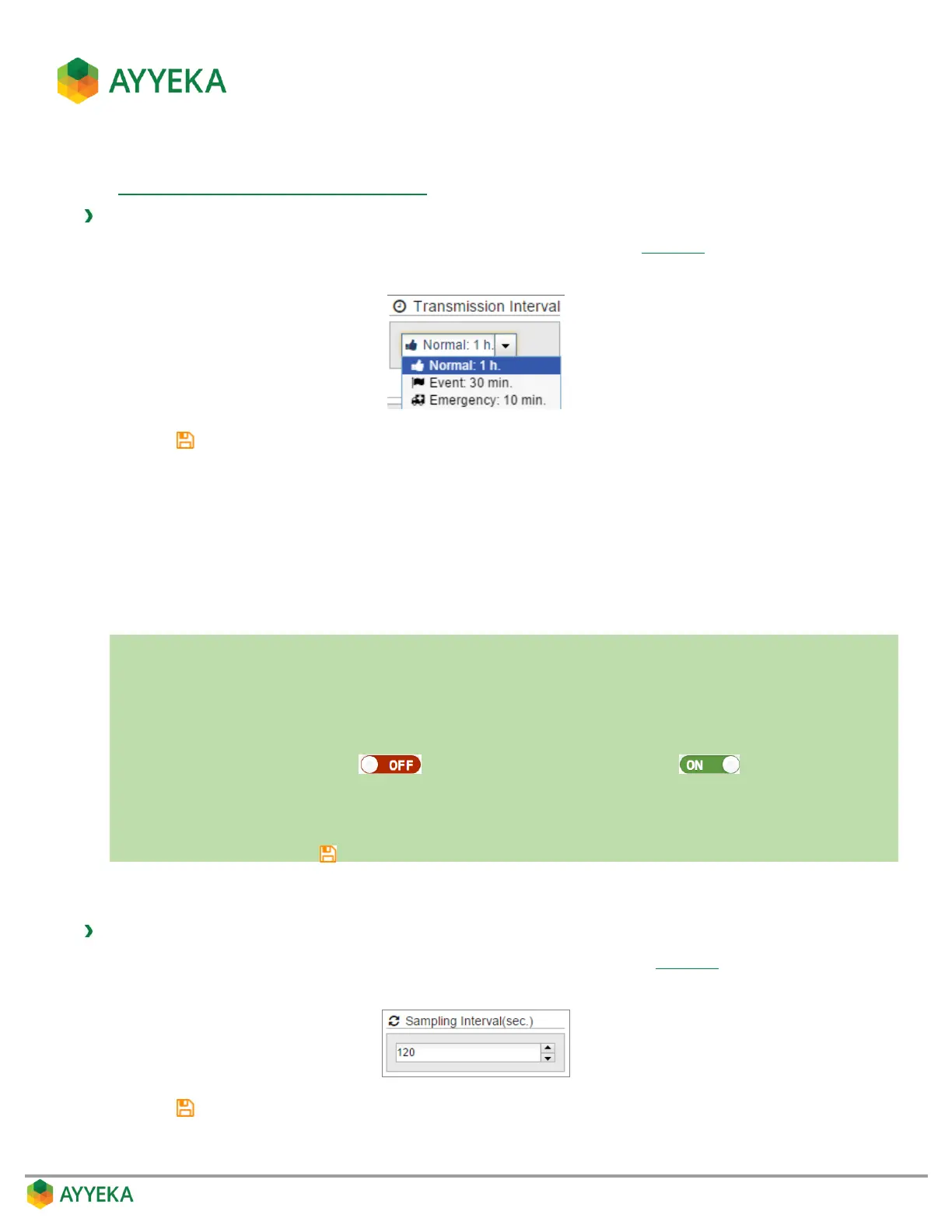
To set the device transmission interval when samples are within a threshold range:
1. In the transmission Interval section of the threshold’s Actions view (Figure 56), select a transmission
interval from the drop-down list: Normal, Event or Emergency.
2. Click to save your settings.
Keep in mind that very short transmission intervals consume a large amount of power and network resources.
Note also that whenever a device is scheduled to transmit data, it transmits all the data it stored since its previous
transmission. Thus if you set the device to transmit at the Emergency rate for a certain threshold, then whenever
the threshold is reached and the device transmits at the Emergency rate, it will transmit data from all its data
streams, not only from the stream for which you defined the threshold.
Setting a Threshold’s Sampling Interval
In a nutshell:
1. Click Devices in the sidebar.
2. In the Sites Tree pane select the stream.
3. In the right pane select the Thresholds tab.
4. If the Thresholds slider is OFF , click it to switch Thresholds to ON .
5. In the threshold definition area, click Actions.
6. Under Sampling Interval, enter a value in seconds.
7. Save changes by clicking .
The sampling interval defines how often the device samples a data stream. You can specify the sampling interval
for the time periods when stream samples fall within a threshold range.
To define the stream sampling rate when samples are within a threshold range:
1. In the Sampling Interval (sec.) section of the threshold’s Actions view (Figure 56), select or enter a
sampling interval, in seconds.
2. Click to save your settings.



 To Next Page