www.ayyeka.com | +1 (310) 876-8040 | info@ayyeka.com 110
SETTING PERSONAL PREFERENCES
The logged-in user can change most of his own user details, such as email, mobile phone, and password, as well as
customize some user interface display settings.
Setting Your Own User Details
The logged-in user can change his own user details at any time. The Account > Users window will automatically be
updated with the new settings
To set your own user details:
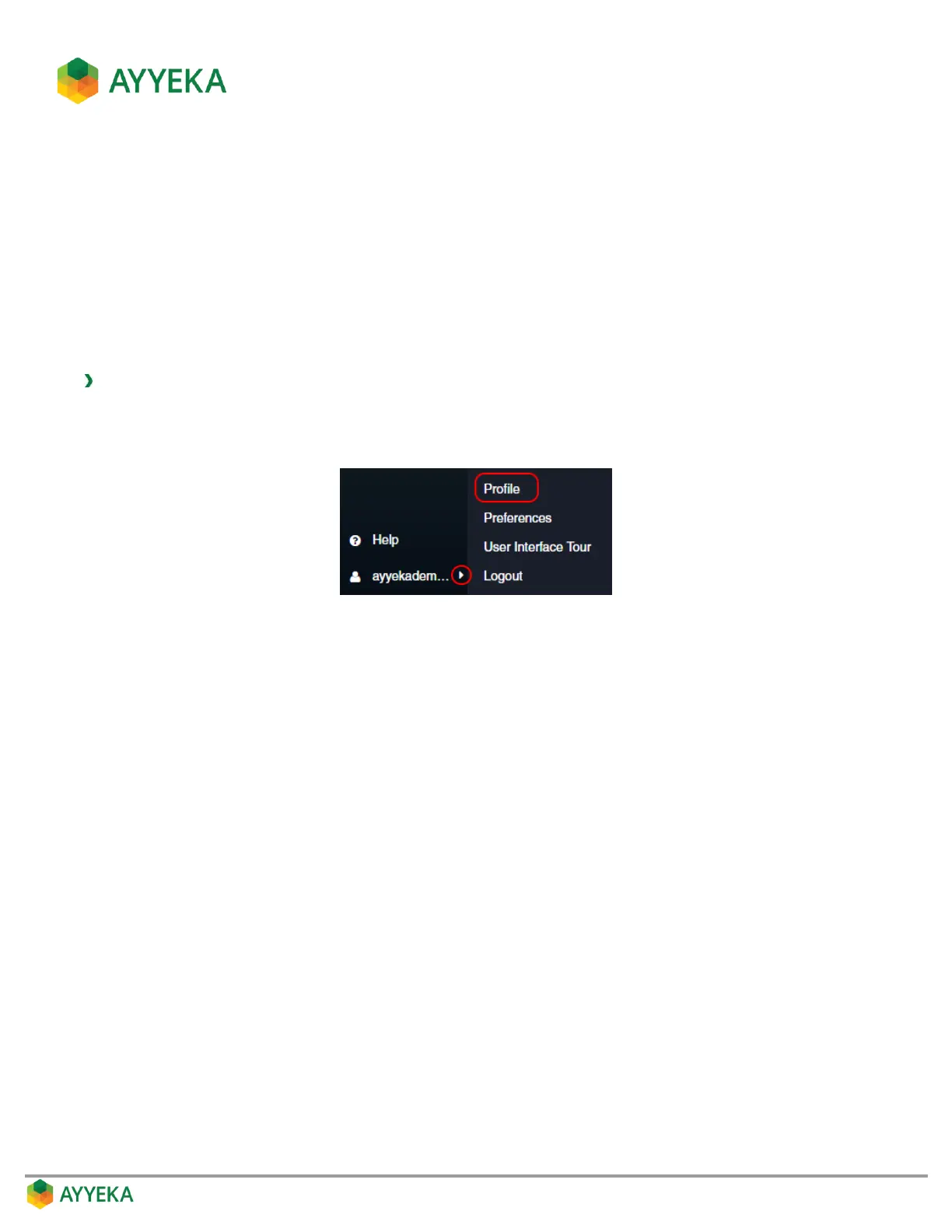
1. At the bottom of the side bar, click the arrow to the right of your login name.
2. Select Profile.
Figure 96: Selecting the Profile option
The Profile Details window appears.



 To Next Page