www.ayyeka.com | +1 (310) 876-8040 | info@ayyeka.com 124
MAINTENANCE
Wavelet Battery Replacement
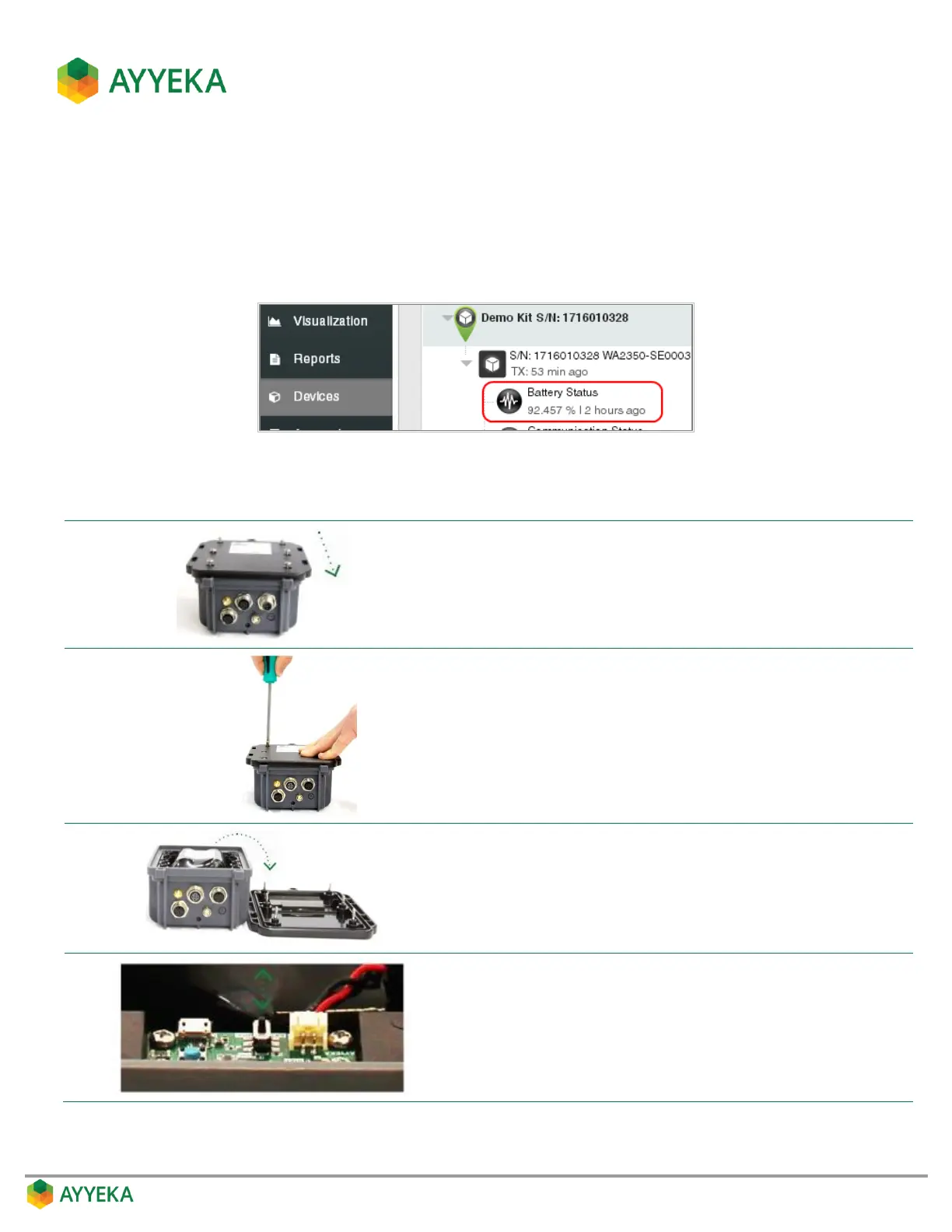
The Battery Status data stream displays a device’s current battery level, enabling you to prepare for battery
replacement.
Replacement batteries can be ordered from Ayyeka, part no. WA00101.
Battery Replacement Instructions
Beware of static discharge, making sure to work in a clean
environment and ensuring that your hands and the Wavelet
device are completely dry.
Place the Wavelet device face down on a dry, stable surface with
the connectors pointing downward.
Partially unscrew the six (6) screws located on the back of the
Wavelet enclosure, until you can lift off the back panel with the
screws still affixed to their screw holes.
Remove the Wavelet’s back panel and place it flat-side down
adjacent to the Wavelet box.
On the interface board, move the ON/OFF switch to the OFF
position.



 To Next Page