www.ayyeka.com | +1 (310) 876-8040 | info@ayyeka.com 31
Custom Stream History Report
This type of report enables customizing the display of any data streams’ history. You can set which fields will
appear in the report, how the fields should be delimited, etc. This is very useful if you need to export data from
the report into a system that supports a specific data structure only.
To create a Custom Stream History report:
1. Click Reports in the side bar.
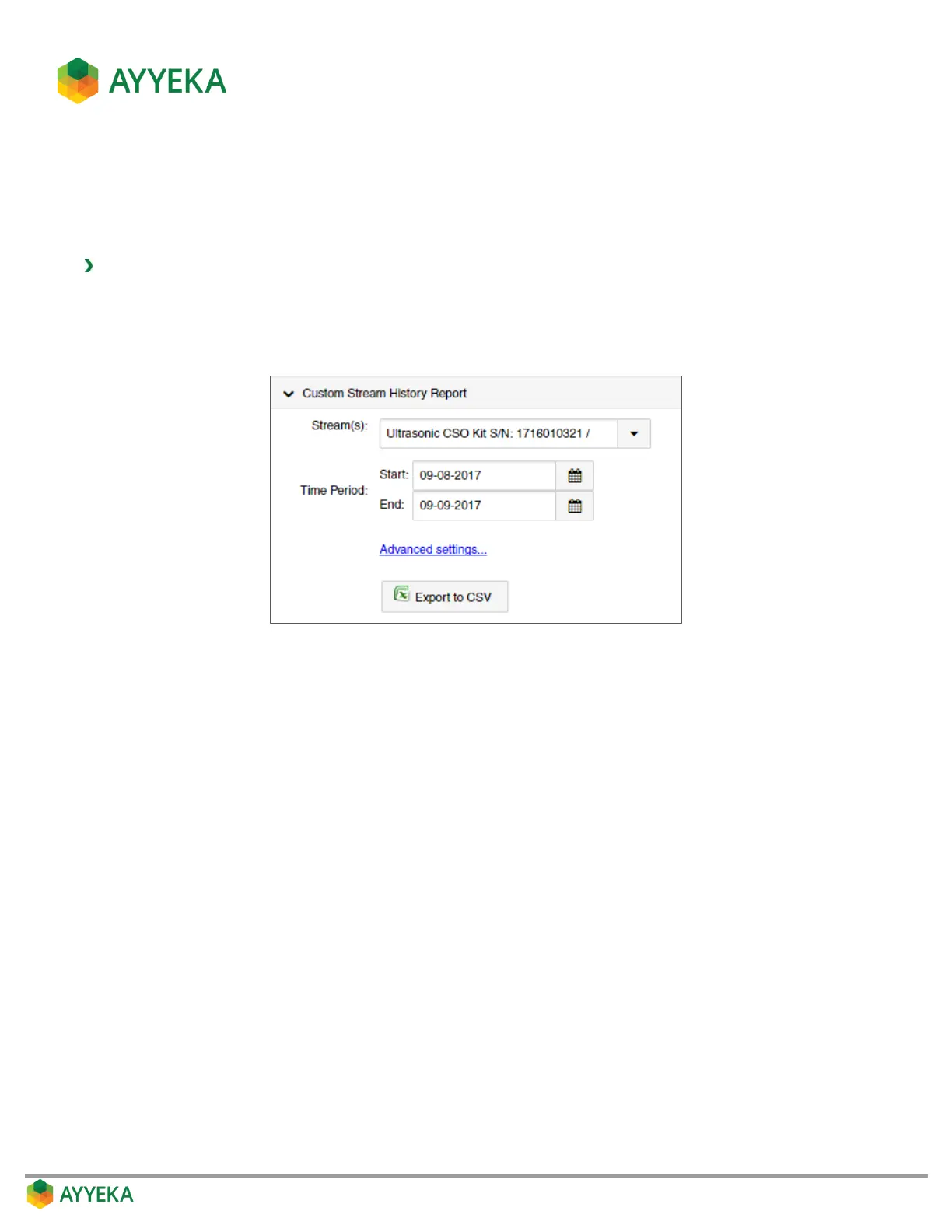
2. In the Custom Stream History Report pane, select the specific streams you wish to view, and the
reporting time period.
Figure 17: Custom Stream History Report - Defining Streams and Time Period



 To Next Page