www.ayyeka.com | +1 (310) 876-8040 | info@ayyeka.com 21
Viewing Site Information
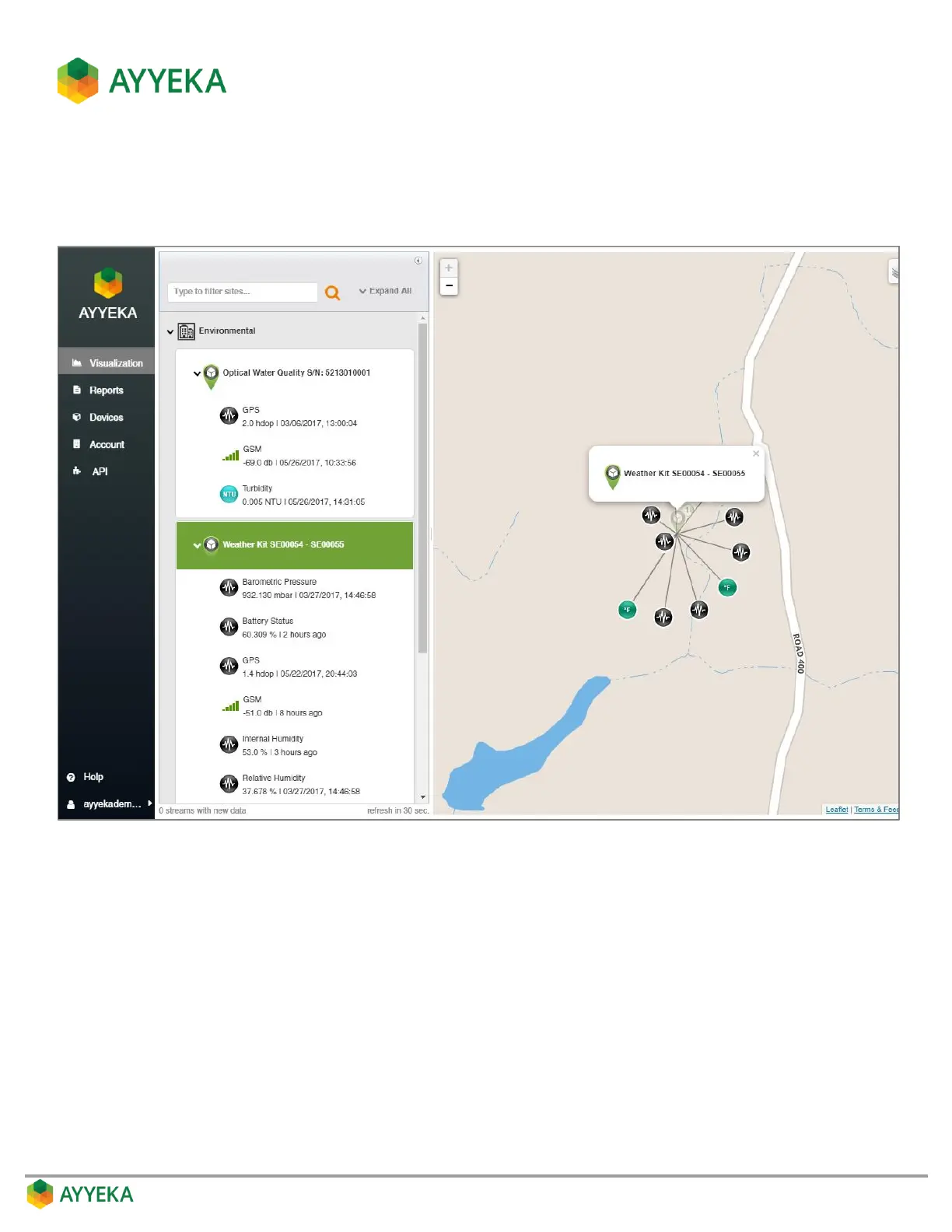
1. To view the data from a specific Wavelet site, click the site in the Sites Tree pane or on the map.
The right pane refreshes to show the site and its data streams.
Figure 7: Viewing an individual site
2. To view the data sent from a specific data stream, click the data stream in the Sites Tree pane or on the
map.
The right pane splits, displaying the data as a chart in the bottom half of the pane.



 To Next Page