www.ayyeka.com | +1 (310) 876-8040 | info@ayyeka.com 86
Group=1: This stream is associated with Sample Group 1.
You can set the sampling interval of the group as described in Setting the Sampling Interval Value
of a Sample Group.
Group=2: This stream is associated with Sample Group 2.
You can set the sampling interval of the group as described in Setting the Sampling Interval Value
of a Sample Group.
7. If you changed the value of group (step f in Figure 67), you must reboot the device in order for the
change to take effect. Refer to Rebooting a Device.
Setting the Sampling Interval Value of a Sample Group
You can set the sampling interval of Sample Group 1 or Sample Group 2. Note that the value you set determines
the sampling interval for all streams associated with that group.
To set the sampling interval of a sample group:
1. Click Devices in the sidebar.
2. In the Sites Tree pane, click the relevant device.
3. In the right pane, click the Configuration tab.
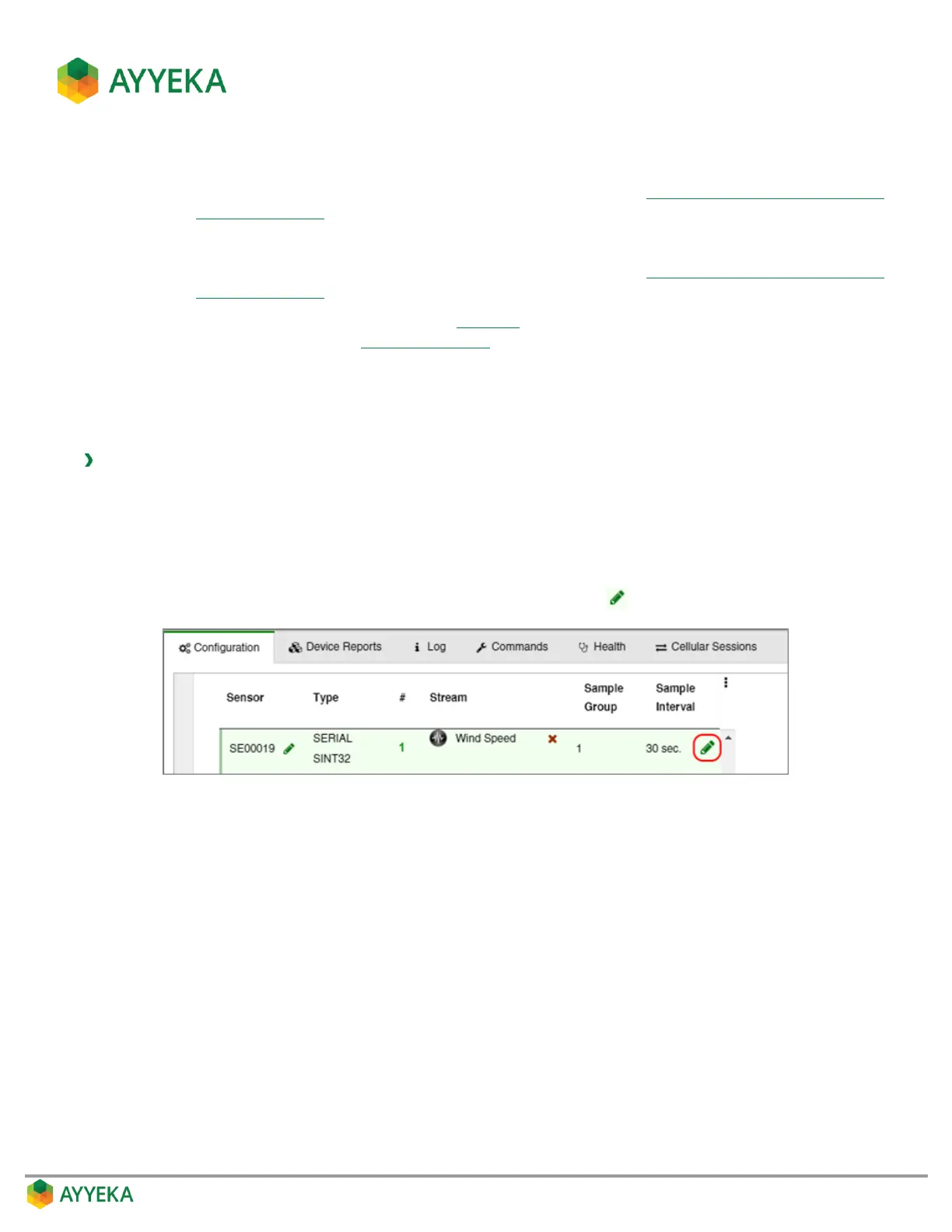
4. In the Stream Management table, hover over the line displaying the number of the sample group
whose sampling interval you wish to modify. A green pencil icon appears at the right end of the line.
Figure 68: Option for modifying the Sampling Interval



 To Next Page