www.ayyeka.com | +1 (310) 876-8040 | info@ayyeka.com 87
5. Click the green pencil icon :
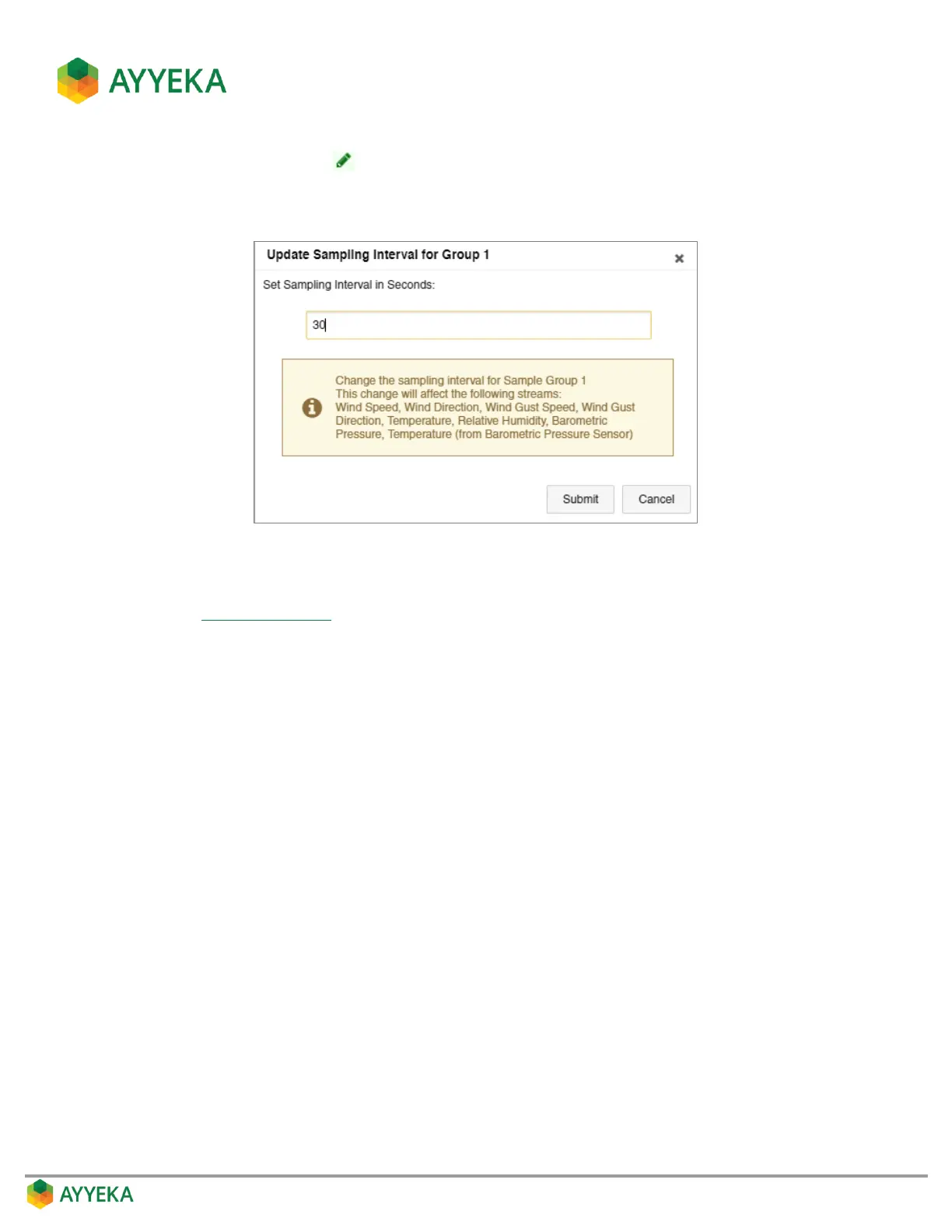
6. In the Update Sampling Interval for Group window that appears, modify the value of the sampling
interval in seconds.
Figure 69: Setting the sampling interval for a Sample Group
7. If you changed the sampling interval, you must reboot the device in order for the change to take effect.
Refer to Rebooting a Device.



 To Next Page