www.ayyeka.com | +1 (310) 876-8040 | info@ayyeka.com 121
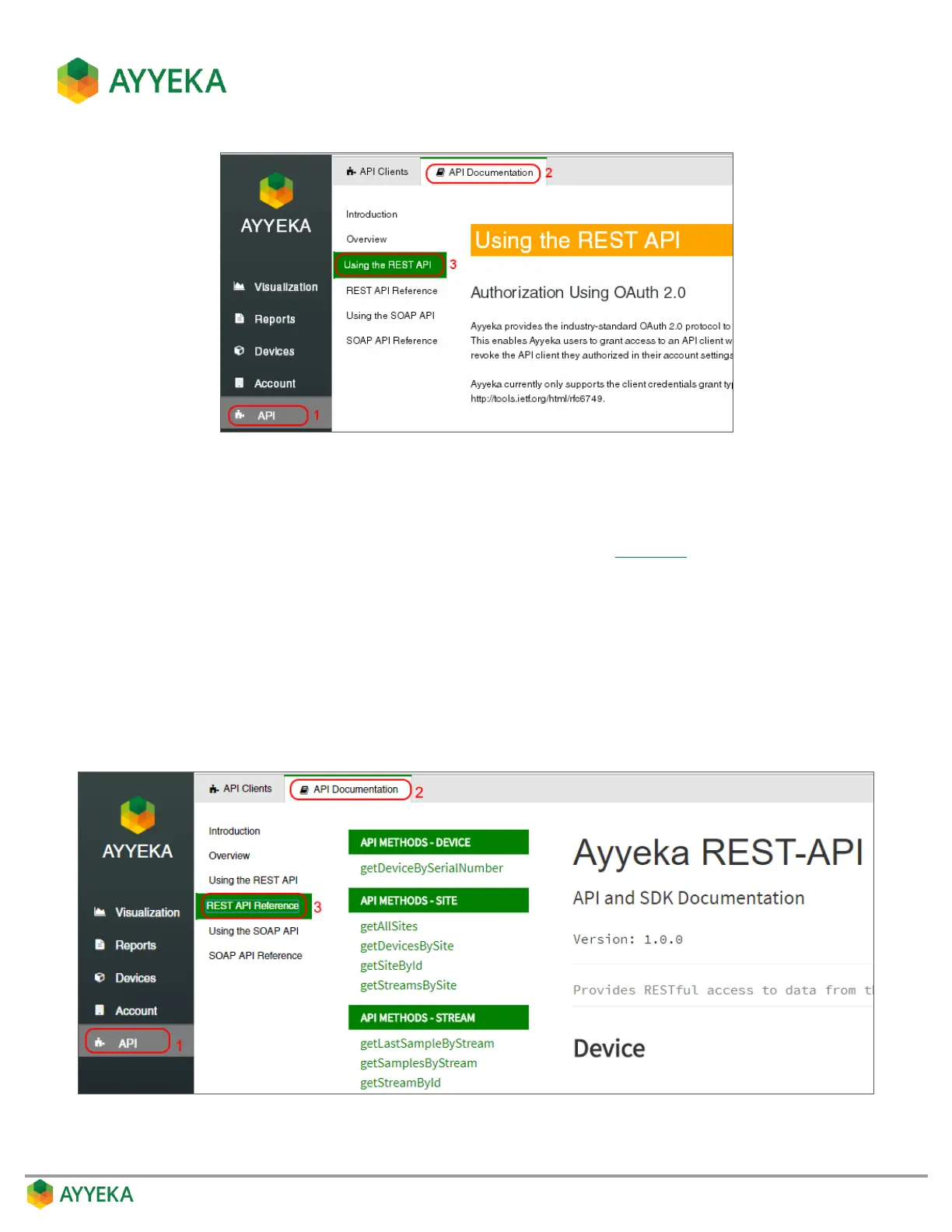
Figure 114: Using the REST API window
Step 3 – Authentication with REST API using the Access Token
Follow the instructions in the Using the REST API window of the Ayyeka UI (Figure 114).
To access the page, click API in the sidebar, then select API Documentation > Using the REST API.
Specifically, see the section Step 3: Authentication with Access Token.
Using the Ayyeka REST API Methods
The methods available for RESTful access to Ayyeka data are listed and explained in the REST API Reference
window of the Ayyeka UI.
To access the page, click API in the sidebar, then select API Documentation > REST API Reference.
Figure 115: REST API Reference window



 To Next Page