www.ayyeka.com | +1 (310) 876-8040 | info@ayyeka.com 120
Deleting, Deactivating or Activating an API Client
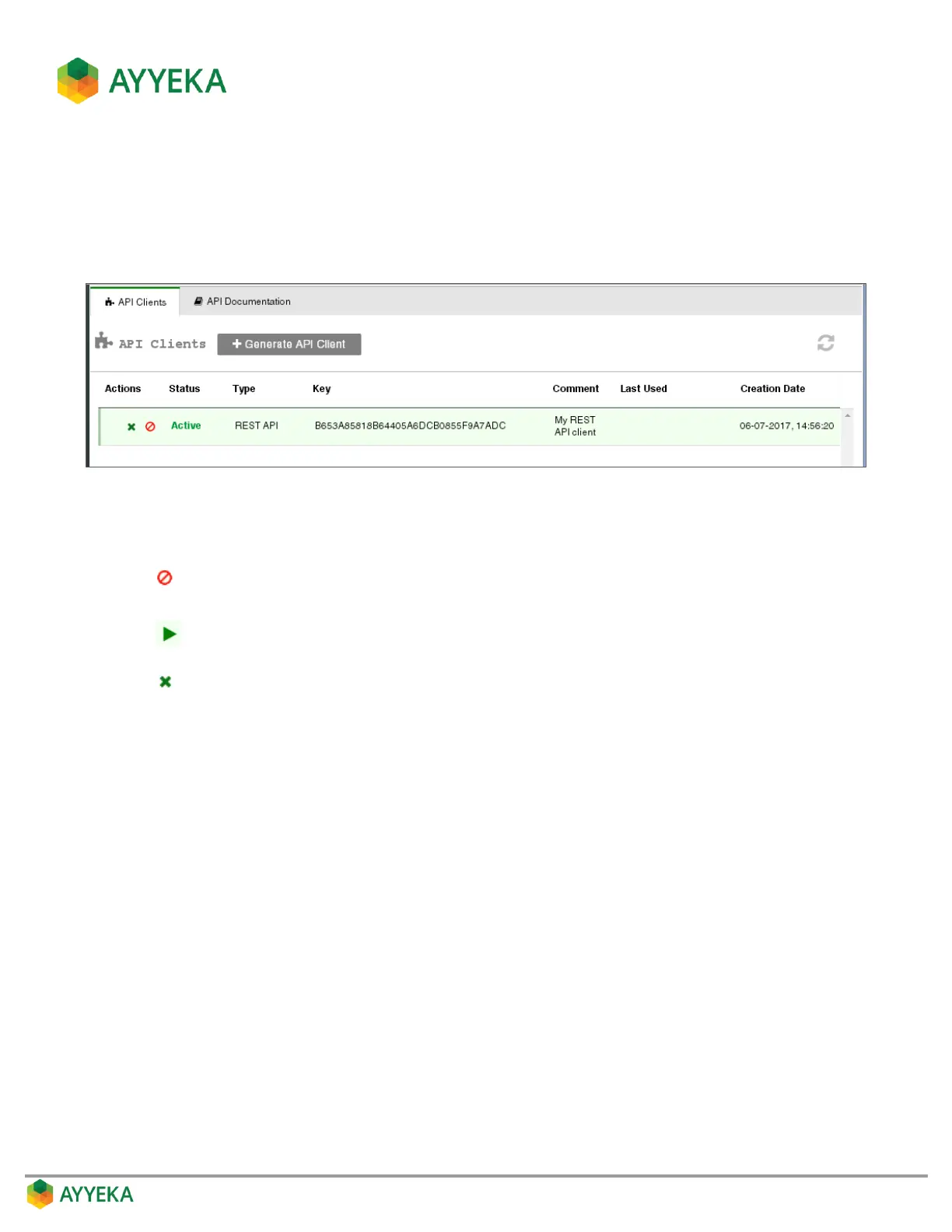
You can delete, deactivate or activate an API client. To do so:
1. Access the API Clients table by clicking API in the side bar.
2. Hover over the line corresponding to the API Client you wish to delete or deactivate. Several icons appear.
Figure 113: Options for deleting or deactivating an API client
3. Select the icon corresponding to the action you wish to take:
Deactivate the API client. A deactivated API client cannot be used to access Ayyeka data, but
is not deleted from the database.
Reactivate an API client that was previously deactivated.
Delete the API client from the database.
Step 2 – Getting an Access Token for a REST API Call
Follow the instructions in the Using the REST API window of the Ayyeka UI.
To access the page, click API in the sidebar, then select API Documentation > Using the REST API.
Specifically, see the section Step 2: Getting an Access Token.



 To Next Page