www.ayyeka.com | +1 (310) 876-8040 | info@ayyeka.com 115
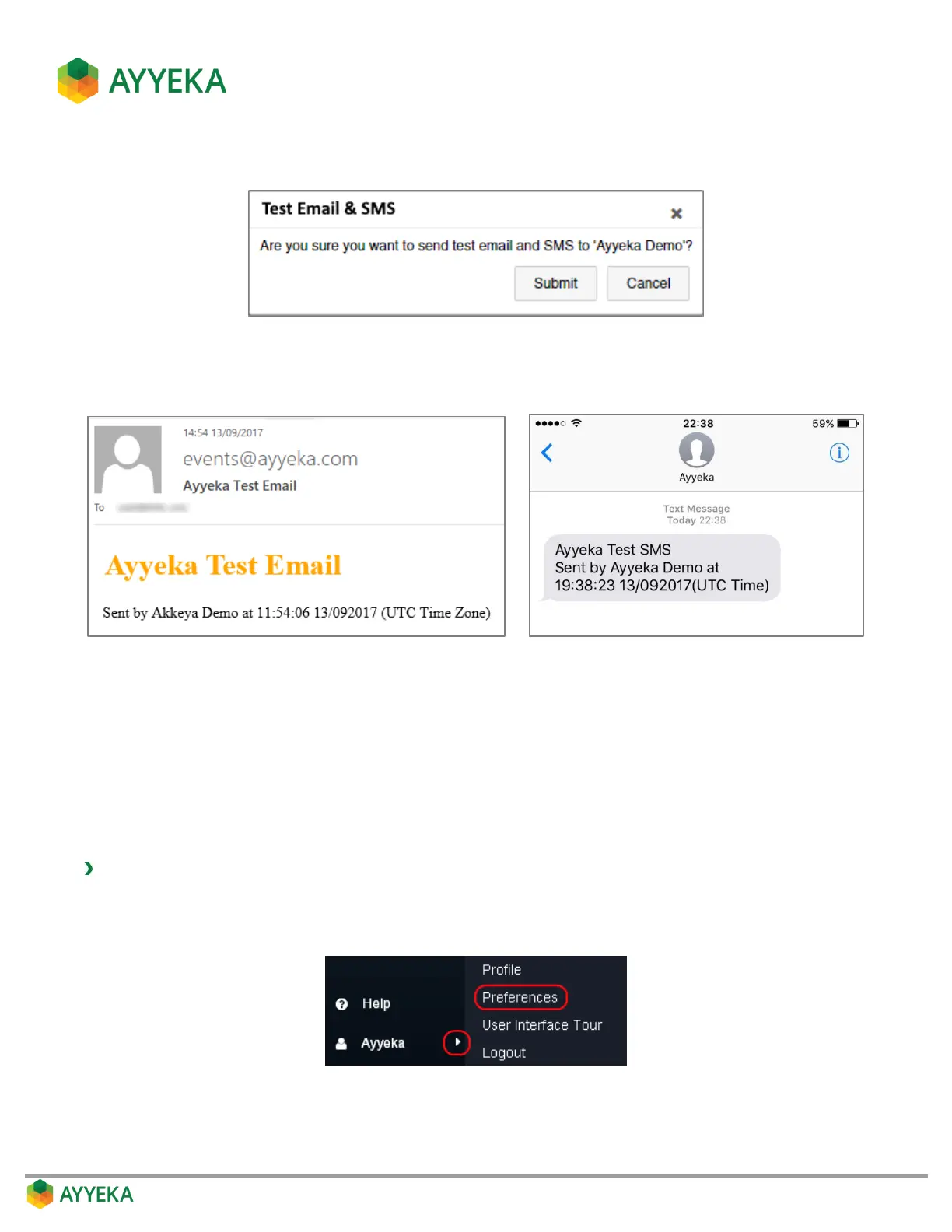
4. In the Test Email and SMS window that appears, click Submit.
Figure 105: Test Email and SMS window
5. Make sure you receive an SMS and email, similar to the examples shown below.
Figure 106: Test Email and SMS messages
Customizing your User Interface Display
The logged-in user can customize his user interface display at any time. In addition, an Organization Owner and
Account Owner can customize the user interface display of the users they manage, unless a specific user
customizes his user interface display himself.
To customize your user interface display:
1. At the bottom of the side bar, click the arrow to the right of your login name.
2. Select Preferences.
Figure 107: Selecting the Preferences option
The Preferences window appears.



 To Next Page