www.ayyeka.com | +1 (310) 876-8040 | info@ayyeka.com 44
Viewing the Health of the Device
To view the health of the device:
1. Click Devices in the sidebar.
2. In the Sites Tree pane, click the device name.
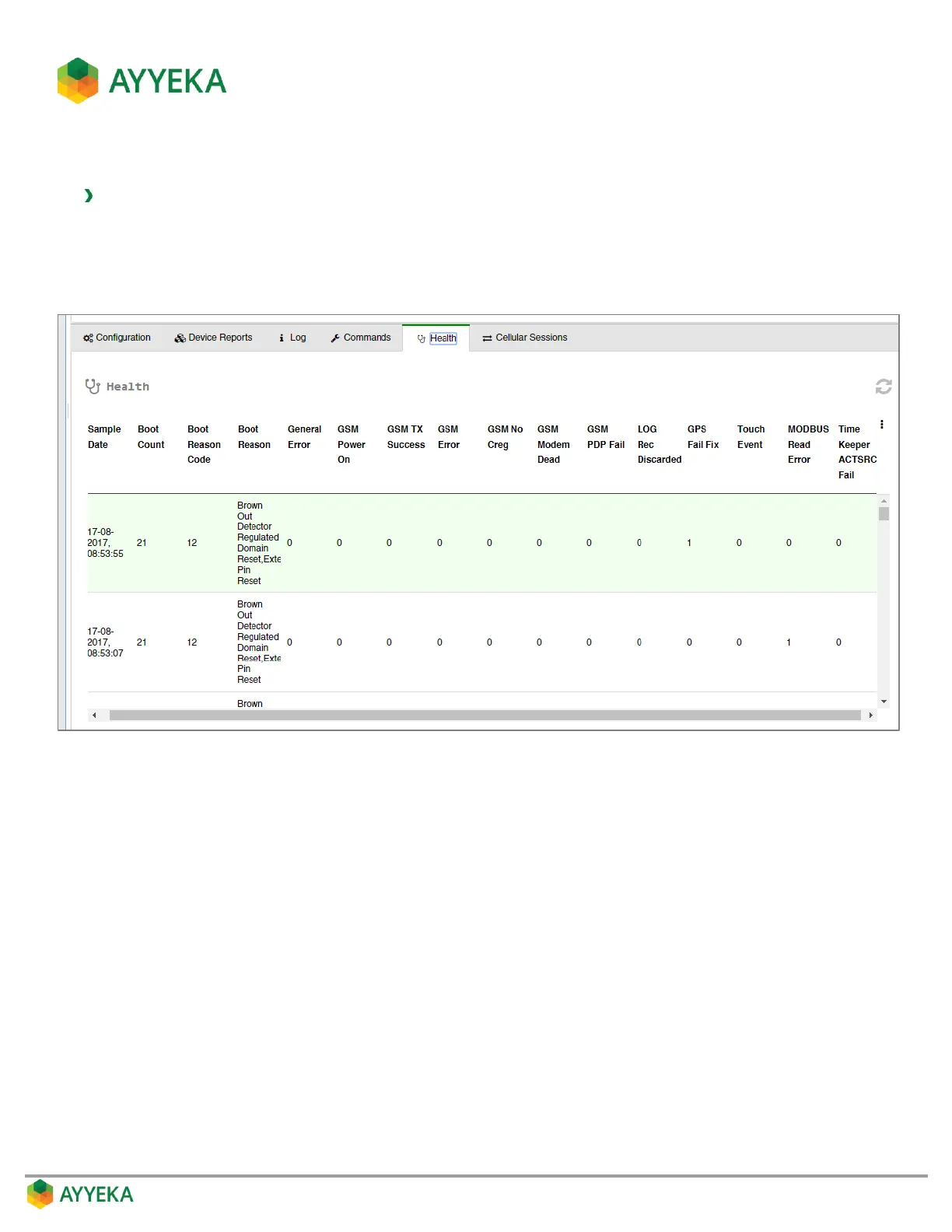
3. In the right pane, click the Health tab.
Figure 32: Device – Health tab
This tab is intended for device troubleshooting, to help identify the possible source of issues.



 To Next Page