www.ayyeka.com | +1 (310) 876-8040 | info@ayyeka.com 26
GENERATING REPORTS
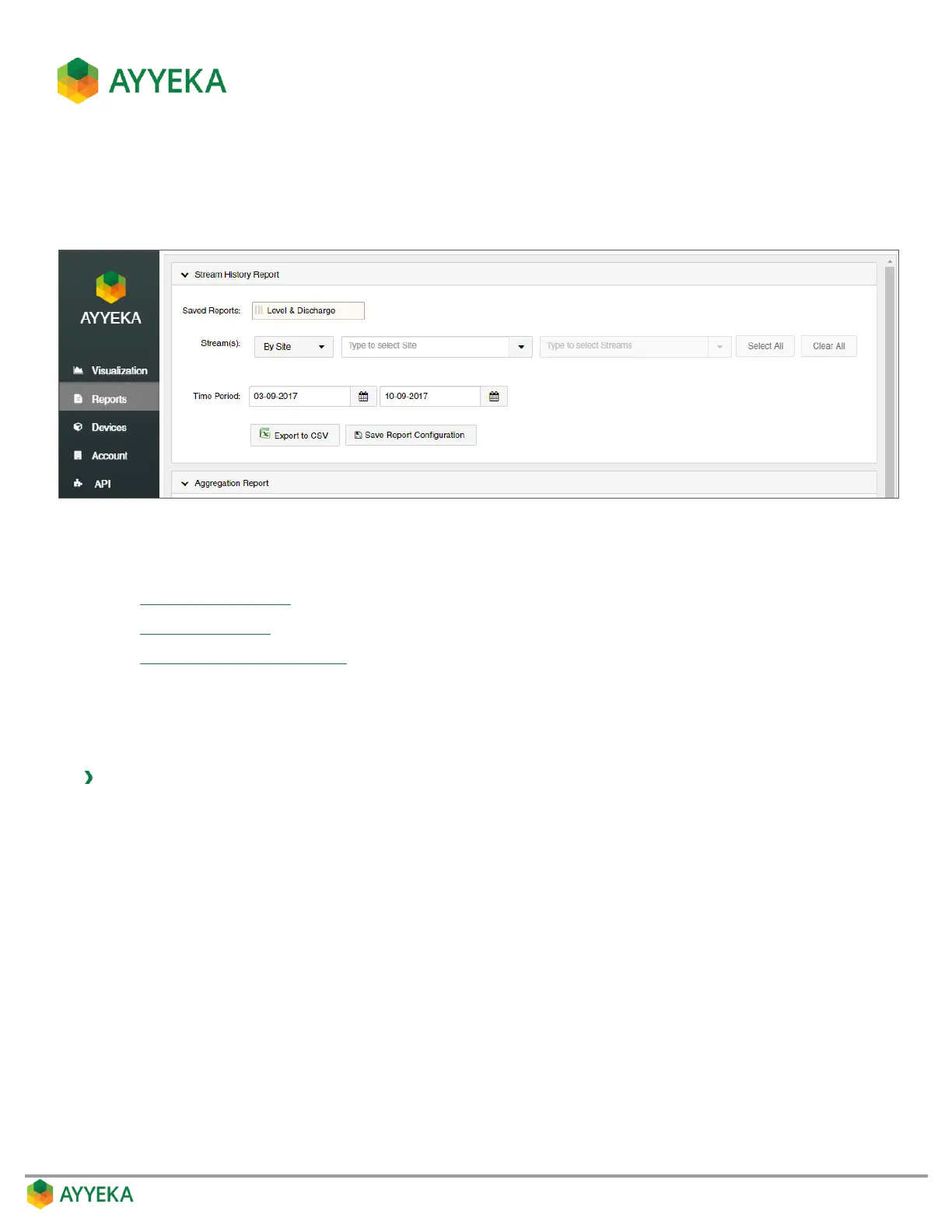
Using the Reports tab you can easily create various types of reports, and export them to Excel.
Figure 10: Reports Tab
You can create the following types of reports:
Stream History Report
Aggregation Report
Custom Stream History Report
Stream History Report
This type of report displays the history of one or more data streams of a particular type.
To create a Stream History report:
1. Click Reports in the side bar.
2. In the Stream History Report pane:
a. Select whether to specify streams By Site or By Stream Type.
b. If you selected to specify streams By Site, specify the site, and then specify stream(s) in the site.
c. If you selected to specify streams By Stream Type, specify the stream type, and then specify
stream(s) of that type.
d. Specify the reporting Time Period.



 To Next Page