www.ayyeka.com | +1 (310) 876-8040 | info@ayyeka.com 128
Accessing the Interface Board LEDs
To access the Wavelet's interface board LEDs:
Partially unscrew the six (6) screws located on the back of the Wavelet enclosure, until you can lift off the
back panel.
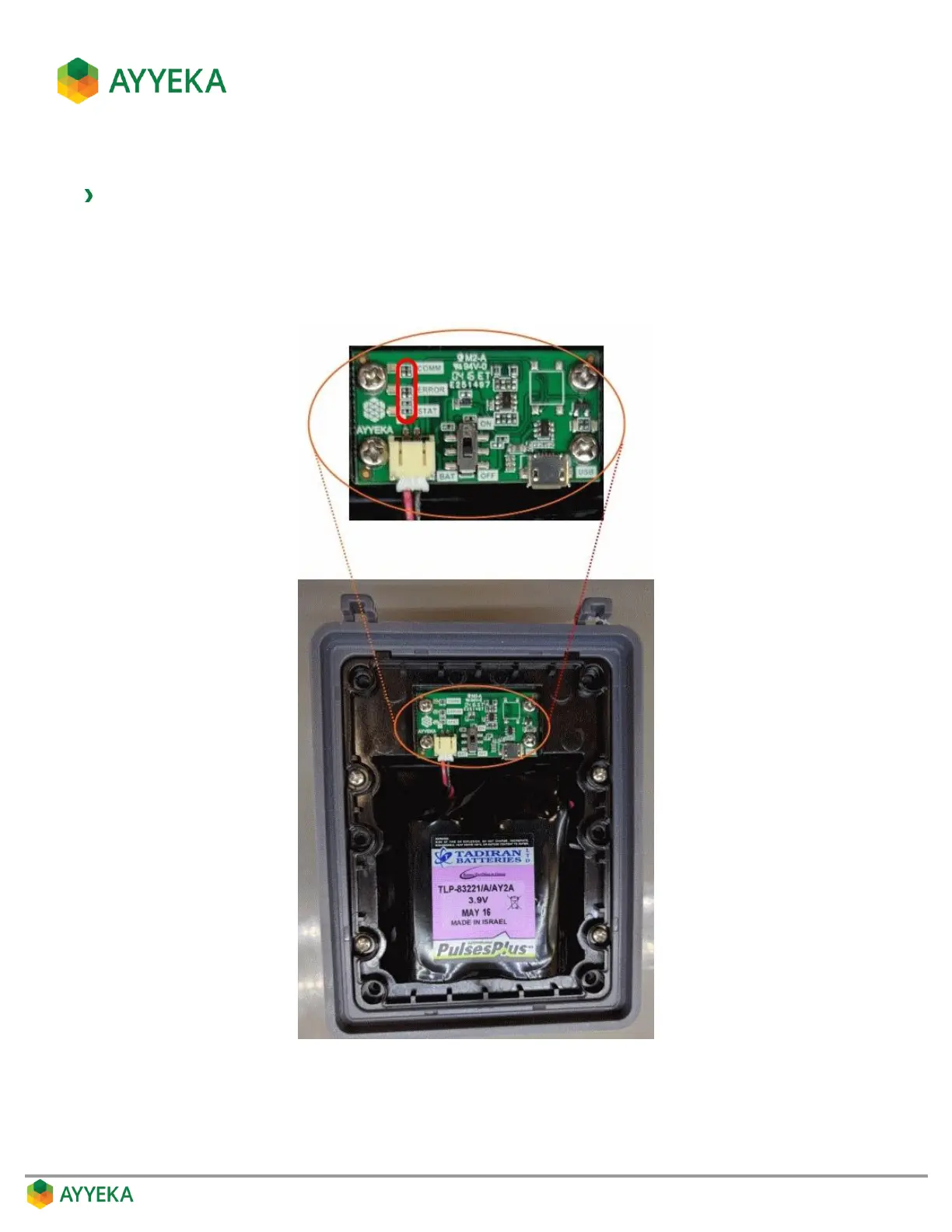
The three LEDs, COMM, ERROR, and STAT, are on the interface board, as shown in the figure below.
The COMM LED is green, the ERROR LED is red, and the STAT LED is blue.
Figure 118: Ayyeka Interface Board LEDs



 To Next Page