www.ayyeka.com | +1 (310) 876-8040 | info@ayyeka.com 37
Changing the Site Location
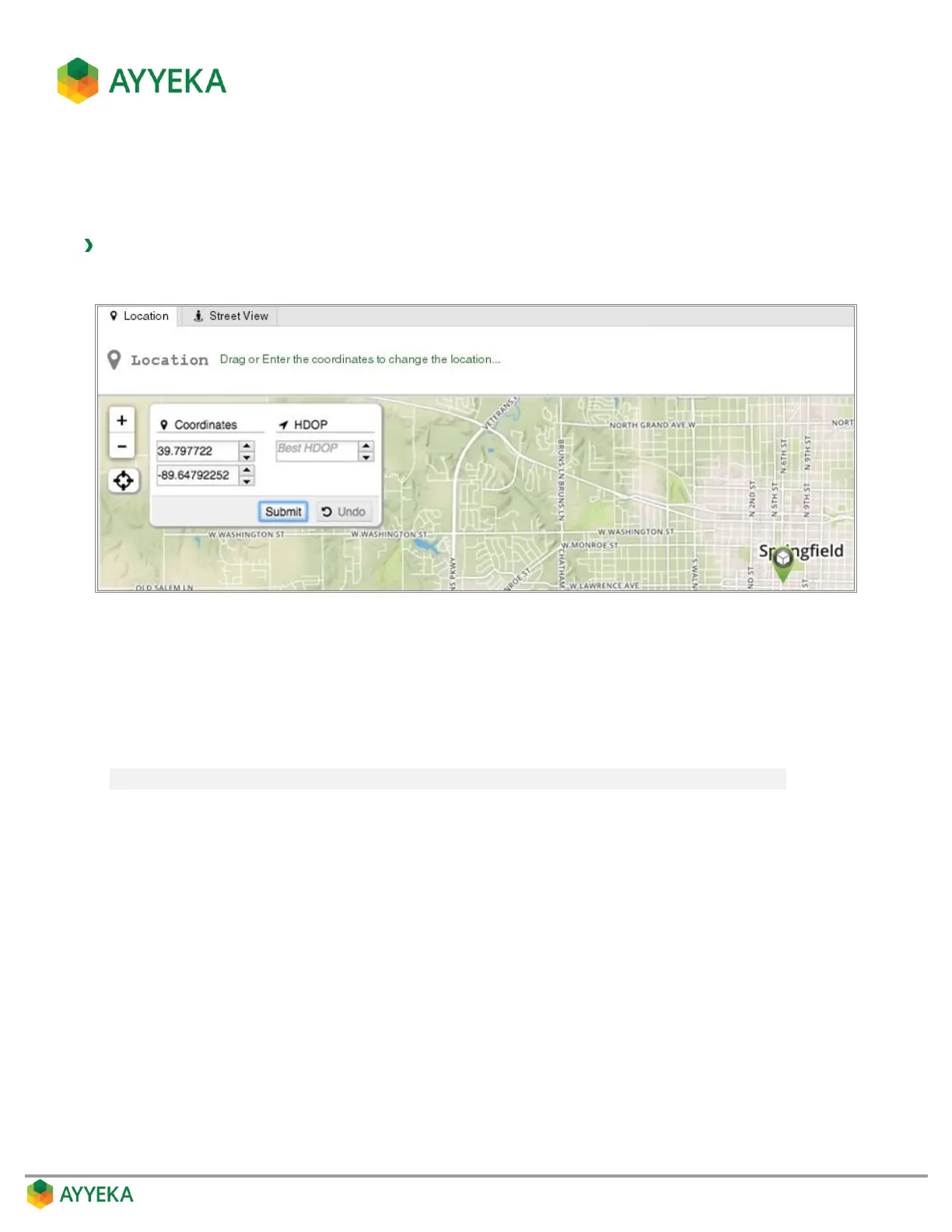
You can change the site’s location by dragging and dropping it in the map, or by entering coordinates in the
Coordinates fields.
To change a site’s location:
1. Click Devices in the sidebar, and click the site name in the Sites Tree pane.
Figure 23: Changing site location
2. In the map appearing in the right pane, you can do any of the following:
Drag and drop the site icon in the map.
Edit the coordinates displayed in the Coordinates fields. The coordinates originally displayed are
the site location as transmitted by the devices in the site.
Note: Do not edit the HDOP field. It is reserved for future use.



 To Next Page