www.ayyeka.com | +1 (310) 876-8040 | info@ayyeka.com 42
7. To change the Emergency transmission interval (in minutes), select GSM > GSM_PRIORITY > 2 >
home_interval_minutes and follow the instructions in the sub-steps of step 5.
Setting the Device Sampling Interval
Sampling intervals are set at the stream level. For details, refer to Managing a Stream’s Sampling Interval.
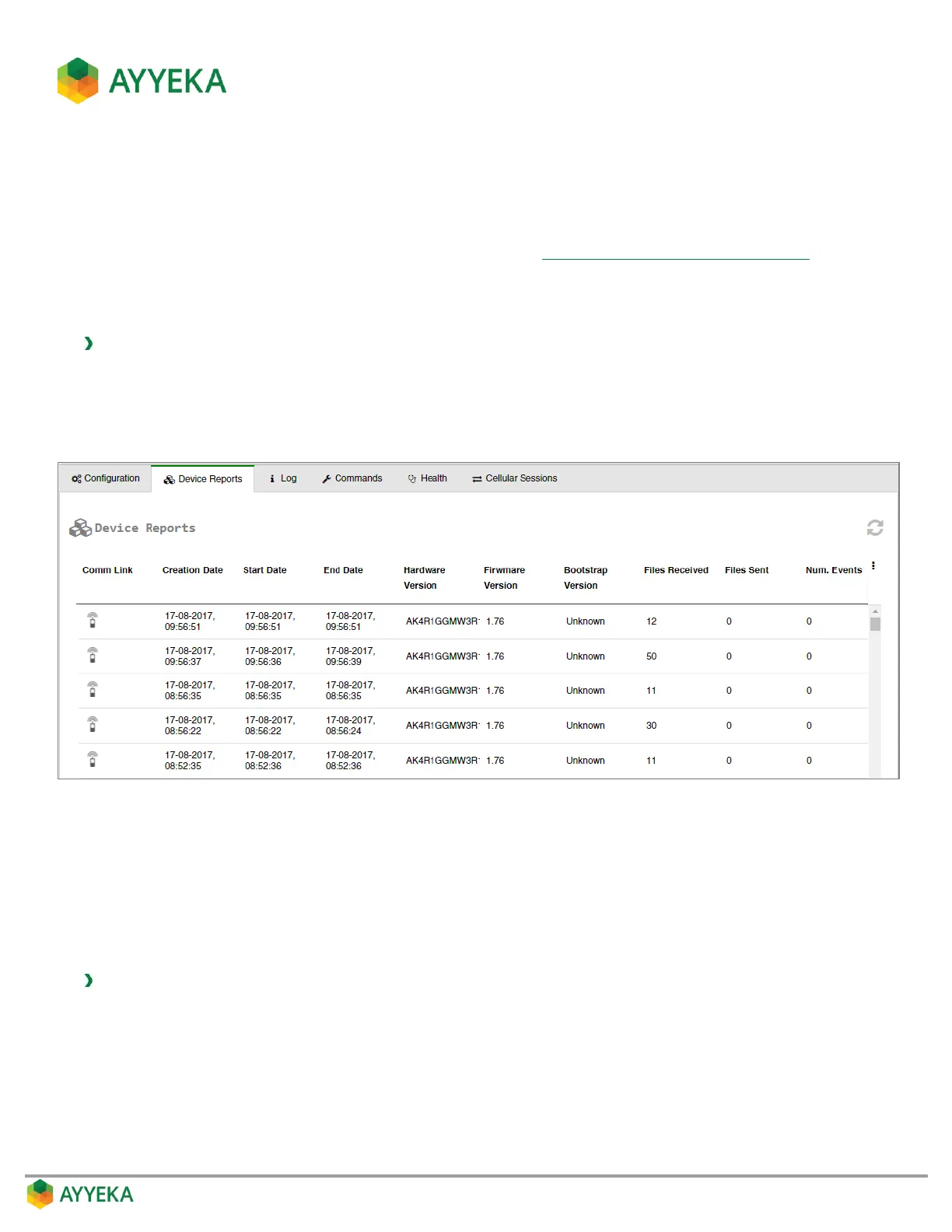
Viewing the Files Sent and Received by the Device
To view the files sent and received by the device:
1. Click Devices in the sidebar.
2. In the Sites Tree pane, click the device name.
3. In the right pane, click the Device Reports tab.
Figure 29: Device – Device Reports tab
The report lists, for each event in which files were received from or sent by the device, the number of Files
Received from the device (such as files containing sensor readings), and Files Sent to the device (such as files
containing device configuration changes).
Viewing the Device Event Log
To view the device event log:
1. Click Devices in the sidebar.
2. In the Sites Tree pane, click the device name.



 To Next Page