www.ayyeka.com | +1 (310) 876-8040 | info@ayyeka.com 20
The Visualization window is composed of a sidebar, Sites Tree pane and a right pane.
Side bar – links to the 5 main views: Visualization, Reports, Devices, Account, API. The available views
depend on your permissions (role).
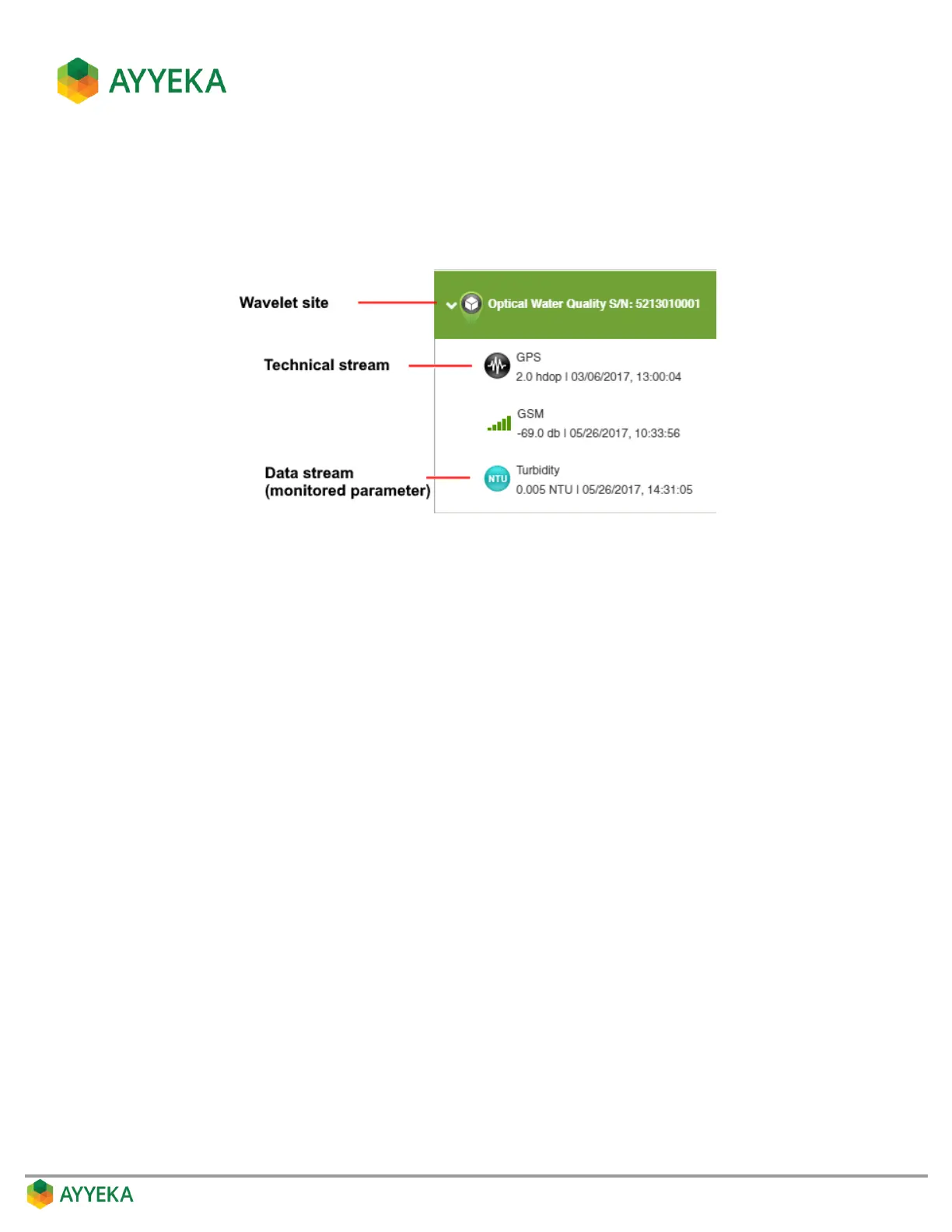
Sites Tree pane – lists all Wavelet sites and their data streams:
The Sites Tree pane includes also a search box, which you can use to search for your sites.
If there are more than 5 search results, the results will not be displayed. In that case you need to refine
your search criteria.
Right pane - shows a zoomed-out map displaying clusters of data streams.
Using the zoom controls, you can zoom in for greater detail, down to an individual site and its data
streams.



 To Next Page