www.ayyeka.com | +1 (310) 876-8040 | info@ayyeka.com 70
Setting whether to transmit data immediately
In a nutshell:
1. Click Devices in the sidebar.
2. In the Sites Tree pane select the stream.
3. In the right pane select the Thresholds tab.
4. If the Thresholds slider is OFF , click it to switch Thresholds to ON .
5. In the threshold definition area, click Actions.
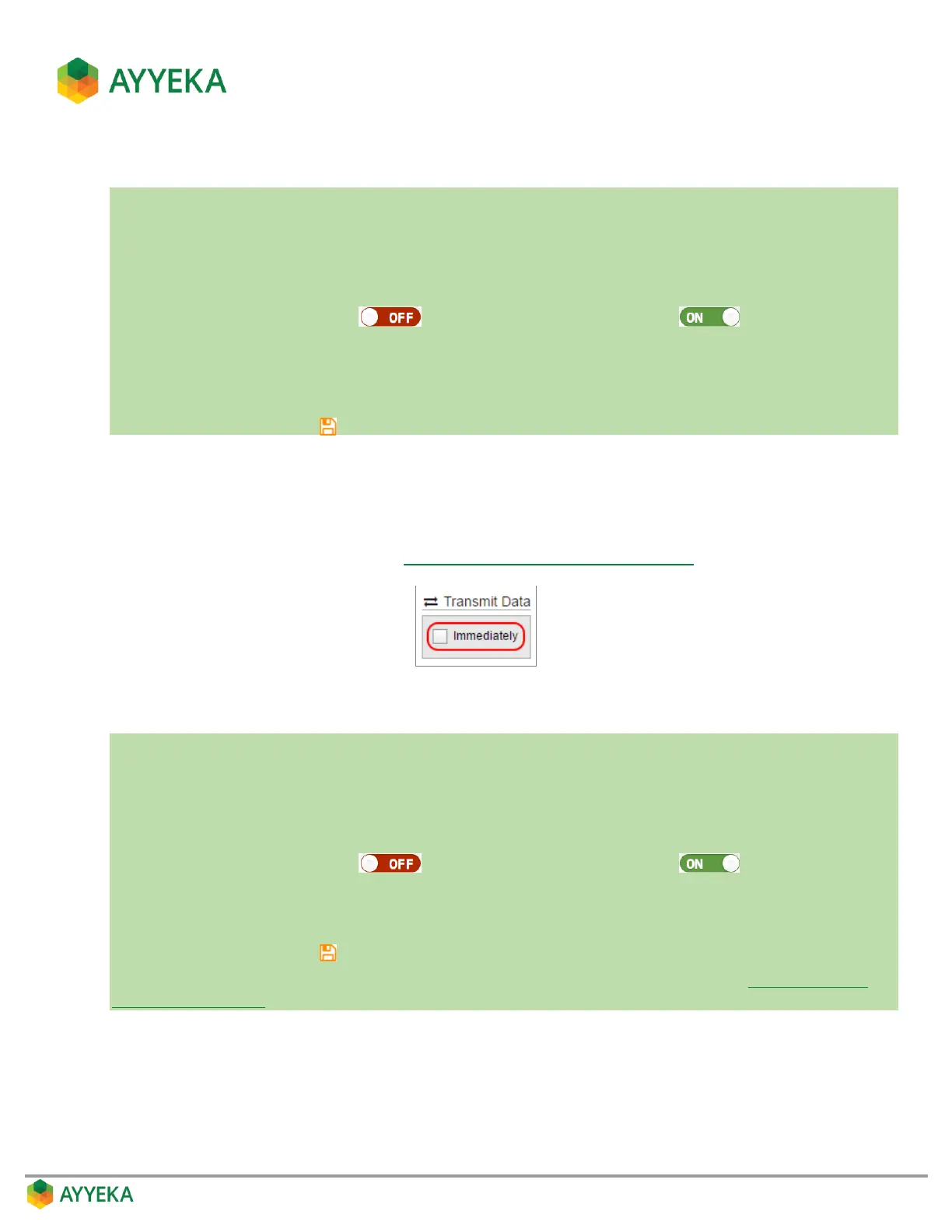
6. Under Transmit Data, check the Immediately box if you want the device to transmit data immediately
when a stream sample crosses into this threshold.
7. Save changes by clicking .
In the Transmit Data section, specify whether the device should transmit data immediately when a stream
sample crosses into this threshold, or whether the device should wait until the next scheduled transmission
time.
Note that the system automatically checks the Immediately box if you specify that users should be notified
when samples enter the threshold range (see Defining a Threshold’s Alert Recipients).
Setting a Threshold’s Transmission Interval
In a nutshell:
1. Click Devices in the sidebar.
2. In the Sites Tree pane select the stream.
3. In the right pane select the Thresholds tab.
4. If the Thresholds slider is OFF , click it to switch Thresholds to ON .
5. In the threshold definition area, click Actions.
6. Under Transmission Interval, select either Normal, Event or Emergency.
7. Save changes by clicking .
To change the Normal, Event and Emergency transmission intervals of a device, refer to Setting the Device
Transmission Intervals.
A transmission interval defines how often the device transmits data gathered by its sensors.
Every device has three configurable transmission intervals: Normal, Event and Emergency. Transmission
interval Normal is the default interval. Transmission intervals Event and Emergency are two alternate
intervals. Data is always transmitted at the Normal rate, unless a different rate is specified– either Event or
Emergency – when stream samples fall within a certain threshold range.



 To Next Page