www.ayyeka.com | +1 (310) 876-8040 | info@ayyeka.com 65
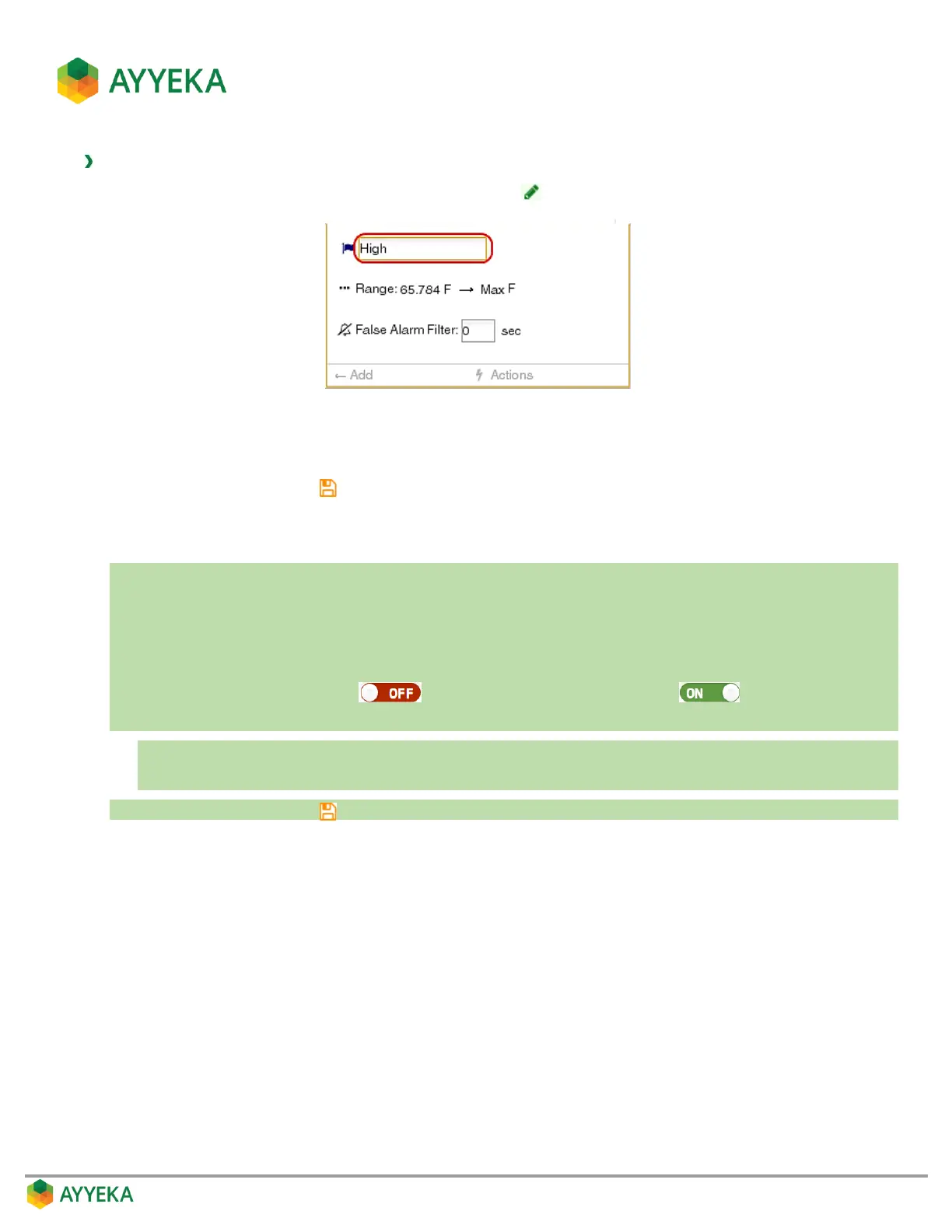
To change a threshold’s name:
1. In the threshold definition area, click the pencil icon .
Figure 55: Threshold definition area
2. Overwrite the current name with the new name.
3. Save changes by clicking .
Changing a threshold’s range
In a nutshell:
1. Click Devices in the sidebar.
2. In the Sites Tree pane select the stream.
3. In the right pane select the Thresholds tab.
4. If the Thresholds slider is OFF , click it to switch Thresholds to ON .
5. In the threshold definition area:
a. Set the threshold’s upper limit by editing it directly.
b. Set the threshold’s lower limit by editing the upper limit of the threshold to its left.
6. Save changes by clicking .
The thresholds mechanism works as follows:
Thresholds cover the entire spectrum of actual stream values collected by the device.
Thresholds are organized in ascending order, from the lowest (left-most), to the highest (right-most).
Only a threshold’s upper limit is editable. A given threshold’s lower limit is the upper limit of the
preceding threshold.
The lower limit of the lowest (left-most) threshold is not-editable, and is set by the system depending on
the given stream’s lowest value.
The upper limit of the highest (right-most) threshold is not-editable, and is set by the system depending
on the given stream’s highest value



 To Next Page