www.ayyeka.com | +1 (310) 876-8040 | info@ayyeka.com 73
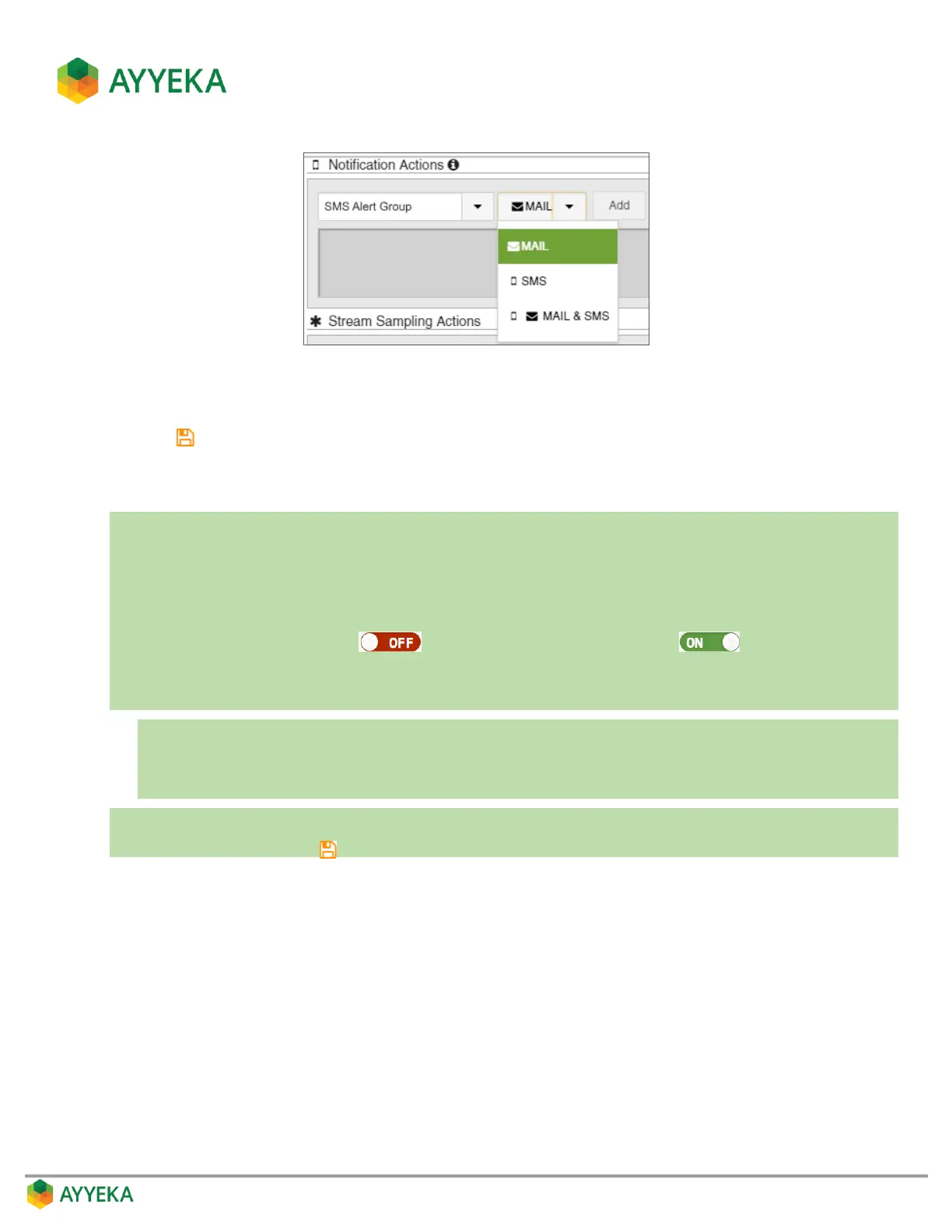
c. Click Add.
2. Repeat the previous step for every group to which you want to send a threshold alert.
3. Click to save your settings.
Setting Resultant Sampling Actions
In a nutshell:
1. Click Devices in the sidebar.
2. In the Sites Tree pane select the stream.
3. In the right pane select the Thresholds tab.
4. If the Thresholds slider is OFF , click it to switch Thresholds to ON .
5. In the threshold definition area, click Actions.
6. Under Stream Sampling Actions:
a. Select a data stream.
b. Select an action: Pause, Resume, Single or Pause Single.
c. Click Add.
7. Repeat the previous step for every additional action you want to add.
8. Save changes by clicking .



 To Next Page