www.ayyeka.com | +1 (310) 876-8040 | info@ayyeka.com 59
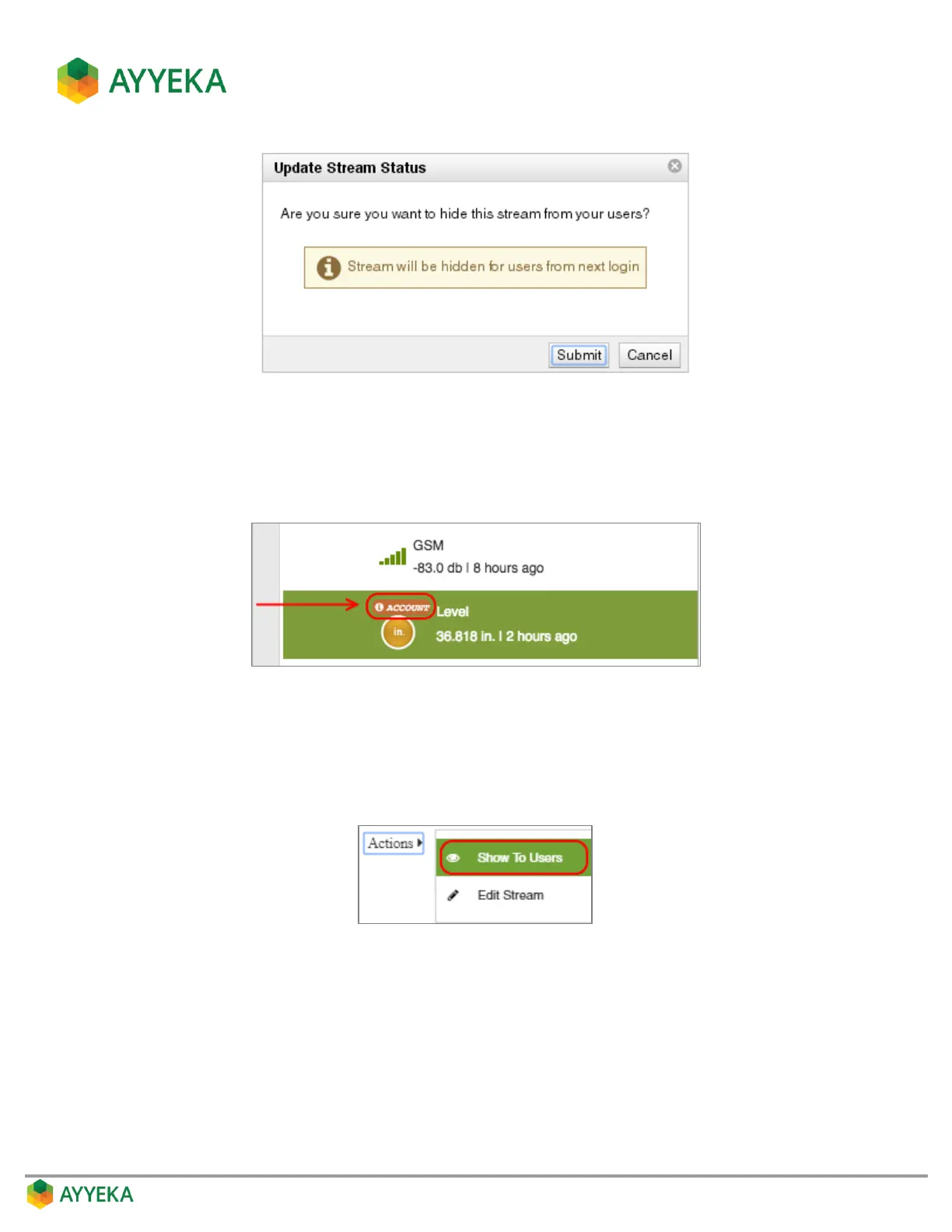
Figure 49: Confirm hiding a stream
3. Click Submit.
An indication appears, adjacent to the stream name, indicating the stream will be hidden from other
account user from their next login, and will be visible to the account owner(s) only.
Figure 50: Indication of a hidden stream
4. To un-hide a stream:
a. Click Devices in the sidebar, and click the stream name in the Sites Tree pane.
b. In the right pane, click Actions underneath the graph, and select Show To Users.
The stream will now be visible to all account users from their next login.



 To Next Page