www.ayyeka.com | +1 (310) 876-8040 | info@ayyeka.com 107
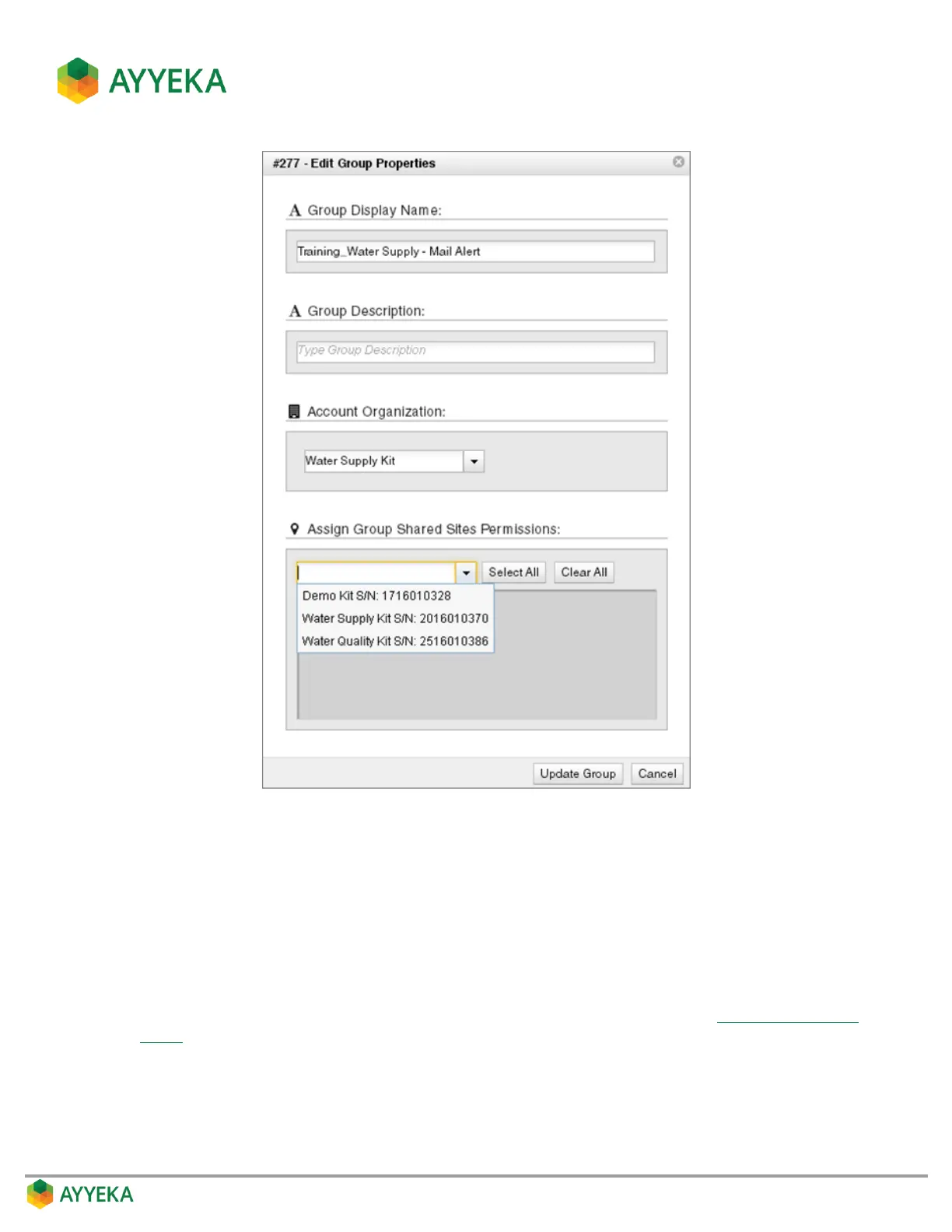
Figure 92: Edit Group Properties window
2. In the group definition window:
a. In the Assign Group Shared Sites Permissions section, select from the dropdown list all the
account’s sites you want to share with the members of the group.
b. You can click Select All if you wish to select all of the account’s sites, or click Clear All to delete all
the sites you selected.
c. Click Add Group or Update Group.
3. Assign to the group those users with whom you wish to share the sites (refer to Assigning a User to a
Group).



 To Next Page