www.ayyeka.com | +1 (310) 876-8040 | info@ayyeka.com 57
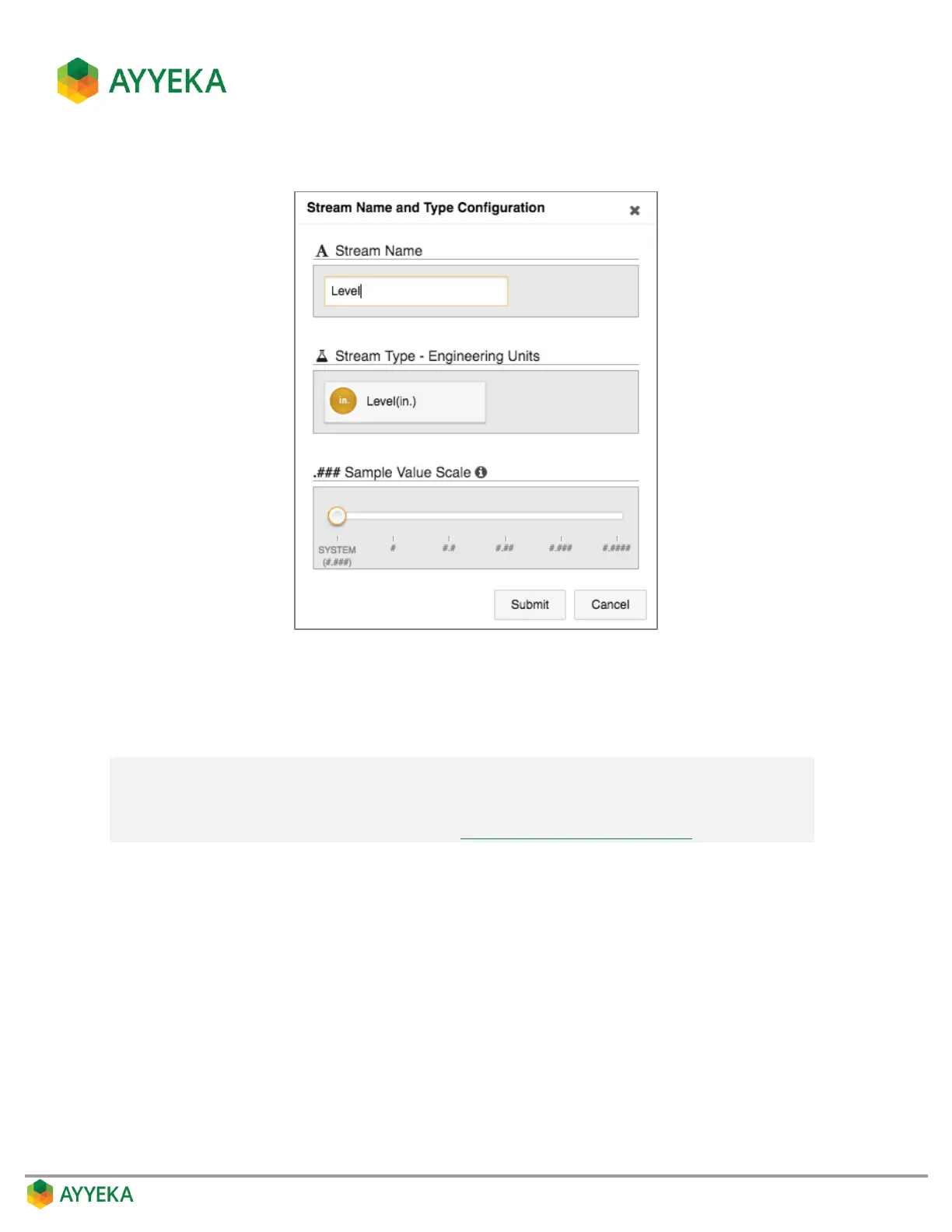
The Stream Name and Type Configuration window appears.
Figure 47: Changing stream settings
3. Optionally change the Stream Name.
4. Optionally change the Engineering Units that appear in the Sites Tree pane and in reports.
Note: Keep in mind that if you want the final values (derived by converting the raw value
into engineering units) to be correctly expressed in a specific engineering unit (for
example in inches rather than feet), you need to edit the formula for converting raw
data into engineering units. Refer to Changing the Conversion Formula.
5. Optionally change the Sample Value Scale, which specifies how many decimal points to display after a
whole value. This enables you to set the level of accuracy when displaying values in the Sites Tree pane
and in generated reports.
6. Click Submit.



 To Next Page