www.ayyeka.com | +1 (310) 876-8040 | info@ayyeka.com 94
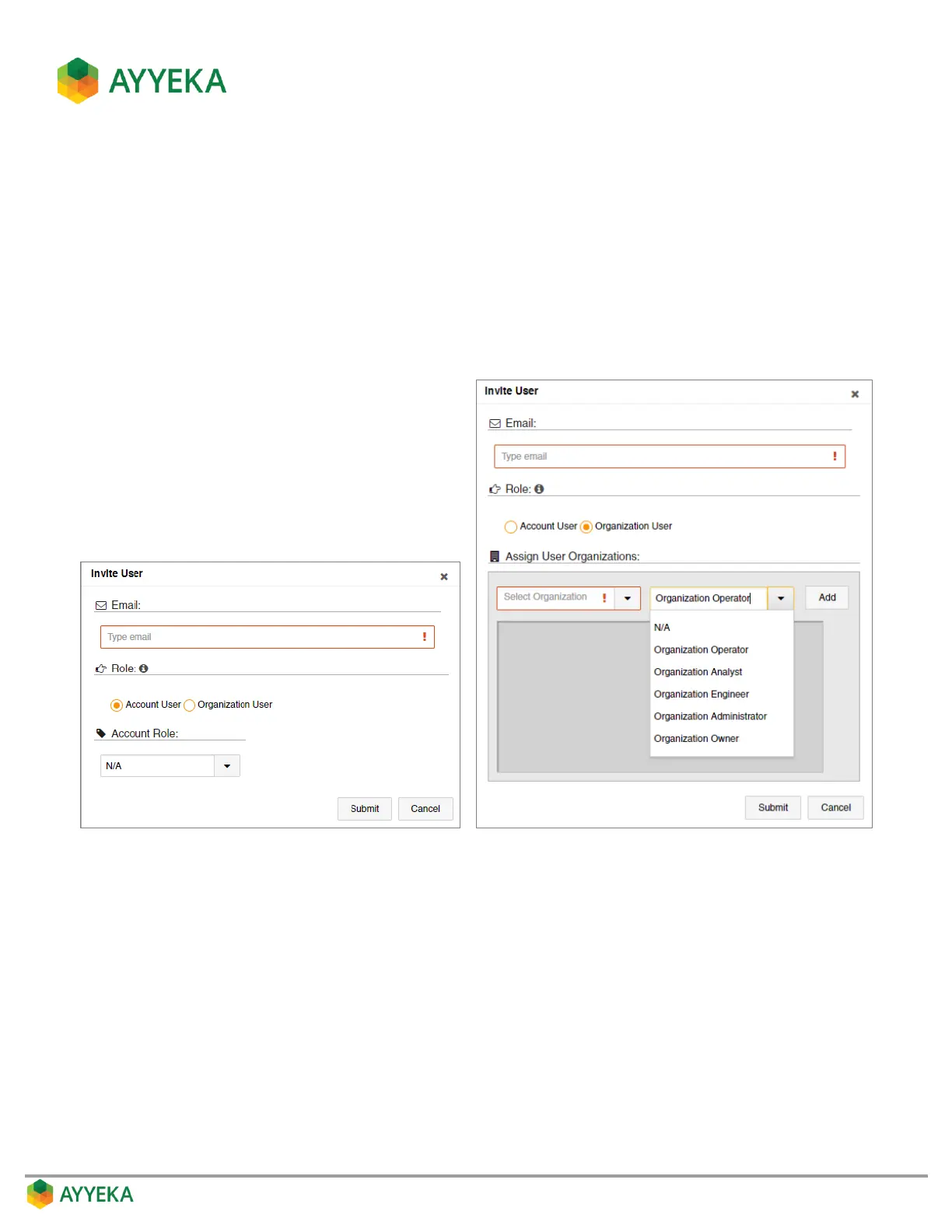
4. In the Invite User window:
a. Enter the user’s email address. This is the address to which the invitation will be sent.
b. In the Role section, specify whether the user will be an Organization User or Account User:
If you are creating an Account User, select a role for the user.
If you are creating an Organization User, you can give the user roles in multiple organizations. To
do so, select an organization and a role, and click Add. Repeat these actions for every
organization in which you wish to assign the user a role.
c. Click Submit.
Figure 78: Invite User window – Account User (Left) or Organization User (Right)



 To Next Page