CANopen
Manual b maXX
®
BM1000
Document No. 5.07003.04
155
of 174
D
Because of the DIP switch setting = 4, the calculated address value (= 16) is stored in address
storage parameter P2144, copied to P0870 and used as CANopen address.
CANopen baudrate setting via P2140
Default value: P2140 = 2
E.6 CANopen display functions
E.6.1 LED display
LED H3 displays the status of the CANopen interface.
H3 fulfills the specification according „DR-303-3 indicator specification“.
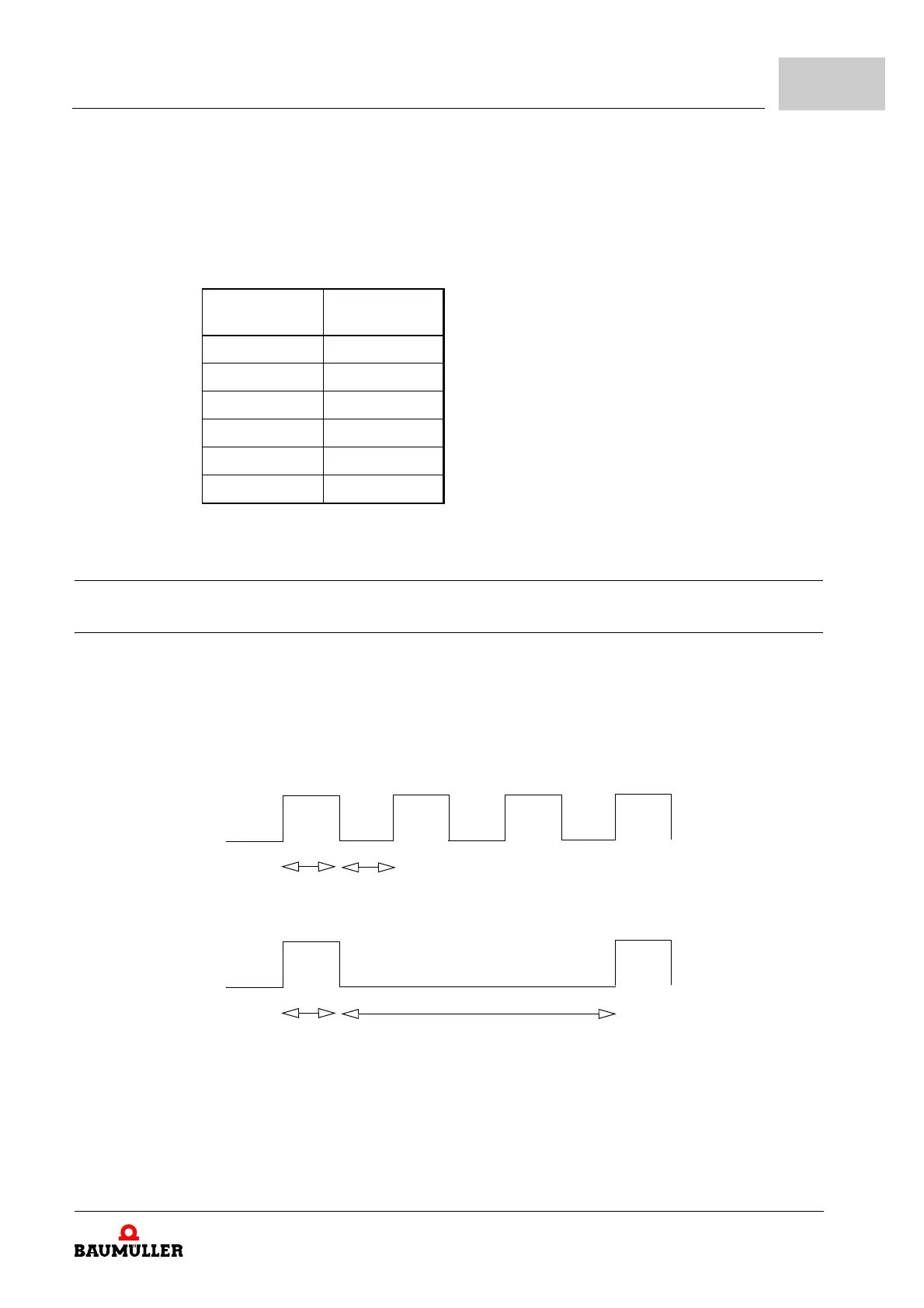
m CANopen initialization display via LED H3 (orange)
n Start of initialization: H3 is blinking in orange color
n End of initialization: H3 is blinking in orange color
n Initialization completed H3 is off
P2140 Baudrate
kbit/s
0 1000
1 500
2 250
3 125
4 100
5 50
ON
OFF
200 ms
200 ms
ON
OFF
200 ms
1000 ms



 To Next Page