6. Using a hammer, remove the knockout and pull the external wires through
the wire entry 11.
+
Use HB flame class (or higher) lock nuts to secure the cable conduit un-
ion to the box.
Installing Output expanders (FC200/6OUT)
Work carefully through the following steps (refer to the figures on pages 11
and 12).
1. Insert the Output Expander into the respective connector (33 or 34).
2. Using the screws and gaskets (supplied), secure the Output Expander in
place (use the longer screw for the lower part, and the two shorter screws
for the upper part).
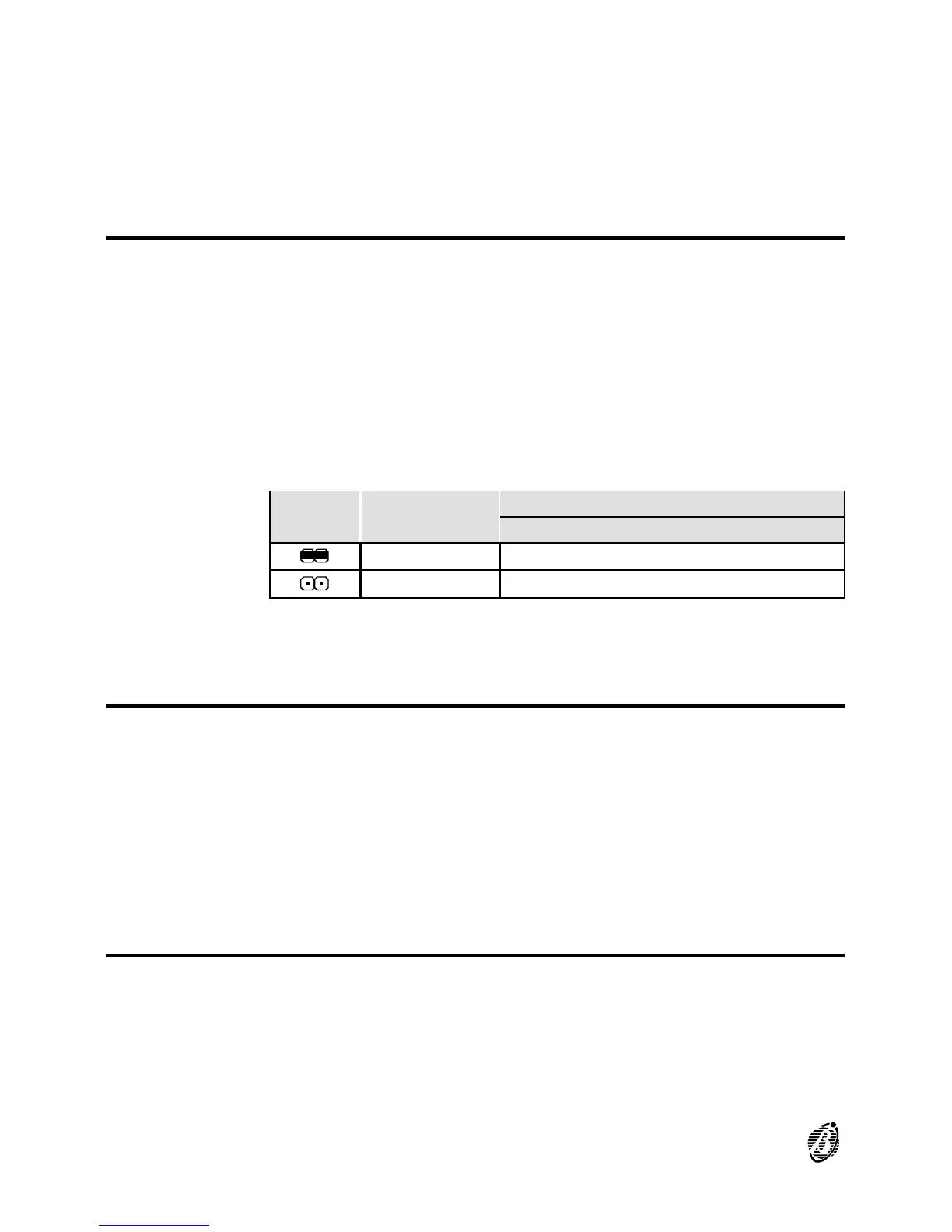
3. Using the jumper 47, assign an address to the Output Expander (refer to
the following chart).
JUMPER
47
OUTPUT
EXPANDER No.
CORRESPONDING OUTPUT
C5/11 C6/12 C7/13 C8/14 C9/15 C10/16
1 05 06 07 08 09 10
2 11 12 13 14 15 16
+
You must assign a different address to each output expander.
Installing the Telecom Module (FC200/COM)
Work carefully through the following steps (refer to the figures on pages 17
and 18).
1. Insert the Telecom module into the respective connector 36.
2. Using the screws and gaskets (supplied), secure the Telecom module in
place (use the longer screw and gasket for the lower part, and the two
shorter screws for the upper part).
Installing Repeater Panels (FC200/REP)
Work carefully through the following steps (refer to the figure on page 13).
1. Drill the anchor screw holes 52 (use the backplate for the screw locations).
2. Pull the wires through the wire entry 53 then attach the repeater panel to
the wall.
3. Complete the connections on the terminal board 38.
22 Analogue Fire Control Panel FireClass200










 To Next Page