Dial. (Telephone Dialler)
Select Dial. from the PRG: TELECOM
MODULE menu (press 1) to program the
Telephone module as a Telephone dialler.
The display will show the Dialler menu.
Select Messages (press 1) to record up to
8 voice messages of 11 seconds each (1
message per channel).
Select the required message (use the ↑
and ↓ arrows) then press 6 to Record. Re-
cording will start immediately ---- speak
clearly at about 10 cm from the micro-
phone. The elapsing message time will be
shown on the bottom line of the display.
Listening and recording can be stopped by
pressing ESC. When the recording time
elapses the program will step back to the
PRG: Telecom Module menu.
Select the required message (use the ↑
and ↓ arrows) then press 1 to Listen.
Select Causes / Events (press 2) and as-
sign the events to the channel / message.
The Telecom module will send the voice
messages to the programmed telephone
numbers when the assigned events occur.
Select channel 1 (press 1) and then assign the causes / events to channel
/ message 1. Repeat the procedure for the remaining channels (see figure
26). Option 3 allows up to 7 telephone numbers to be defined for each
channel (refer Tel.Num. from Dialler menu).
Press ↵ to confirm or ESC to exit.
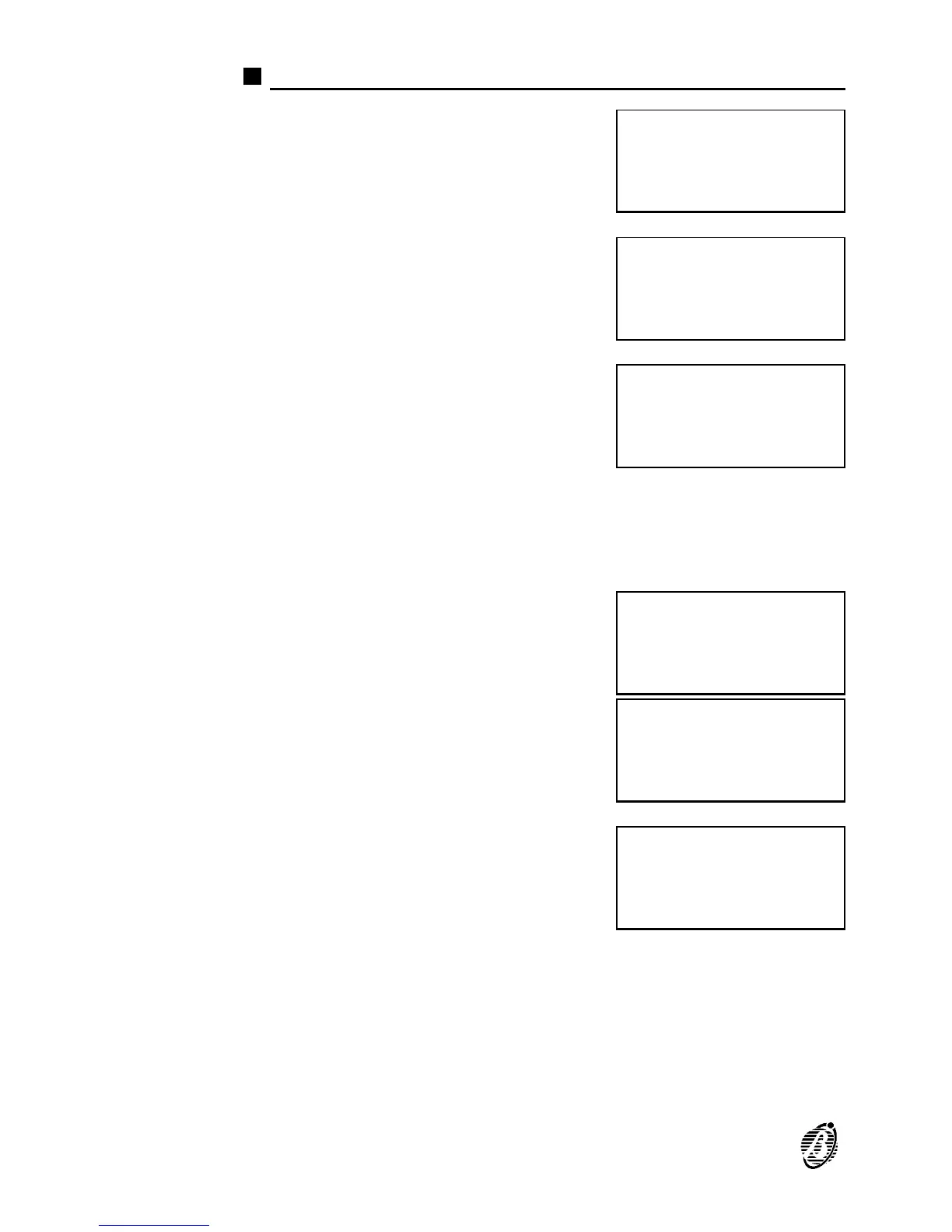
PRG: TELECOM MODULE
1)Dial. 2)Commun.
3)T.Num. 4)Option
5)Remote Management
PRG: TELECOM MODULE
Dialler
1=Messages
2=Causes / Events
PRG: TELECOM MODULE
Dialler
Messages =
A=Listen R=Record
PRG: TELECOM MODULE
Dialler
Messages Record.=
>> >> >> >> Esc=End
PRG: TELECOM MODULE
Dialler
Messages Listening
>> >> >> >> Esc=End
PRG: TELECOM MODULE
Dialler
Causes / Events
C:1,2,3,4,5,6,7,8
74 Analogue Fire Control Panel FireClass200










 To Next Page