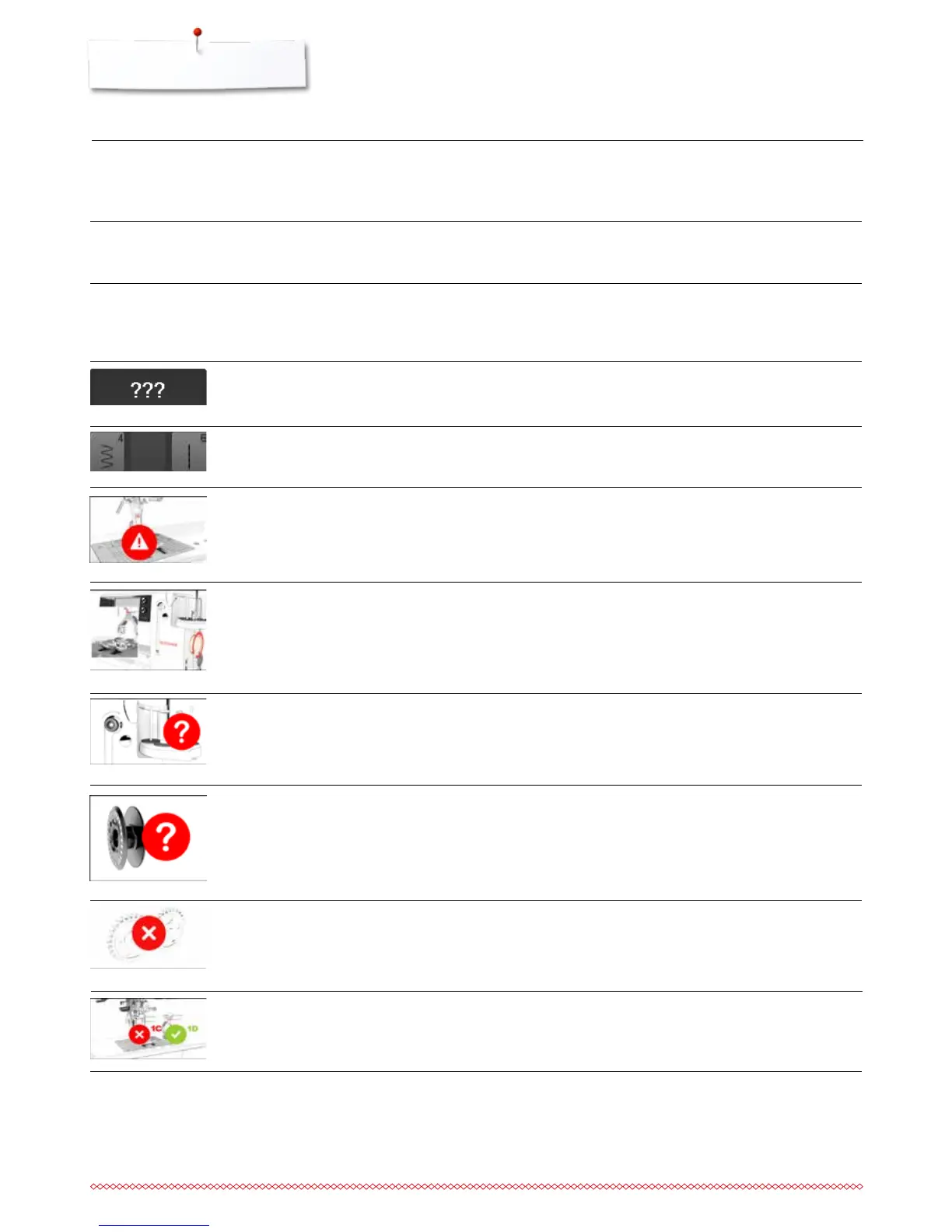
Fault Cause Repair
Automatic threa-
ding not possible
limit for double needle is activated
sensor defective
⦁
deactivate the limit for the double needle in the security
program
⦁
take the sewing-/embroidery computer to the nearest
authorized BERNINA dealer
General Explanation Repair
Messages
stitch number not known in direct entry
stitch selection not possible in the
combination mode
⦁
check command entered and enter a new number
⦁
make another selection
incorrect needle for the stitch plate
selected
needle is not in the highest position
⦁
check settings in securing programs
⦁
turn the handwheel
upper thread run out
⦁
attach new upper thread spool and thread
main motor is not running
⦁
remove any thread remnants in the hook area, also refer to
«Hook blocked», page 209
lower thread indicator has reacted
⦁
check lower thread and wind if necessary
incorrect presser foot for BERNINA
Dual Feed switched on
⦁
attach a «D» presser foot
Saving data on
USB stick is not
possible
the USB stick is not or incorrectly
formatted
not enough memory capacity
⦁
insert the USB stick into the PC and format as FAT 32
⦁
delete data



 To Next Page