P1 Patient Monitor User’s Manual
1-16
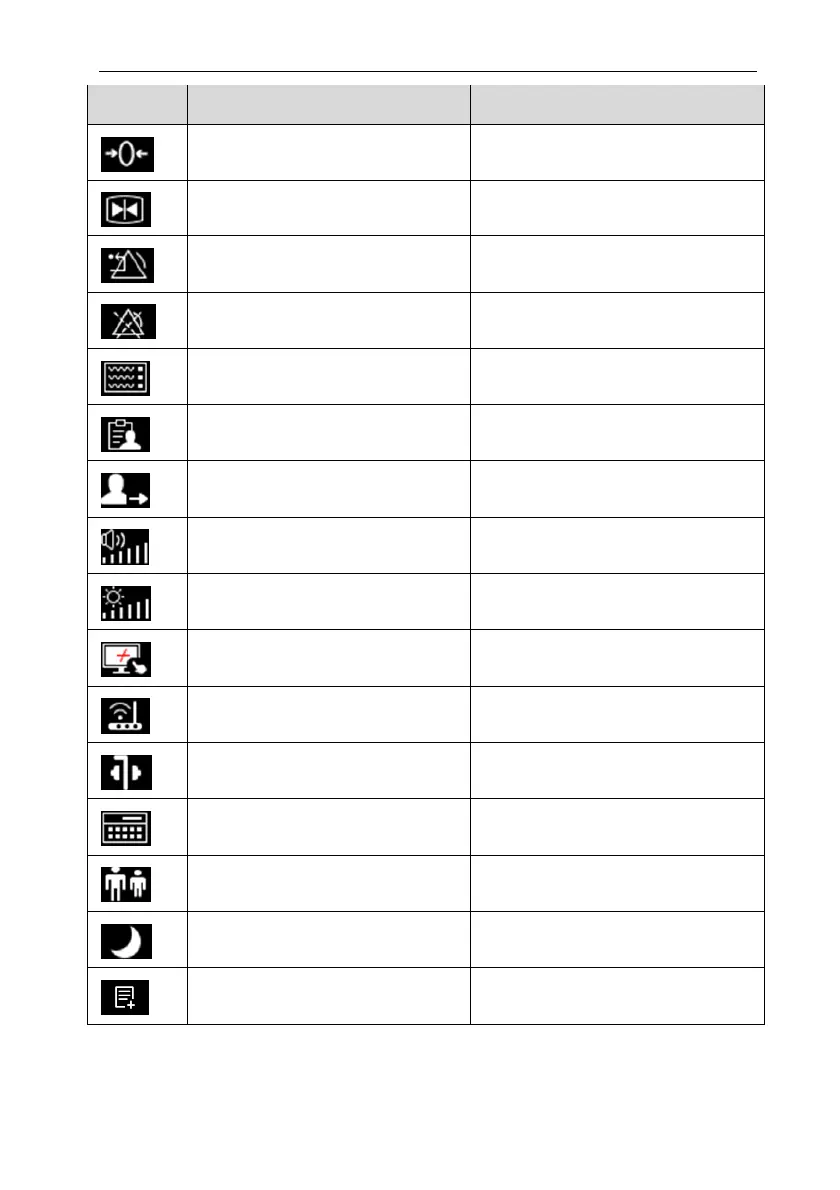
Symbol Quick key Note Function
Zero Start IBP, CO
2
Zero
Freeze Freezes Waveforms
Alarm Reset Alarm reset
Alarm Pause Pause the current alarms
Screen Setup
Enter the 【Screen Setup】 menu
Patient Management
Enter the 【Patient Management】menu
Discharge Patient Discharge the current patient
Sound Enter the【Sound】setting menu
Brightness
Enter the 【Brightness】 menu
Lock Screen/Unlock Screen Disable/activate touch screen
Wireless Setup Enter the【Wireless Setup】menu
Intubation Status Enter / exit Intubation status
Calculations
Enter the【Calculations】menu
Remote View Enter the 【Remote View】interface
Night Mode / Exit Night Mode Enter / Exit night mode
Manual Event Manually trigger and save events



 To Next Page