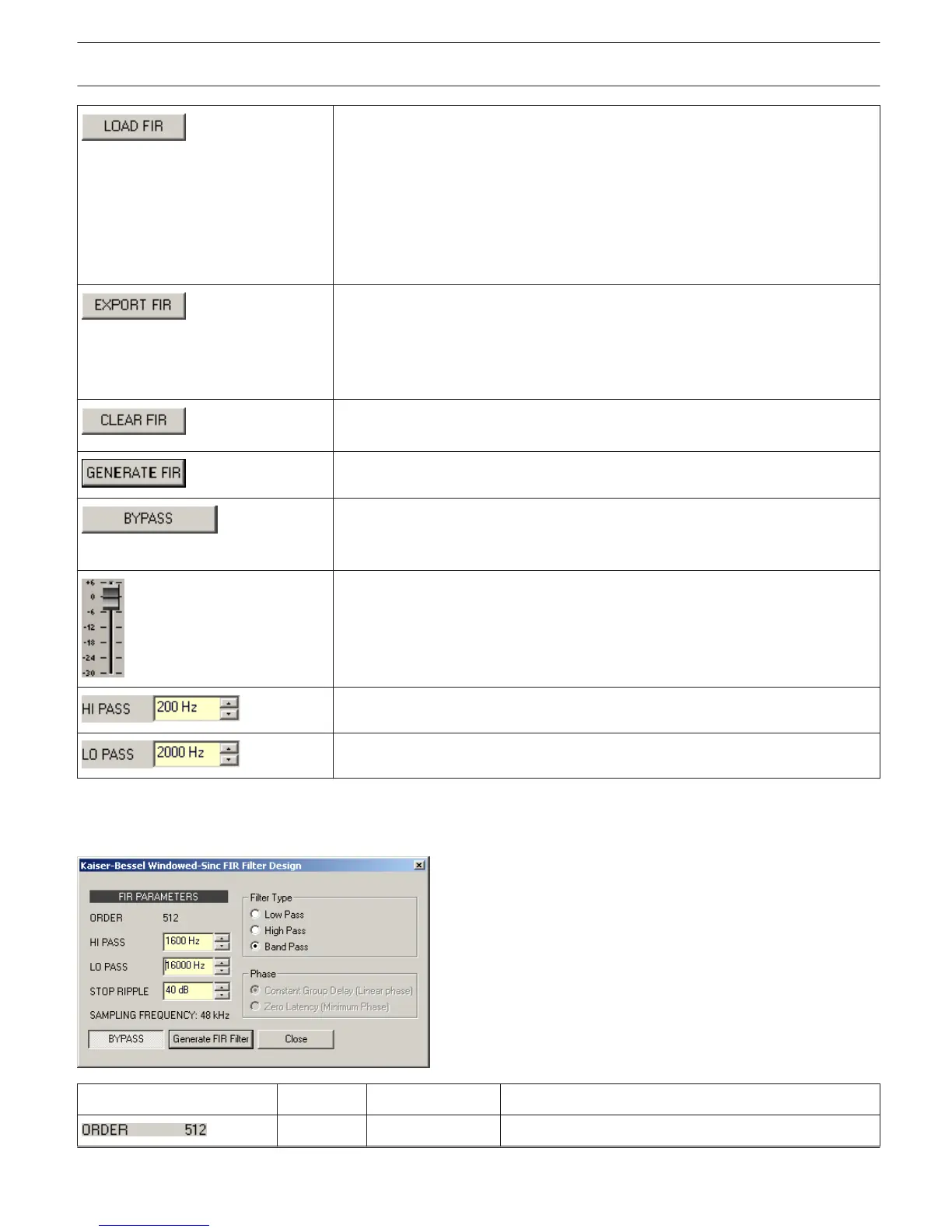
After clicking onto LOAD FIR the "Open File..." dialog box appears. Enter the
correct path of the directory in which the desired file is located and select the
desired FIR file to be opened. This loads and afterwards displays all FIR filter
parameters that are stored within that file.
CAUTION: The loaded FIR filter file becomes instantly audible when in on-line
mode. Be sure to select the desired FIR file with the correct set of
parameters. In the worst case, this could lead to severe damage to the
connected loudspeaker cabinets due to improper signal processing!
After clicking on EXPORT FIR a "Save File..." dialog box appears. Enter the
correct path of the directory that you want to save the data in. Enter a file name
(without extension). Click on the SAVE button to store the FIR filter parameters
together with the corresponding file name. ".gkf" is automatically added as file
extension.
Clears the current FIR filter settings. A Default-FIR-Filter (Thru) is activated
instead.
Clicking on the GENERATE FIR buttons opens the Filter Design dialog.
BYPASS switches the corresponding FIR filter ON (not engaged) or OFF
(engaged), this provides a quick A / B comparison of the processed and
unprocessed signal.
Adjusts the gain of the signal between -30 dB and +6 dB.
HI PASS sets the cut-off frequency of the Hi pass filter.
LO PASS sets the cut-off frequency of the Lo pass filter.
FIR Filter Design
Element
Default Range Description
ORDER of the FIR filter.
IRIS-Net DIGITAL MATRIX | en 400
Bosch Security Systems B.V. User Manual 2017.05 | 3.20 | F.01U.119.956












 To Next Page