250 ms 50...999
ms
RELEASE defines how fast the output signal returns to
its normal level once it drops below the threshold.
BYPASS activates (not engaged) or deactivates
(engaged) the limiter, which allows for quick A / B
comparison between limited and unlimited signals.
Meters
Element Description
These meters indicate signal reduction of the
– compressor (COMP),
– Peak limiter (LIMITER or PEAK LIMITER) or
– TEMP limiter (TEMP LIMITER)
in dB. A yellow bar increasing from top to the bottom indicates the degree of level reduction.
Editing Compressor / Limiter parameters via Mouse Dragging in the Graphic Display
If a compressor or limiter has been activated (Bypass is not engaged), the graphic display shows white dots that re-
present the according threshold values. Click onto one of these dots with the left mouse button and keep it pressed
down to set the threshold value of the corresponding compressor or limiter by dragging the mouse up or down. Click
with the right mouse button onto the compressors white dot and keep the mouse button pressed down to edit its
ratio.
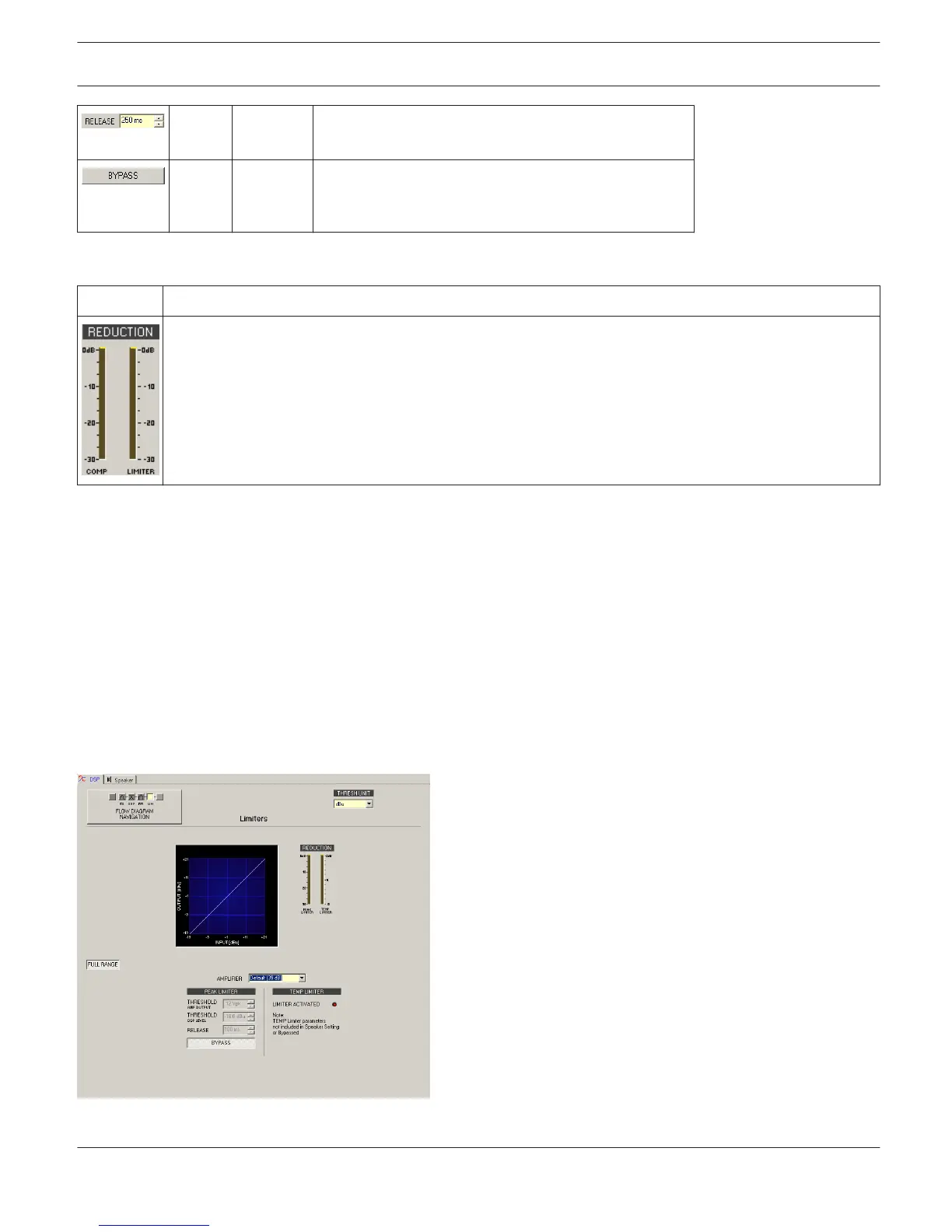
Limiters (FIR-Drive Controller)
The Limiters window provides access to a Peak limiter and a TEMP limiter. This allows setting the corresponding
parameters so that connected loudspeaker systems are protected against dangerous level peaks and overload.
Click on the fifth block in the Flow Diagram Selector or double click on the LIMITERS block in the large Flow Diagram
to select the Limiters window.
IRIS-Net
DIGITAL MATRIX | en 413
Bosch Security Systems B.V. User Manual 2017.05 | 3.20 | F.01U.119.956












 To Next Page