0 dB -80...0 dB Fader-Display. This field indicates the current fader
setting as a numerical value. Entering the desired
value in dB is possible as well.
MUTE button mutes the output signal.
Textfeld zur Beschriftung des Eingangskanals mit
einer IRIS-Net-internen Bezeichnung.
CAUTION: The use of * (asterisk) and = (equal) in
names is not permissible.
Nodes
Element
Description
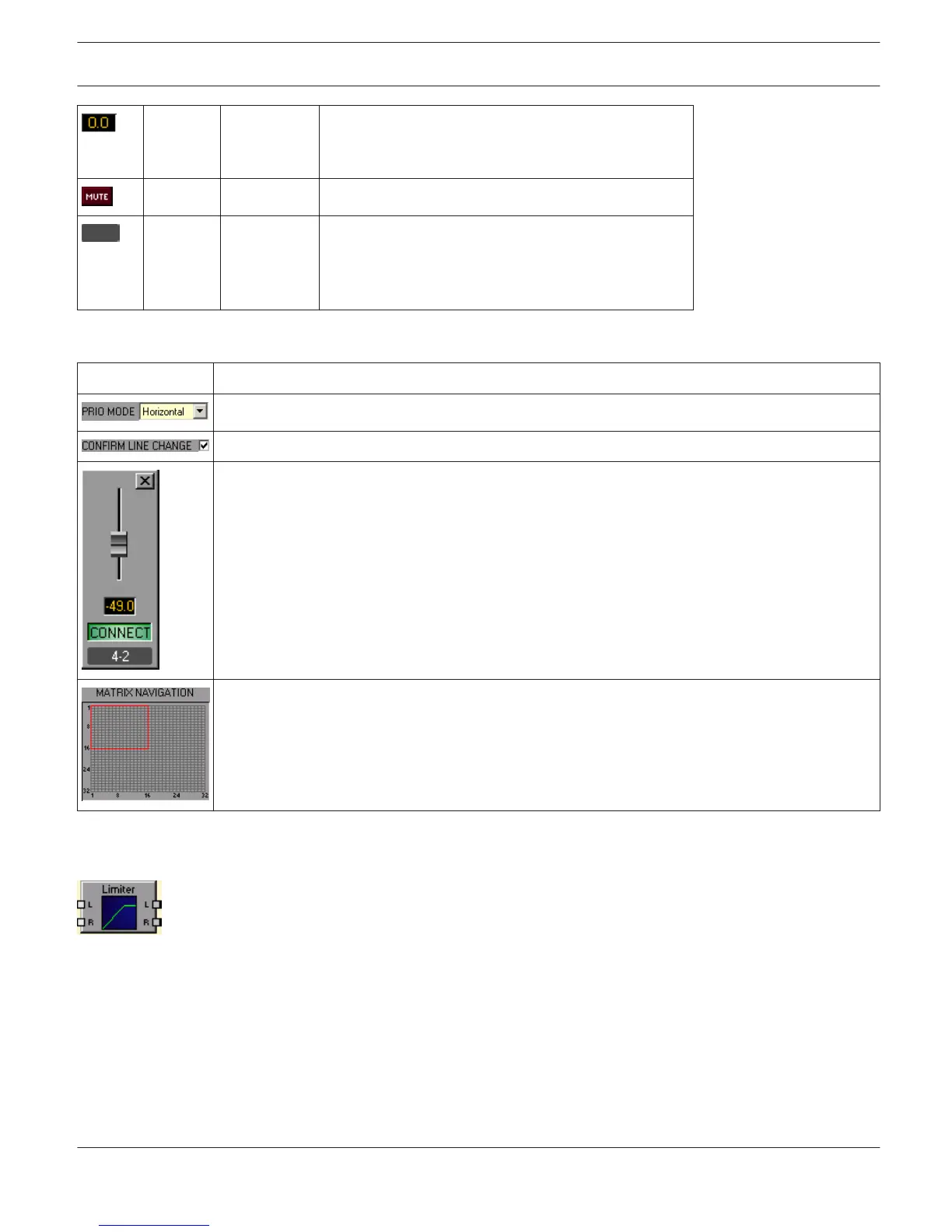
Selecting priority mode of matrix. Available modes are "horizontal" and "vertical".
If the checkbox is selected a confirmation prompt appears every time nodes are set or reset.
Right clicking a node opens this dialog with a fader and fader display for setting the level and a
CONNECT-Button for setting or resetting the node's connection. The label represents the node's
position ("line - column") within the matrix.
This area is navigating through largely dimensioned matrixes. The red rectangle marks the
currently indicated matrix area. Changing the dis- played area is possible by dragging the
rectangle with the left mouse button pressed down. MATRIX NAVIGATION appears only when the
complete matrix view does not fit in the screen.
PEAK-LIMITER
A Limiter is used when the output signal must not exceed a specific peak level, independent of how much
the input level rises. Short attack times effectively limit overshoots. Limiters are often used as protection for the
components following them an audio chain, i.e. to prevent an amplifier from clipping or protect loudspeaker systems
against mechanical damage.
IRIS-Net
DIGITAL MATRIX | en 446
Bosch Security Systems B.V. User Manual 2017.05 | 3.20 | F.01U.119.956












 To Next Page