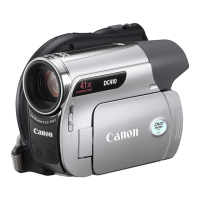
;B~~~,;(;;I.iicg
..
t;b;~n(au;,i;lt;i;l1.nBe;l;ba;t.gcia;b;le
....
Li;tb;i.ujm(aalt.e~
..
;
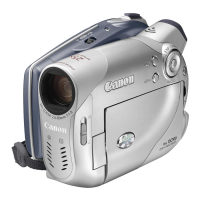
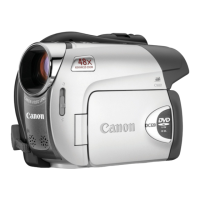
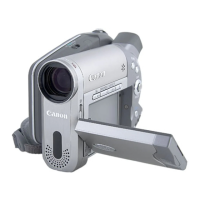
If you should dispose
of
your camcorder, first remove the built-in rechargeable lithium
battery for recycling according to the recycling system
of
your country.
The
~
camcorder has internal components that can· produce high voltage.
To
reduce the risk of electrical shock, be sure to disconnect all power supply to the
camcorder, remove the battery and wait for at least one and a half months before
starting the procedure to remove the built-in lithium battery. Be sure to read
through the explanation of the whole procedure before starting it.
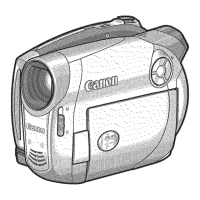
All the illustrations used below refer to the
~.
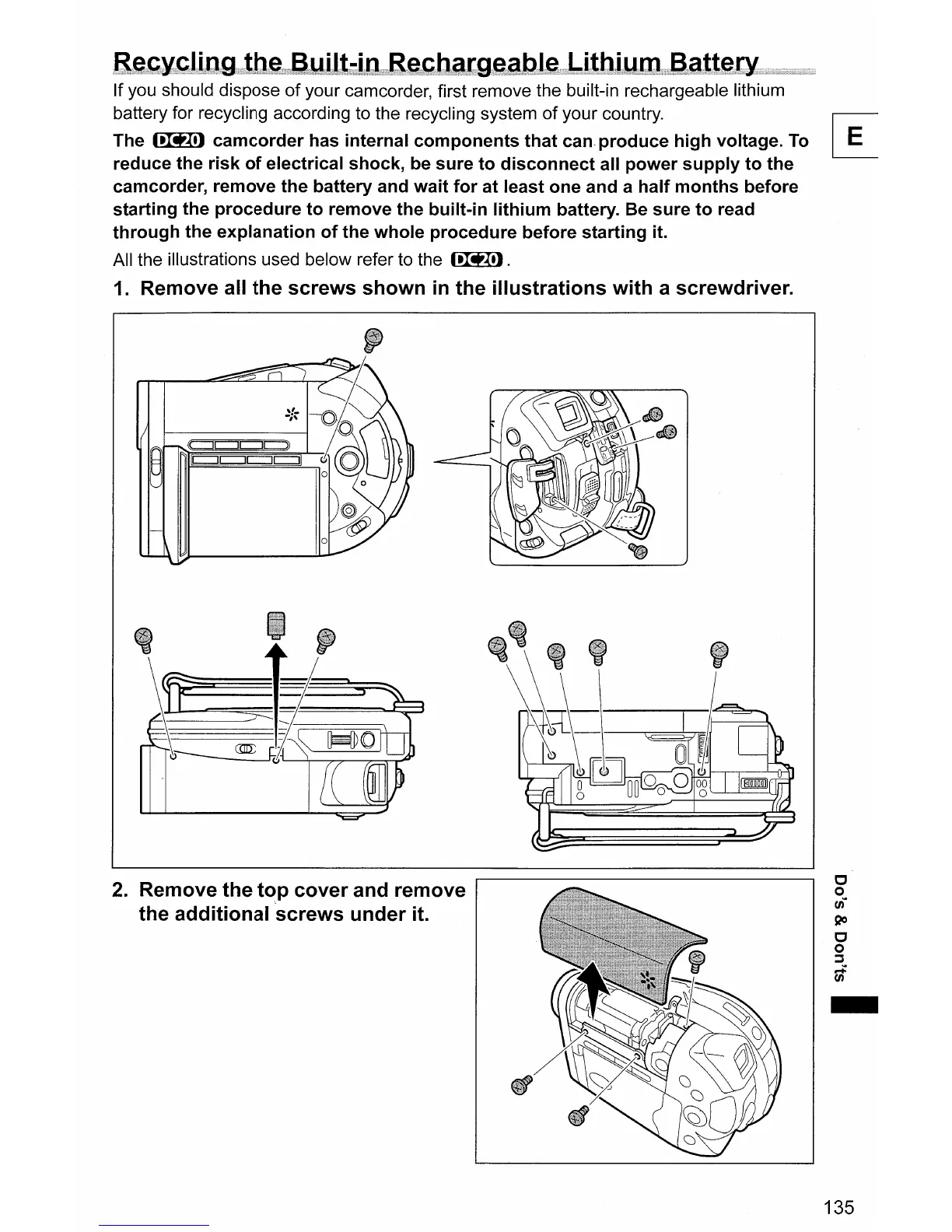
1.
Remove all the screws shown
in
the illustrations with a screwdriver.
2.
Remove the top cover and remove
the additional ·screws under it.
-
135


 To Next Page