C Creative Auto Shooting
72
6
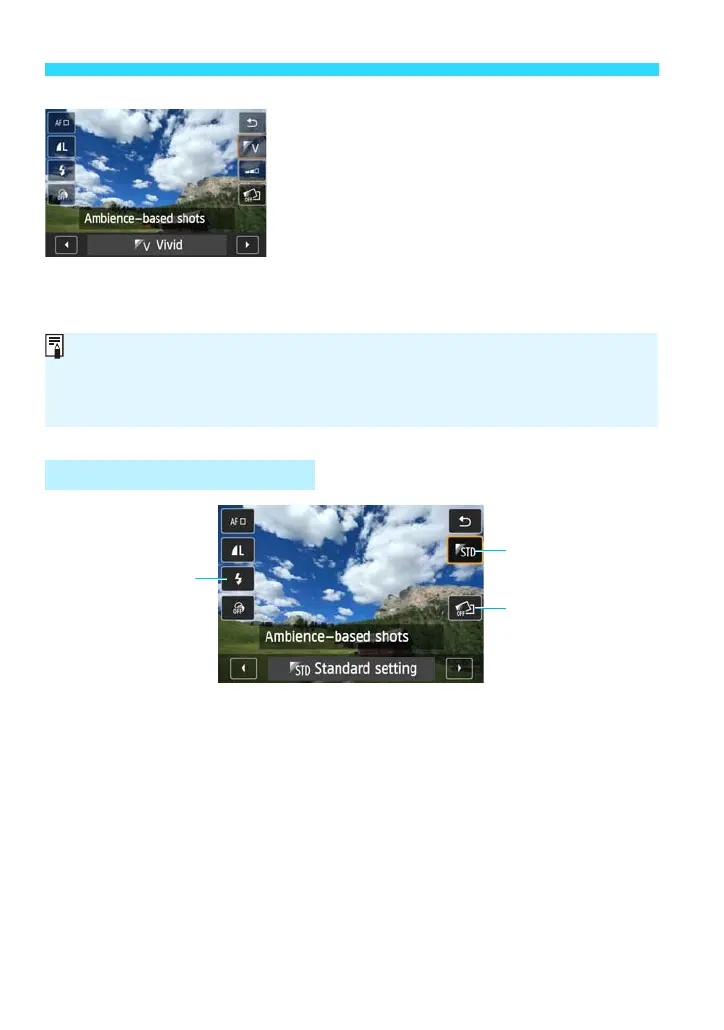
Tap the desired setting to select it.
The selected function and Feature guide
(p.62) will appear.
For setting procedure and details on each
function, see pages 72-75.
Select the function, then tap [2].
7
Take the picture.
Press the shutter button.
(1) Ambience-based shots
• You can choose the ambience you want to convey in your images. For
details, see page 87.
Setting from Quick Control
If you change the shooting mode or set the power to <2>, the functions you
have set on this screen will revert to their default settings. However, the AF
method, Creative filter, image-recording quality, and self-timer settings will be
retained.















 To Next Page