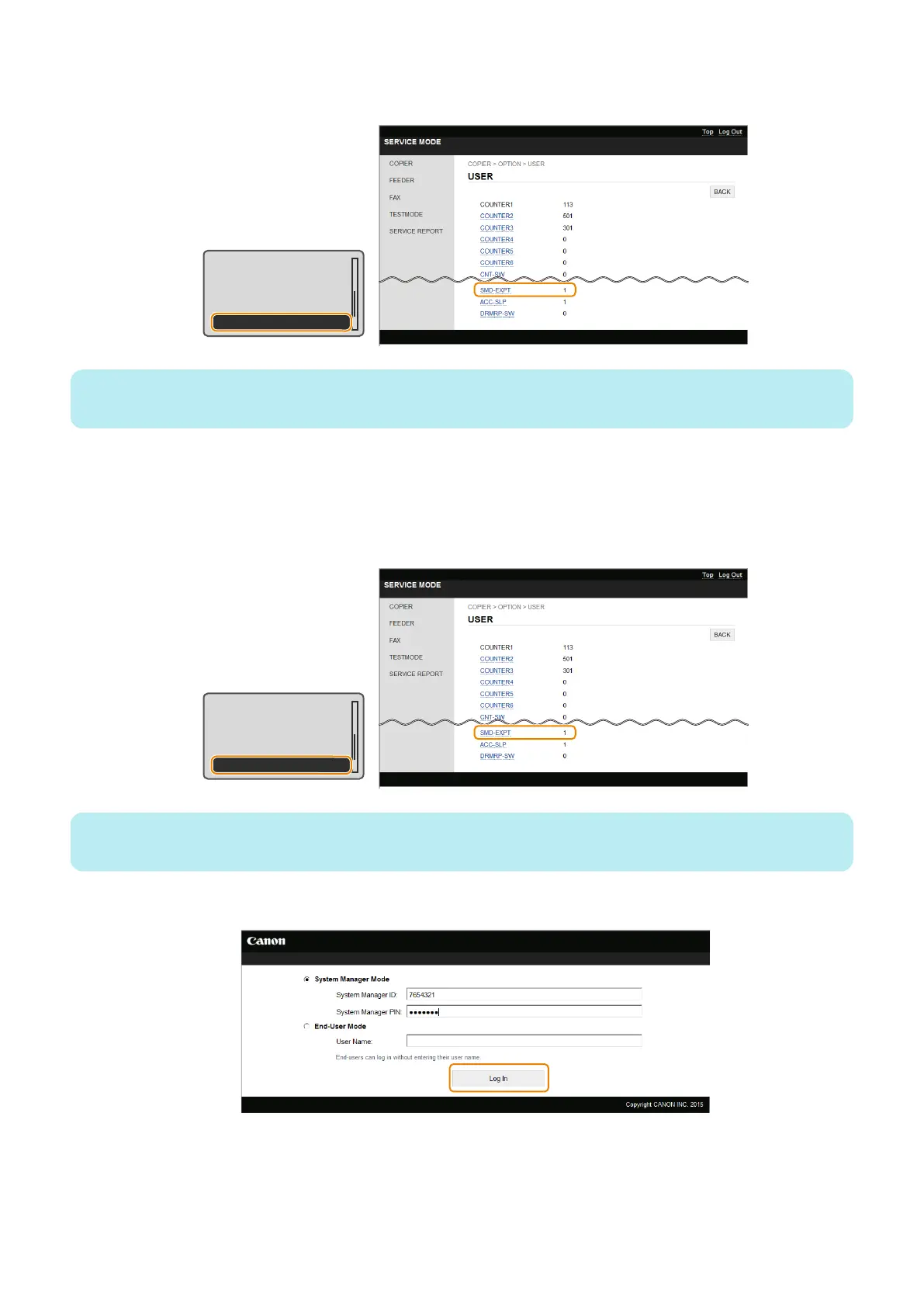
7. Enter service mode, and set the following item to "0".
• COPIER > OPTION > USER > SMD-EXPT
TNRB-SW : 0
SCALL-SW : 0
SCALLCMP : 0
PC-MODE : 0
SMD-EXPT : 1
NOTE:
The [SMD-EXPT] setting can be specified either from the Control Panel or from the remote UI.
● Procedure for Import Using Remote UI ([System Management Settings] Menu)
Import the service mode setting information file that was exported in the previous procedure.
1. Enter service mode, and set the following item to "1".
• COPIER > OPTION > USER > SMD-EXPT
TNRB-SW : 0
SCALL-SW : 0
SCALLCMP : 0
PC-MODE : 0
SMD-EXPT : 1
NOTE:
The [SMD-EXPT] setting can be specified either from the Control Panel or from the remote UI.
2. Exit service mode, and start the remote UI and log on in System Manager Mode.
3. Click [Settings/Registration].
2. Technical Explanation
70



 To Next Page