All content © 2017, cmotion GmbH. All specications subject to change without notice. http://www.cmotion.eu
34/112
3.2. Powering the camin and
Connecting Motors
Use the cable RRS-1 or RRS-8 (Fi 3p, Fi 3p, for ARRI style power outlets) to connect the camin
to the camera. If you are using a camin 2M, use connector RS-1. If you are using camin 4M or
8M, use connector RS-2 for the primary power source. A camin 3M only has 1 RS connector
on the CBUS side.
Note: RRS cables are used for various ARRI cameras. See the cmotion
cable guide or contact us for more info on camera cables.
3.2.1. Connecting Motors to the camin 3M/8M
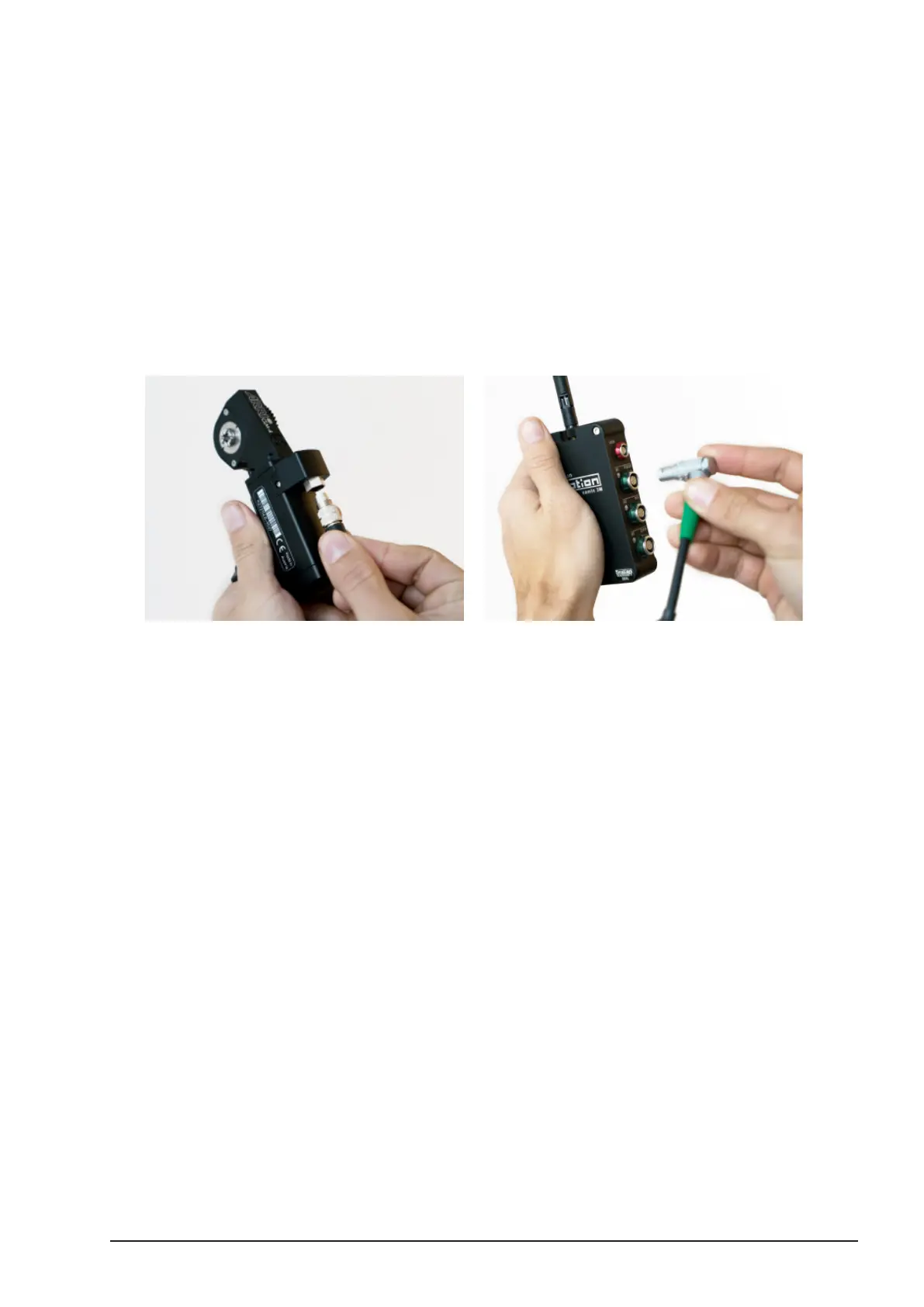
The ARRI CLM-4 will be used in this example showing how to connect motors to the camin. Use
a CLM-4 cable for a Fi connector camin or a CAM-4 for Le motor ports.
■Carefully align the internal locating pin on the Bi 8pin connector with the reference
groove positioned on the far side of the motor connector (turn reference pin away
from you). Push into position and secure by tightening the thread connector.
■Align the Fi or Le connector with the corresponding motor port on the camin and
push rmly to secure.
Note: The ARRI CLM-5 motor has an integrated cable. Just connect
this to the desired motor port.
Note: Other motors like the Heden M21VE are connected in a similar
manner. Refer to the current cmotion cable guide for the correct cables:
www.cmotion.eu.



 To Next Page