All content © 2017, cmotion GmbH. All specications subject to change without notice. http://www.cmotion.eu
51/112
4.5. Motor Settings
4.5.1. Motor Direction
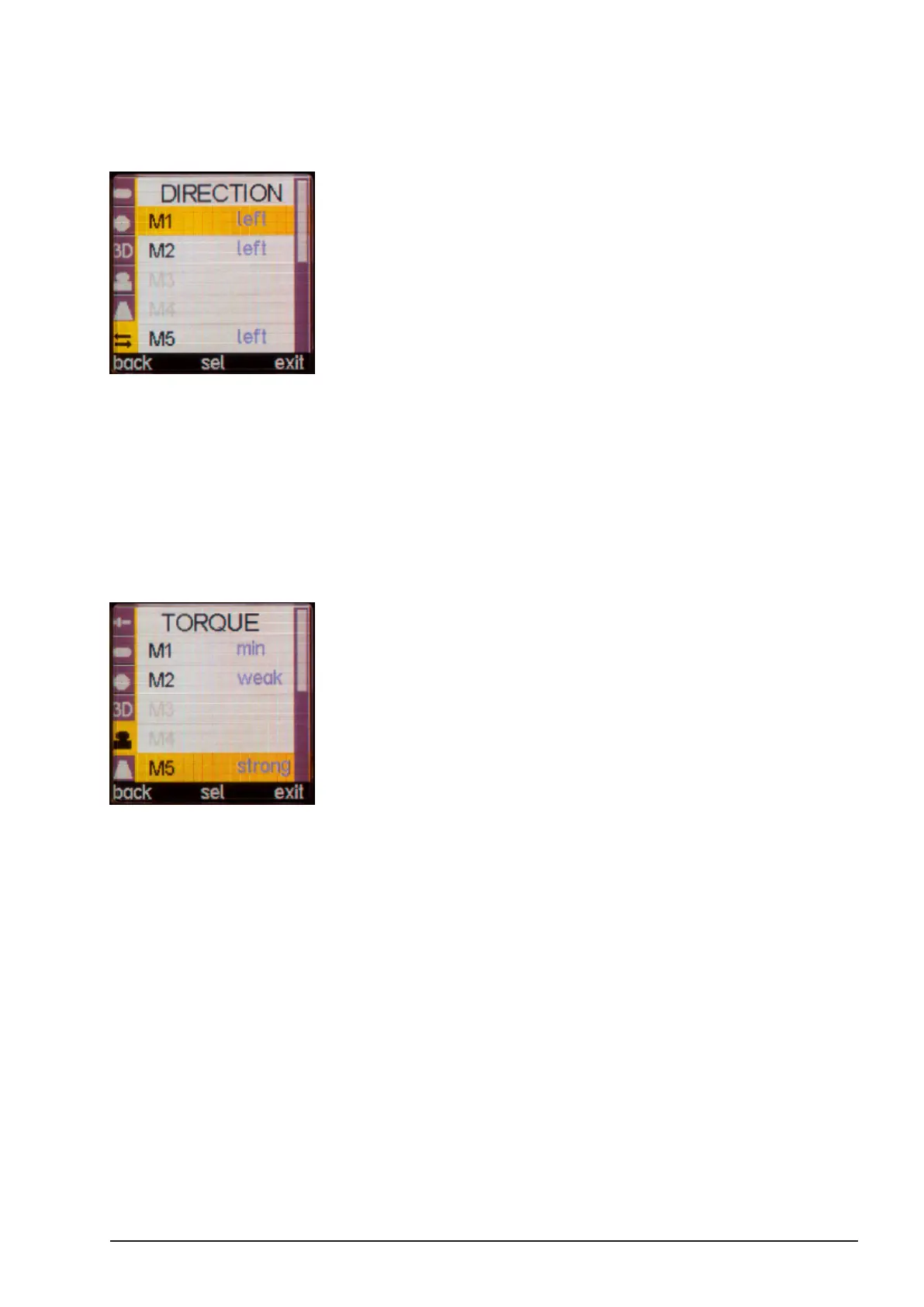
You can change the direction for every motor in the menu DIRECTION.
■Press the “SELECT” button twice to enter the menu.
■Using the MENU SELECT WHEEL, scroll to “DIRECTION”, select motor and
change motor direction as needed.
Note: Only motors that are connected can be congured.
4.5.2. Motor Torque
To adjust the motor torque for each motor, go to menu TORQUE and select the desired motor.
Set the torque as needed.
Note: To prevent the lens from being damaged, adjust the torque to the
lens barrels friction (high friction = more torque and vice versa).



 To Next Page