All content © 2017, cmotion GmbH. All specications subject to change without notice. http://www.cmotion.eu
69/112
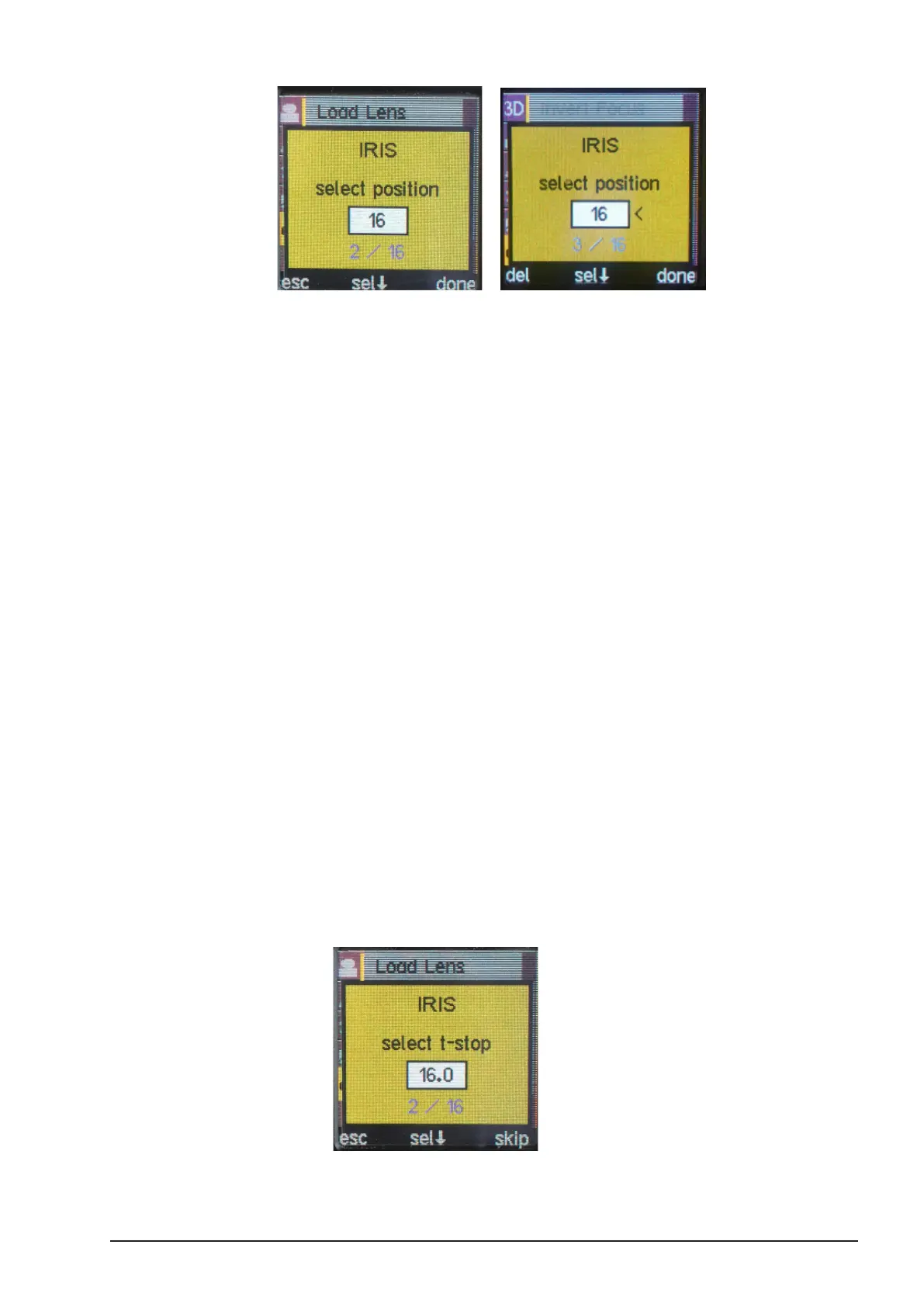
Press the MENU SELECT WHEEL to set the value.
■ If the closed iris value does not exist on your lens, scroll through the values using
the MENU SELECT WHEEL until you nd a value which is also on your lens. Align
the lens to this value and press “sel” to conrm.
■ The next iris value increment will be displayed automatically. Move the lens to
match this value.
■ Align the lens to this value and press “sel” to conrm.
■ Continue with all iris values on your lens scale. Once nished with the last iris
value, press “done”.
Note: Upto 16 motor positions per lens can be stored for the iris
scale. By scrolling left or right using the select wheel, each set motor
position will be marked with a small arrow. In order to delete or change
the motor position, scrawl to the value to be edited and press “del” in
order to delete the motor position or simply overwriting the old one by
pressing “sel”.
4.16.3. T-stop
If the correct open iris value of your lens is not suggested in the
previous IRIS MENU, you are able to select it individually within the
t-stop selection.
■ In order to enter an open iris value, move the scale controller to the open iris
position.
■ Use the MENU SELECT WHEEL to enter your open iris value.
■ Press the MENU SELECT WHEEL to set the value.
■ If you have already set your open iris value within the previous menu, press “skip”
to continue.



 To Next Page