All content © 2017, cmotion GmbH. All specications subject to change without notice. http://www.cmotion.eu
59/112
4.12. Assigning Controllers
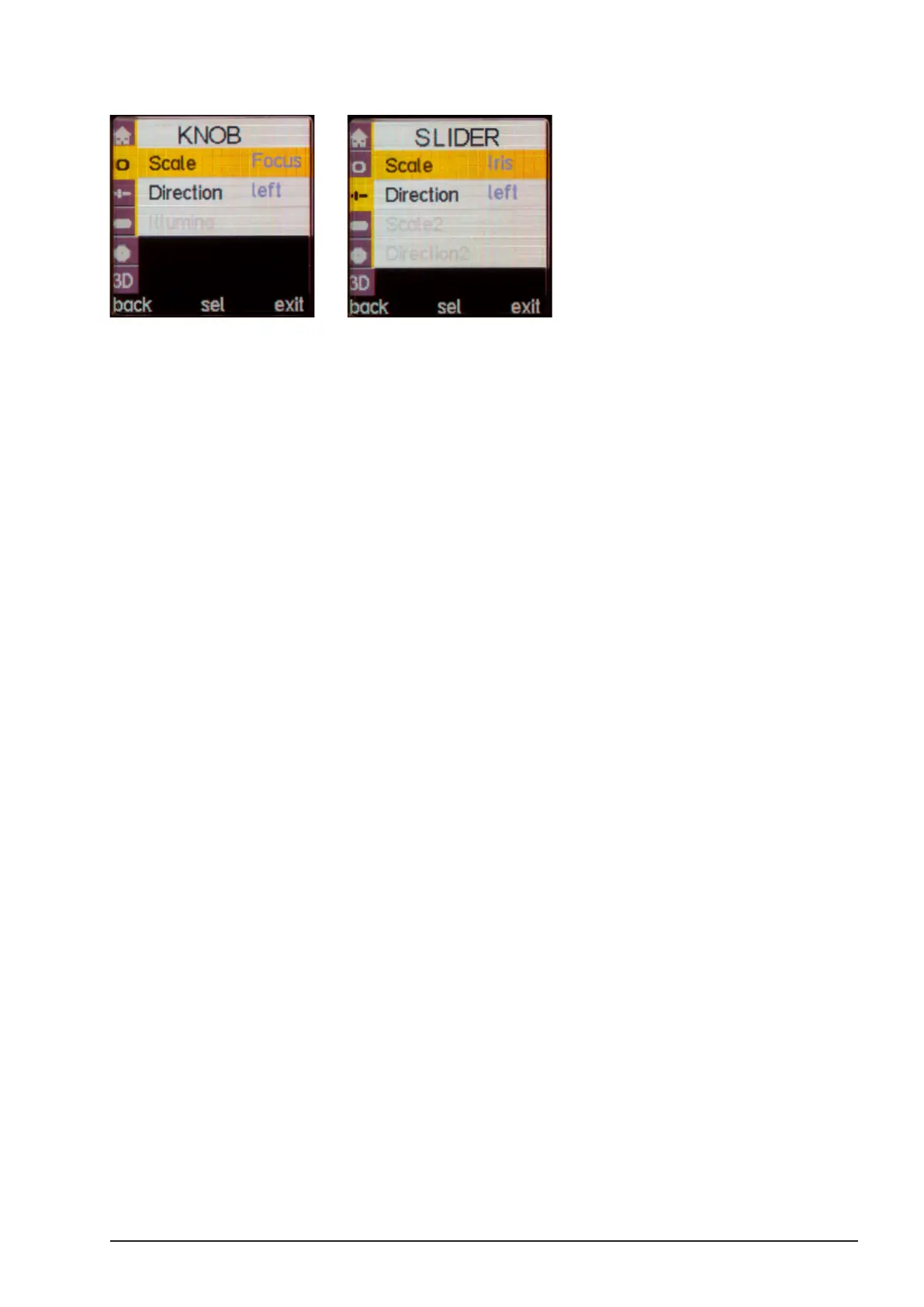
You can assign any motor to any scale and any controller in the menu. First go to menu KNOB
or Slider and select the scale you want to control (e.g. Knob to Focus).
Then go to menu MOTOR, select desired motor and assign the desired function (e.g. M1 to
Focus). You can assign as many motors as you want to one control. Motors and controllers
which are grayed out are currently not connected and cannot be congured.



 To Next Page