All content © 2017, cmotion GmbH. All specications subject to change without notice. http://www.cmotion.eu
66/112
4.15. Stealth Mode
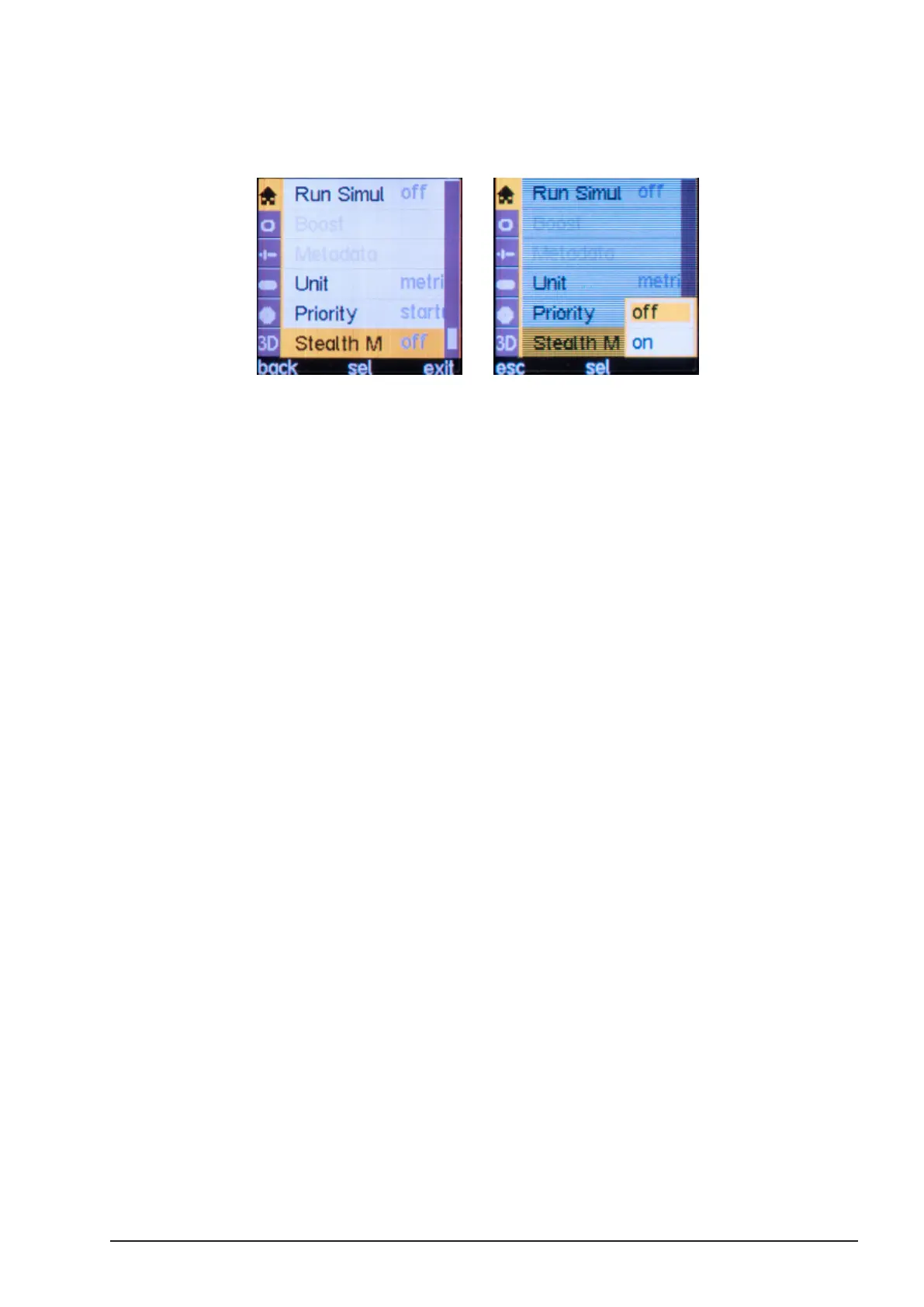
Stealth Mode is used in dark environments when LEDs cast unwanted light into a scene or are
seen as reections on camera. To enable Stealth mode:
■Press the MENU SELECT WHEEL twice to enter the Menu.
■Select MAIN, “Stealth Mode” and press “sel”. Selct “on” and press “sel” again.
Note: Stealth Mode disables all camin and cforce LEDs except for the
USB and TC LEDs on the camin 8M and 8M-TC.
Note: Stealth Mode will be deactivated if the camin is power cycled.



 To Next Page