All content © 2017, cmotion GmbH. All specications subject to change without notice. http://www.cmotion.eu
97/112
7.1.3. hand unit Setup
■Press the MENU SELECT WHEEL twice to enter the Menu.
■Select MAIN, “Metadata” and enter.
■Select the meta data recording mode. „O“ disables recording, „On“ records all
the time while the camin is online, „camrun“ records only when the camera is
running. „button“ enables to start/stop meta data recording via the hand units red/
green buttons. For information on assigning buttons refer to page 101. When a
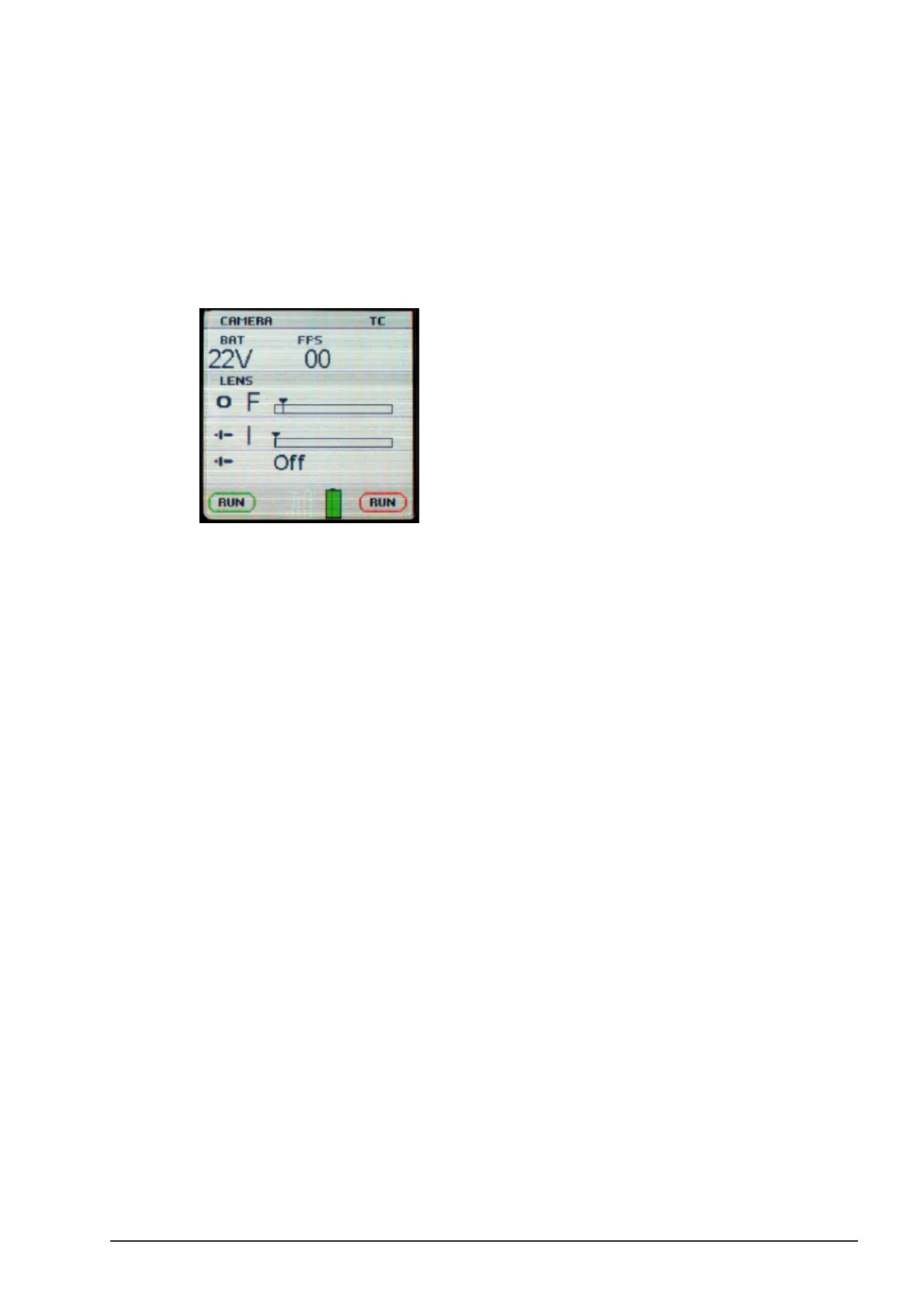
time code signal is present “TC” will be visible on the hand unit display.



 To Next Page