All content © 2017, cmotion GmbH. All specications subject to change without notice. http://www.cmotion.eu
48/112
4.3.2. hand unit
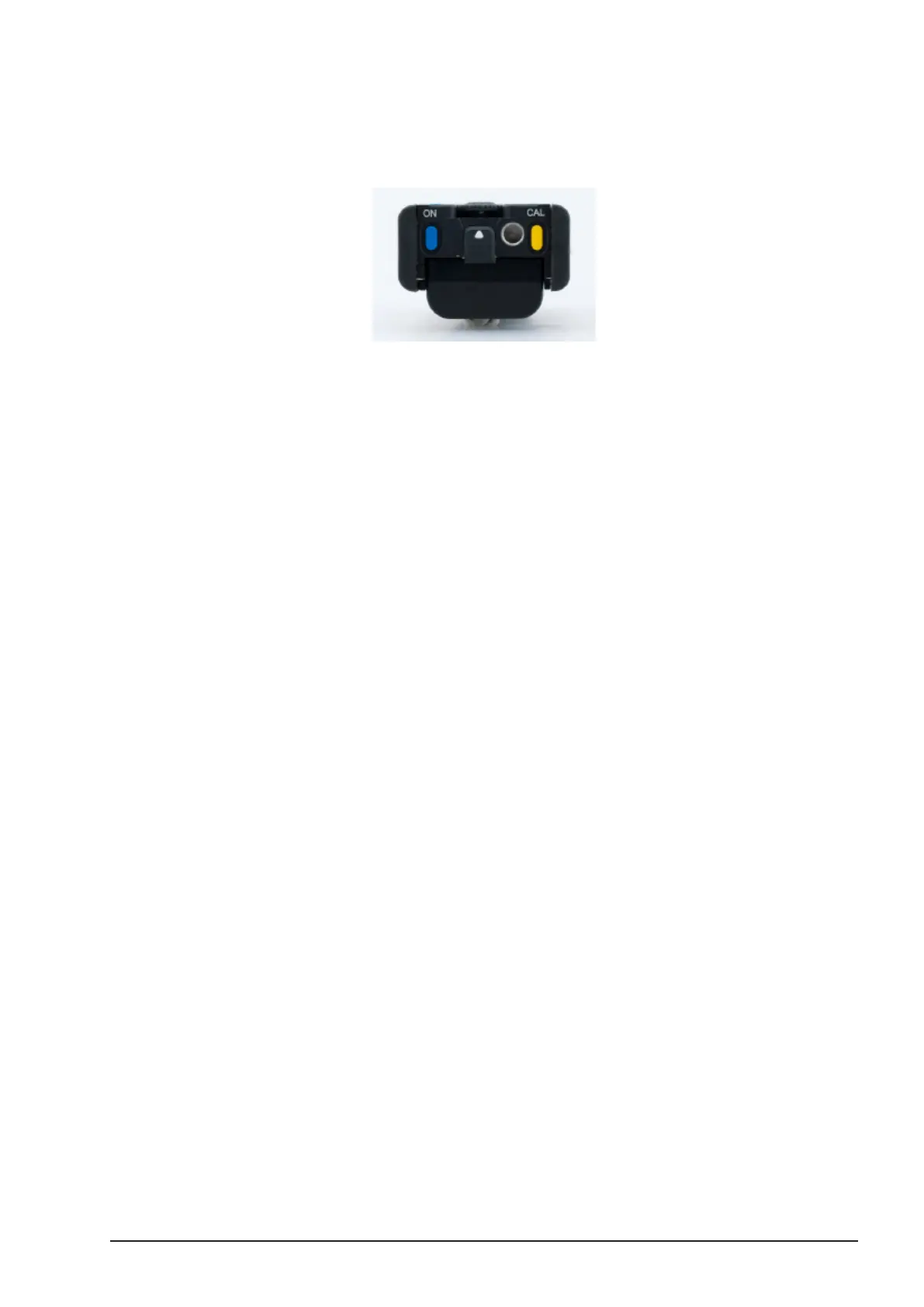
The cvolution hand unit‚ “ON” button is a blue button, located at the bottom of the hand unit.
■Hold down the “ON” button for half a second.
Note: In RF mode, if the camin is set to a dierent channel than the
hand unit or there is no camin present, the hand unit will shut itself
down after 6 seconds. To prevent this, simply enter the menu by
pressing the MENU SELECT WHEEL twice.
It is good practice to take a look at the camin LEDs for status information. Refer to 8.3.3 on
page 106 for more information on camin LED status.
4.3.3. Controller Priority
The cvolution system enables setting a controller priority. It might be advisable, for example,
to always give focus priority to a knob solo mounted to the camera and connected by cable to
set a quick focus for the operator even when the 1
st
AC is getting equipment from the truck or
otherwise occupied.
To set controller priority proceed as follows:
■Press the MENU SELECT WHEEL twice to enter the Menu.
■Select MAIN, “Priority” and select “Startup”, “RF” or “Cable”. “Startup” gives
priority to the rst controller present in the system when starting up. “Cable”
gives priority to a controller connected via cable and “RF” give priority to wireless
controllers.



 To Next Page