All content © 2017, cmotion GmbH. All specications subject to change without notice. http://www.cmotion.eu
74/112
4.18.3. Loading a Lens when using a camin 8M
When using a camin 2M, 4M or 8M, multiple lens les cannot be stored within the system. Each
lens will need to be loaded individually via the cworld or cdisplay II. For more information refer
to the cworld online documentation.
4.18.4. Unload Lens
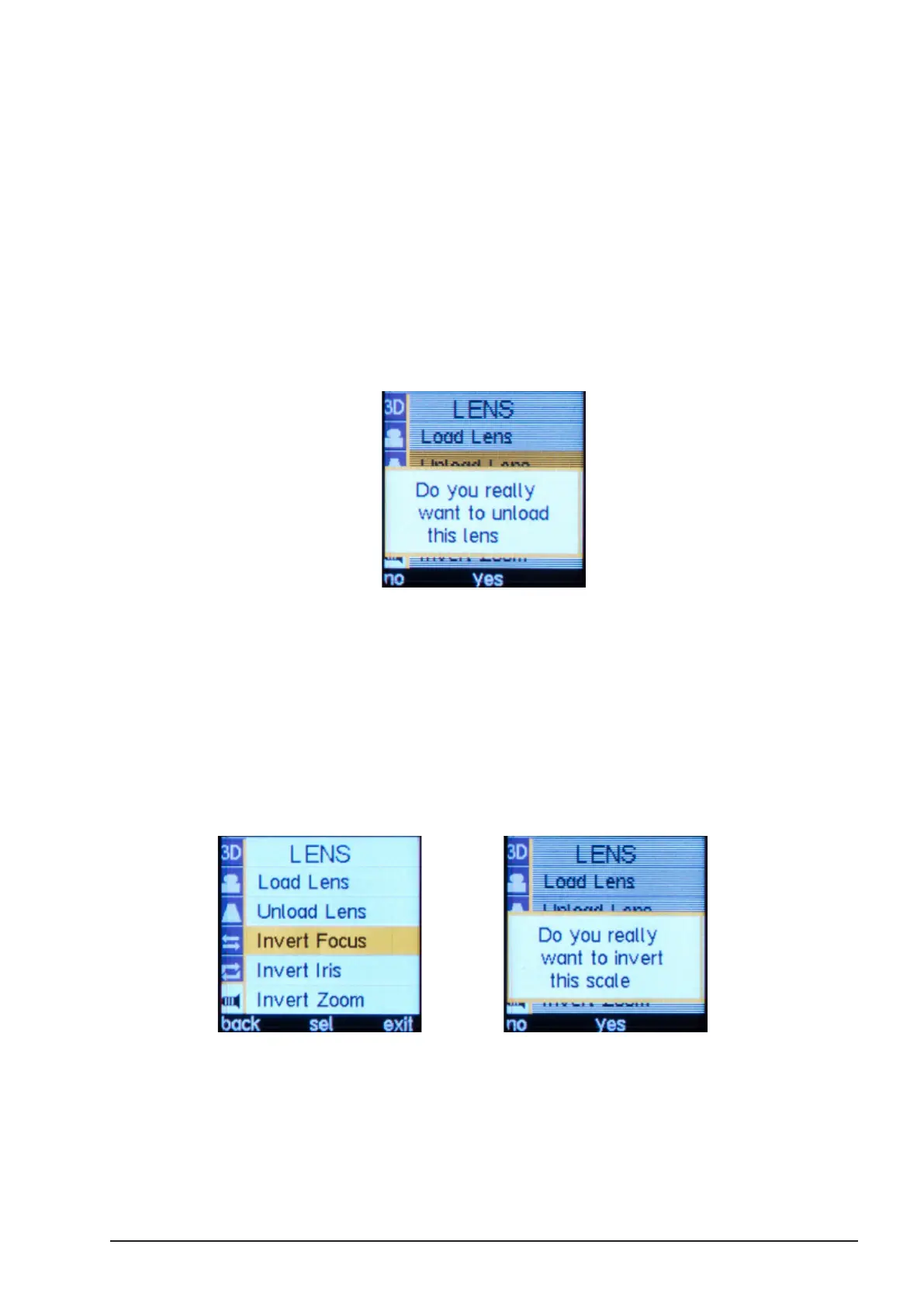
■Press the MENU SELECT WHEEL twice to enter the Menu.
■Select LENS, “Unload Lens”.
■Conrm by pressing “yes”.
4.18.5. Invert Focus/Iris/Zoom
If the lens and lens data show opposite values, the lens data can be inverted following these
simple steps:
■Press the MENU SELECT WHEEL twice to enter the Menu.
■Select LENS, “Invert Focus” or “Invert Zoom” or “Invert Iris” respectively.
■Conrm by pressing “yes”.



 To Next Page