All content © 2017, cmotion GmbH. All specications subject to change without notice. http://www.cmotion.eu
37/112
3.3. cvolution hand unit
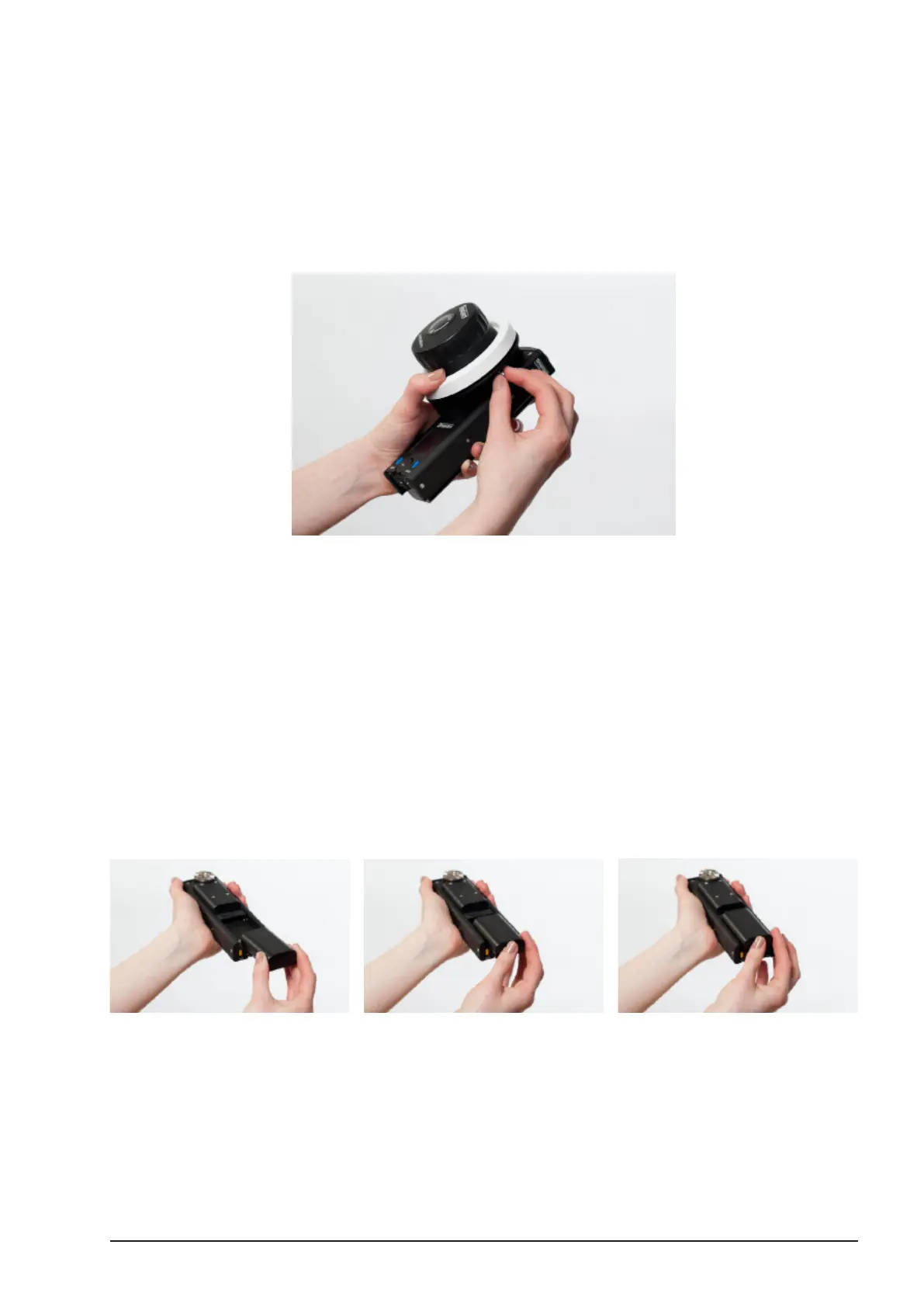
The cvolution hand unit is the primary control unit of the cvolution system. Please follow the
instructions for a complete set-up.
Note: cvolution hand unit set-up is to be done after camin set-up.
Note: If the sliders or the advanced knob do not move, loosen their
respective locking screws.
Note: You can use the cvolution system in cable or wireless mode. For
cabled use you can connect the hand unit and the camin using a CBUS
cable (Le 8p, Le 8p). As soon as the CBUS cable is connected the
systems RF module will turn o automatically.
Note: Please be aware that CBUS cables are available in dierent
lengths and with dierent connectors. Plugs with orange sleeves match
the 8 pin Lemo connector of the cvolution camin and newer cdisplay II
units. Plugs with blue sleeves match the CBUS Fi 7p found on cnder,
cnder II and coperate LCS units.
3.3.1. Battery
Insert a fully charged battery. Press until it snaps into place with an audible click.
Note: A battery is not required for cable operation.
To release the battery, hold the hand unit with the battery compartment downwards. Slide the
battery release lever down until the battery is released and can be removed.



 To Next Page