All content © 2017, cmotion GmbH. All specications subject to change without notice. http://www.cmotion.eu
86/112
6.1.3. Synchronizing Scales
Because lenses are generally not manufactured in pairs, it is often necessary to create an oset
or synchronize the scales on both lenses to achieve the same aperture, focal distance and
focus length for shooting 3D. cvolution oers both a Quick Sync (one point) oset feature for
focus and an advanced scale synchronization feature for focus, iris and zoom.
Quick Sync
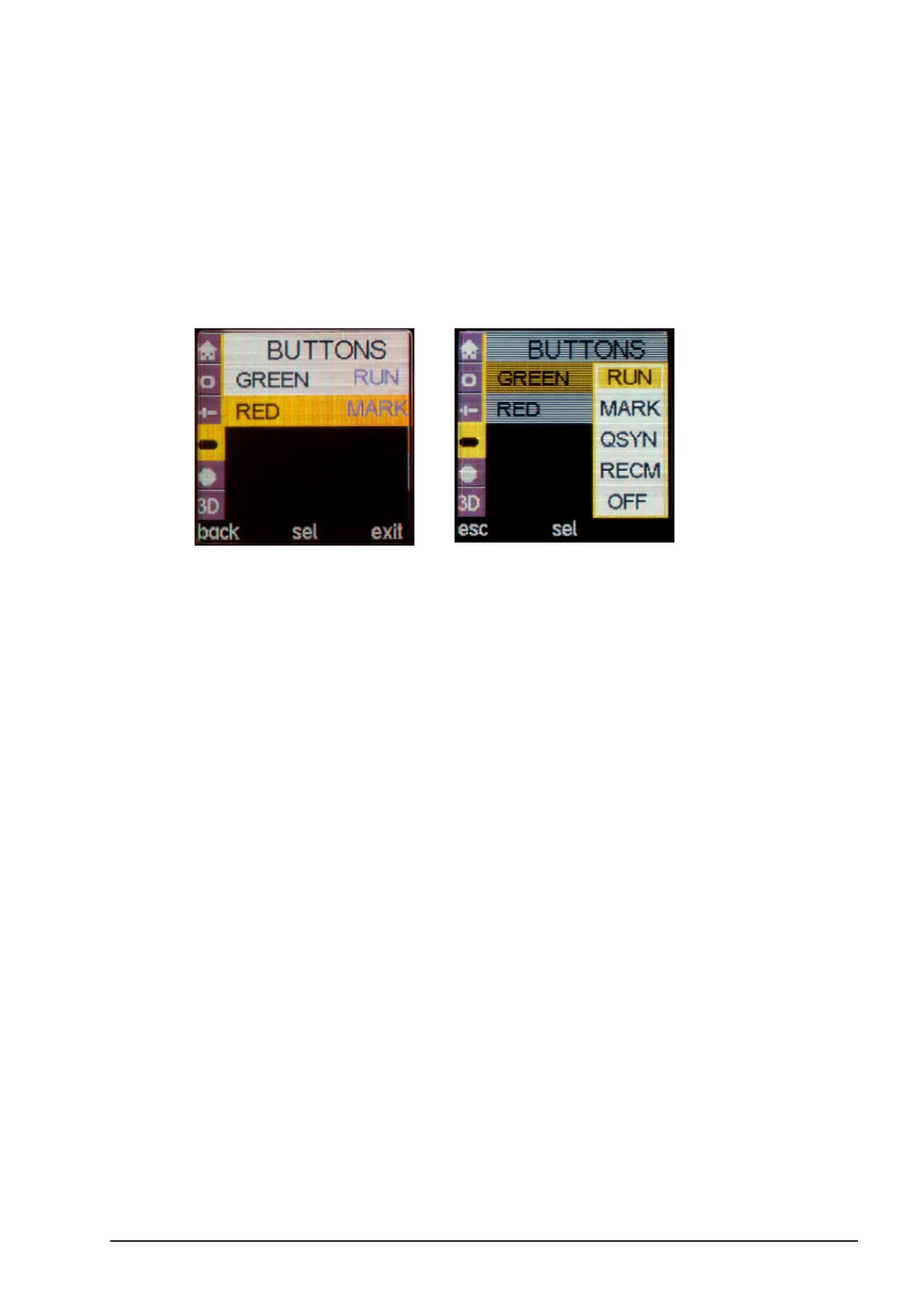
Make sure one of the RUN/MARK buttons is congured for QSYN. Per default, both buttons are
congured for REC, so you might need to change this in menu BUTTONS.
■Press the “SELECT” button twice to enter the Menu.
■Select “BUTTONS” and assign either the Green or Red button to “QSYN”.
Note: Two motors must be assigned to ‘Focus’ before you begin. This
is usually motor port M1 and M3 when using camin 8M and 8M-TC.
■Once you have assigned one of the buttons to QSYN, move the lens pair so that
the slave lens is in the position where you want to create the oset.
■Press and hold the QSYN button.
■The controller will now only turn the master lens allowing you to create the desired
oset.
■Release the QSYN button.
■You have now set a Quick Sync oset. This oset will remain active until the camin
is power cycled or the “QSYN” button is pressed again.
Note: The Master motor is the one connected to the motor port with
the lowest number. E.g. M1 = Master / M3 = Slave.



 To Next Page