All content © 2017, cmotion GmbH. All specications subject to change without notice. http://www.cmotion.eu
84/112
6. 3D System Operation
6.1. Working With a Lens Pair
All cvolution systems are capable of controlling paired / synchronized lenses and 3D production
rigs. The camin 8M and 8M-TC can control up to 8 passive motors together with up to 3 active
motors including cforce and cforce mini. This full conguration can provide precision control for
synchronized focus, iris and zoom, plus rig control for up to 5 individual motorized axis.
6.1.1. Assigning Controllers for a Lens Pair
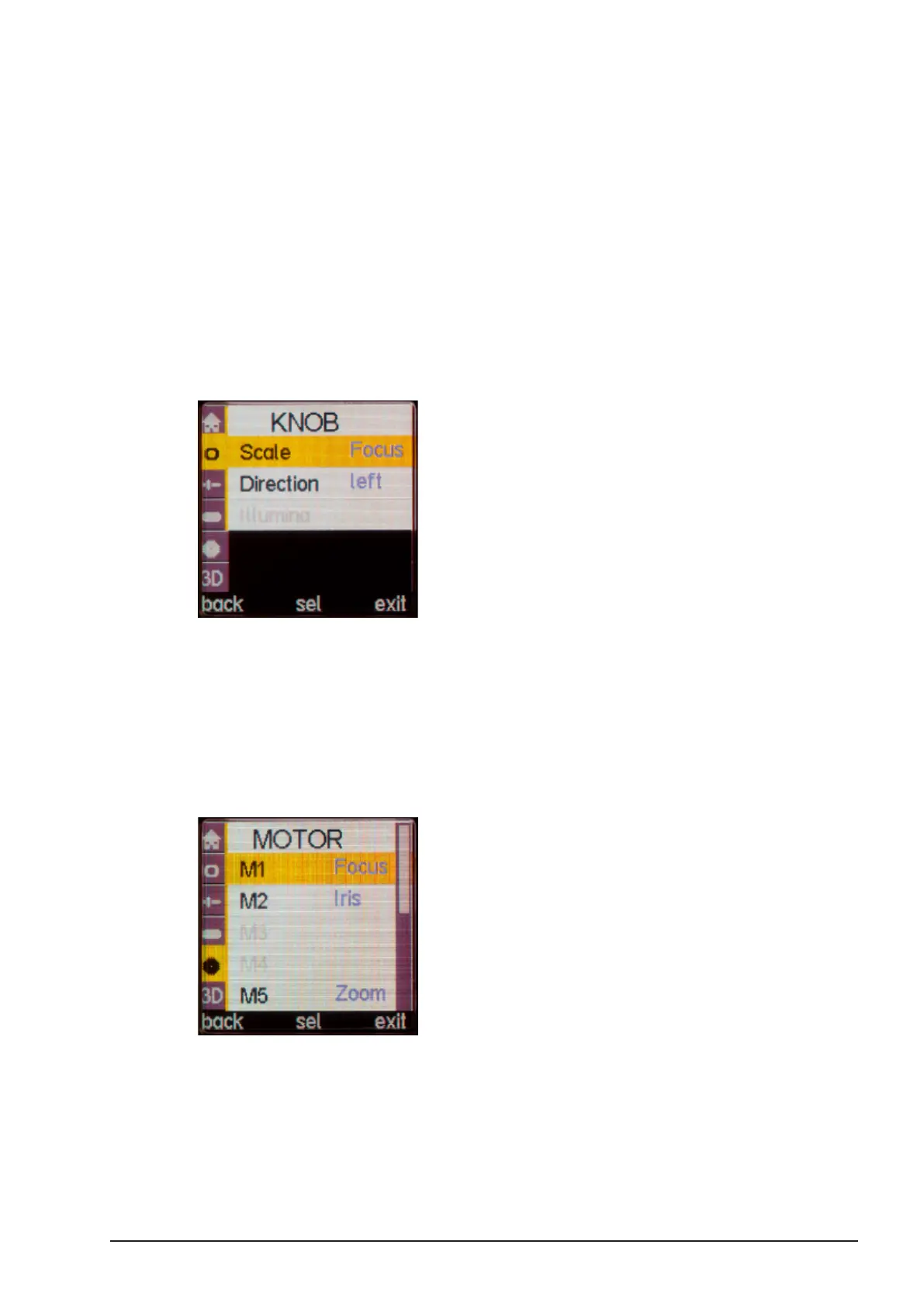
■Press the “SELECT” button twice to enter the Menu.
■Select “KNOB” and “Scale”.
■Turn the “SELECT” wheel to highlight ‘Lens’ (Focus, Iris or Zoom) or ‘Rig’ and
assign the knob to your chosen scale.
6.1.2. Assigning Motors for a Lens Pair
Each motor needs to be assigned to the scale it will be controlling. Although the camin 8M and
8M-TC have pre-assigned paired motor ports (2 x focus, 2 x iris, 2 x zoom, 1 x IA and 1 x Conv),
each motor port can be re-assigned through the hand unit’s menu:
■Press the “SELECT” button twice to enter the Menu.
■Select “MOTOR”.
■Select any ‘passive’ motor by the corresponding motor port number (M1 – M8) or
‘active’ motor by its serial number.
■Once the necessary motor is highlighted, press the “SELECT” button and assign
the motor to the desired scale (Focus, Iris, Zoom, Interaxial, Convergence).



 To Next Page