All content © 2017, cmotion GmbH. All specications subject to change without notice. http://www.cmotion.eu
41/112
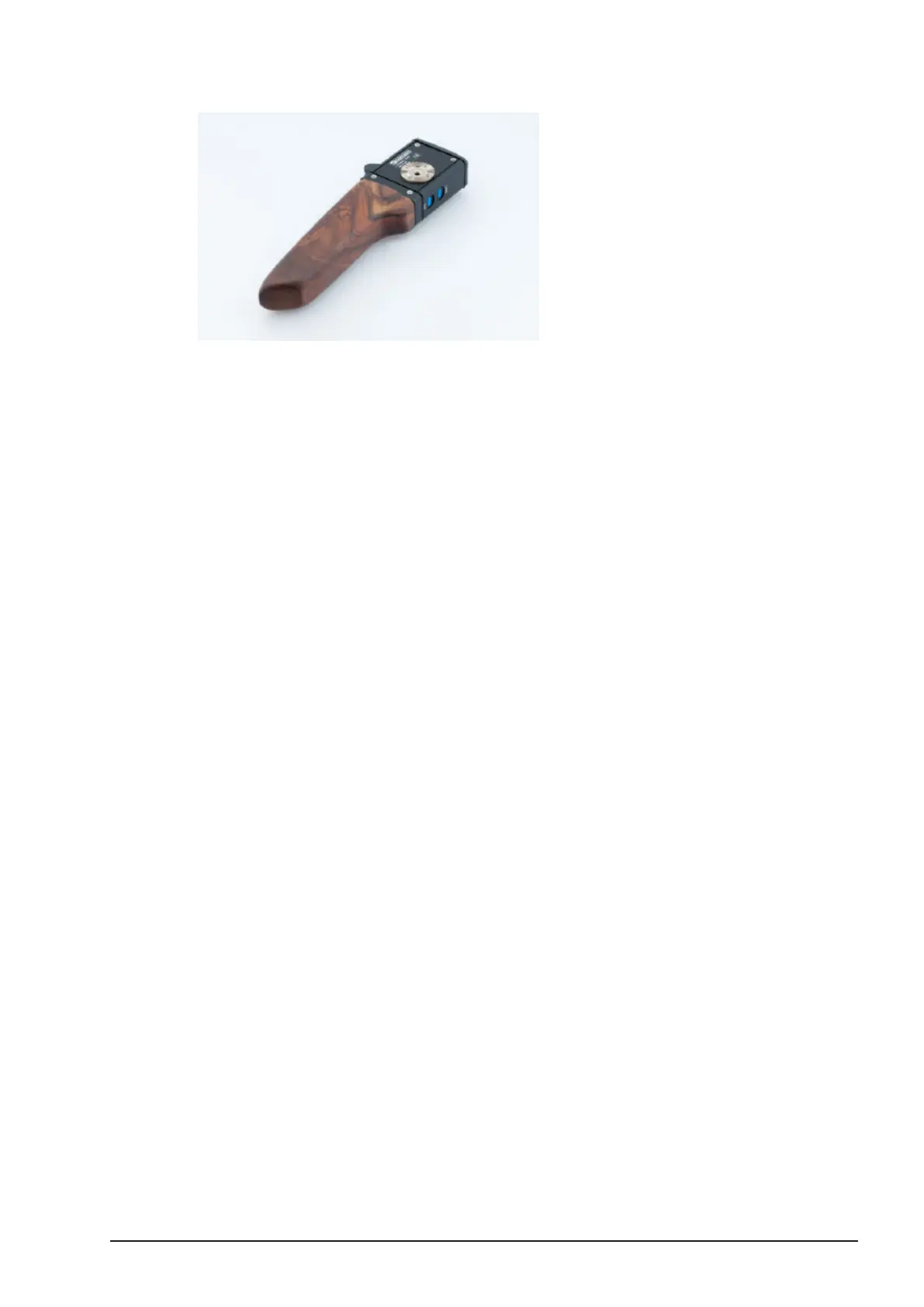
3.4.2. Attaching the zoom to the cvolution handle
■Gently slide the cvolution zoom on the cvolution handle.
■Using a 4mm Allen key, securely fasten the screw located on top of the cvolution
zoom to the hand grip.
■Using a CBUS cable (Le 8p, Le 8p), connect the cvolution zoom to the camin.
Note: Ensure the motor is correctly congured for zoom control through
the hand unit MOTOR menu.
Note: The zoom unit with cvolution handle can also be cabled to the
hand unit using a CBUS cable. This allows for wireless zoom control by
a second operator without the need for a separate cvolution main unit.
3.4.3. Using cvolution zoom on
the hand unit in Cable Mode
With the cvolution zoom attached to the cvolution hand unit, a CBUS cable can be used to
connect the hand unit and the cvolution zoom to the camin for cable operation.



 To Next Page